Ahosting Logo
  • Hosting
    • WordPress Hosting
      Fast, secure hosting for WordPress sites
    • Web Hosting
      Reliable, affordable hosting for sites
    • FFMpeg Hosting
      Fast hosting for FFmpeg projects
    • Reseller Hosting
      Start hosting biz with white-label plans
    • VPS Hosting
      Scalable VPS with full control & power
    • Dedicated Server
      High-power servers for max security
    • WooCommerce Hosting
      Fast hosting for WooCommerce shops
  • Domain
    • Register a Domain
      Secure your domain name in minutes
    • Domain Transfer
      Move domains to Ahosting with ease
    • Premium SSL Certificate
      Enterprise SSL to build customer trust
  • Support
    • Submit A Ticket
      Expert 24/7 help from our support team
    • Abuse Report
      Report abuse to keep network safe
    • Knowledge Base
      Quick answers via step-by-step guides
  • Company
    • Blog
      Expert articles to power your online growth
    • Compare Hosts
      Side-by-side comparison
    • Datacenter
      Secure, high tech datacenter for hosting
    • About Us
      Learn about our mission, values & team
    • Contact Us
      Contact sales for plans, pricing & advice
    • Sitemap
      Find info fast with our clear site map
My Account
Ahosting Logo
  • Hosting
    • Web Hosting
    • WordPress Hosting
    • FFMpeg Hosting
    • Reseller Hosting
    • VPS Hosting
    • Dedicated Server
    • WooCommerce Hosting
  • Domain
    • Register a Domain
    • Domain Transfer
    • Premium SSL Certificate
  • Support
    • Knowledge Base
    • Abuse Report
    • Submit A Ticket
  • Company
    • About Us
    • Contact Us
    • Blog
    • Sitemap
    • Datacenter
  • Legal
    • Privacy Policy
    • Terms of Service
    • Acceptable Use Policy
    • Service Level Agreement
    • Resource Abuse Policy
My Account

AHosting Blog

  • missing the mysql extension

    Your PHP Installation Appears to Be Missing the MySQL Extension: What It Means and How to Fix It (2026)

    TL;DR

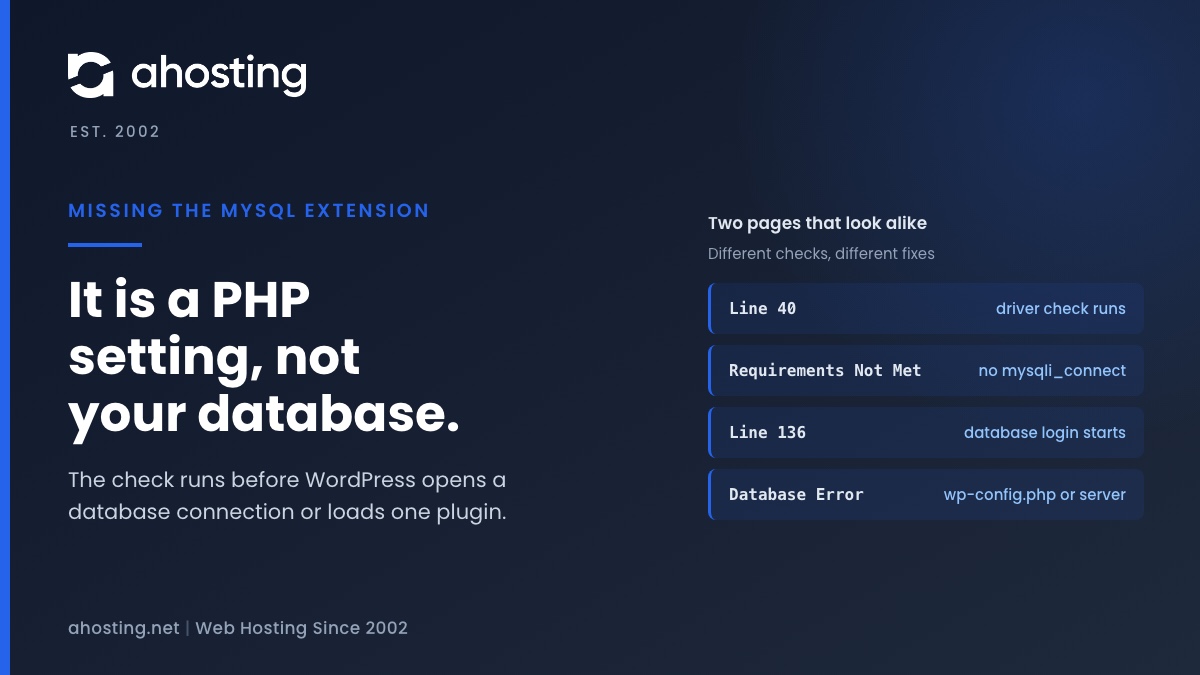
    The missing the MySQL extension message means PHP cannot find the function mysqli_connect, so WordPress stopped before it touched your database. Check the PHP version and the extension list for the account, choose one MySQL driver set, and reload. Plugins, themes and wp-config.php are not the cause.
    November 9, 2026

Categories

  • CMS
  • Concrete5
  • Drupal
  • FFmpeg / Video Hosting
  • Hosting Guides
  • How To
  • Joomla
  • Security
  • SEO
  • Uncategorized
  • Video Content
  • Web Hosting News
  • WooCommerce
  • WordPress

Lets Connect!

  • X
  • Facebook
  • LinkedIn
  • Instagram
  • YouTube
  • Pinterest
  • The Active Theme Is Broken. Reverting to the Default Theme: What It Means (2026)

    TL;DR

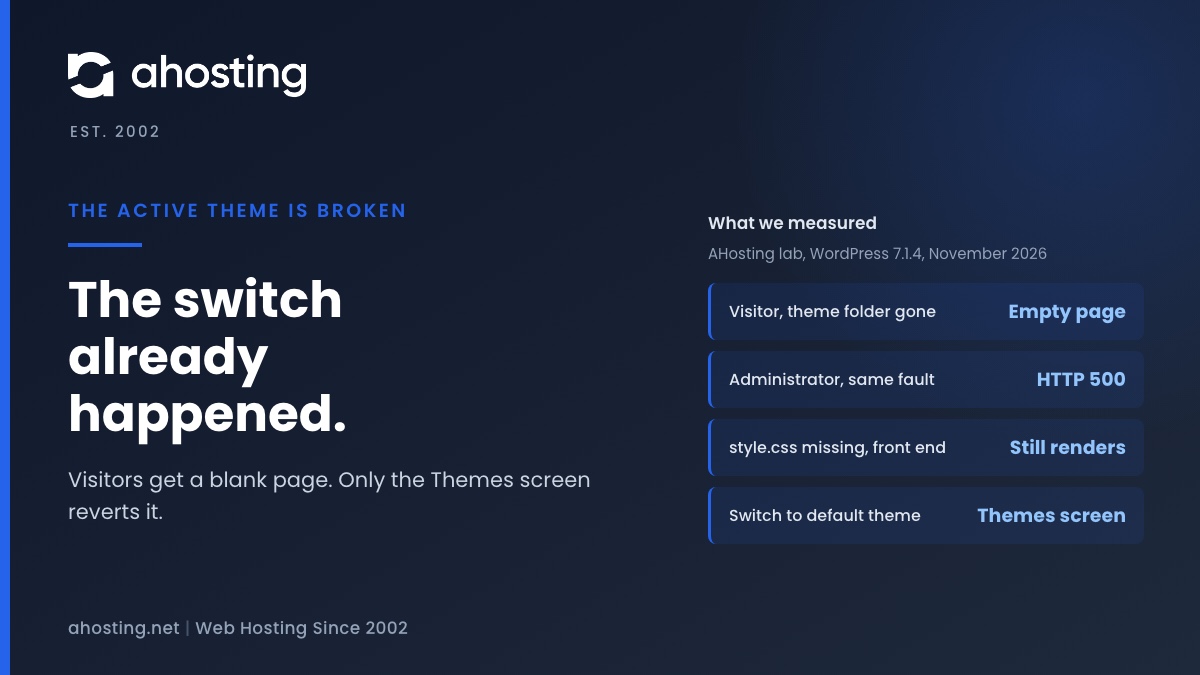
    The active theme is broken means WordPress already switched your site to a default theme. Restore the missing folder or file first, then reactivate your theme.

    November 6, 2026
    AHosting card: the active theme is broken, showing what a visitor and an administrator see and when WordPress switches the theme.
  • Request Header or Cookie Too Large: What the 400 Error Means (2026)

    TL;DR

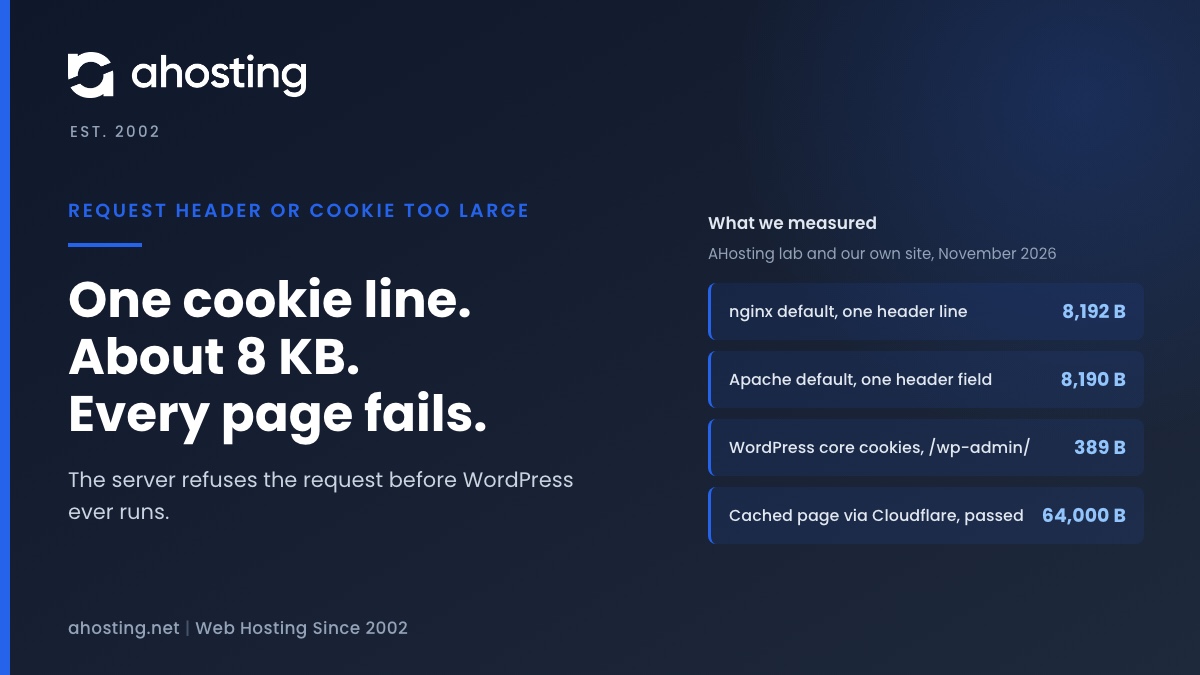
    Request header or cookie too large means one header line, usually Cookie, passed the server limit of about 8 KB. Test in a private window, clear that site cookies, then raise the limit only if you run the server.

    November 5, 2026
    AHosting card: request header or cookie too large, with the nginx, Apache and WordPress cookie sizes we measured.
  • The Package Could Not Be Installed: Find the Real Cause (2026)

    TL;DR

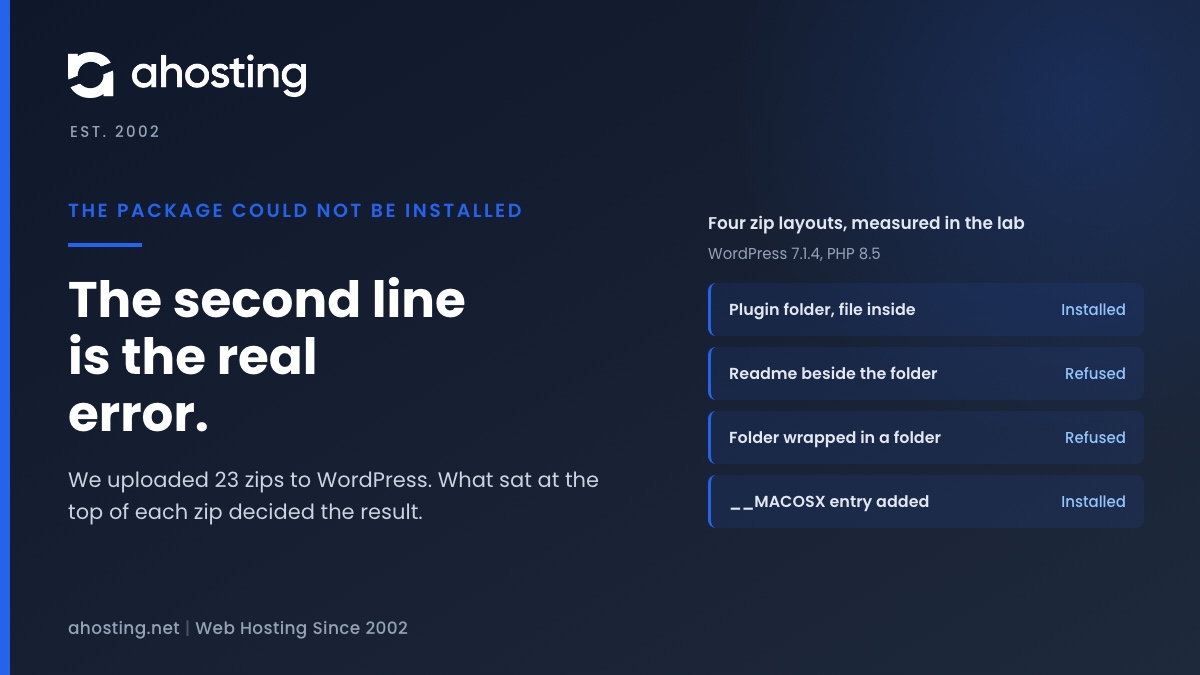
    The package could not be installed is only a headline. The line under it names the check that failed. In our WordPress 7.1.4 lab, a plugin zip installed only when its main file sat inside one folder and nothing else sat beside that folder. Open the zip, fix its top level, and upload again. A failed upload changes nothing on the live site.

    November 4, 2026
    AHosting card: the package could not be installed, with four zip layouts and the result of each in a lab test.
  • Plugin Could Not Be Activated Because It Triggered a Fatal Error: Find the Real Cause (2026)

    TL;DR

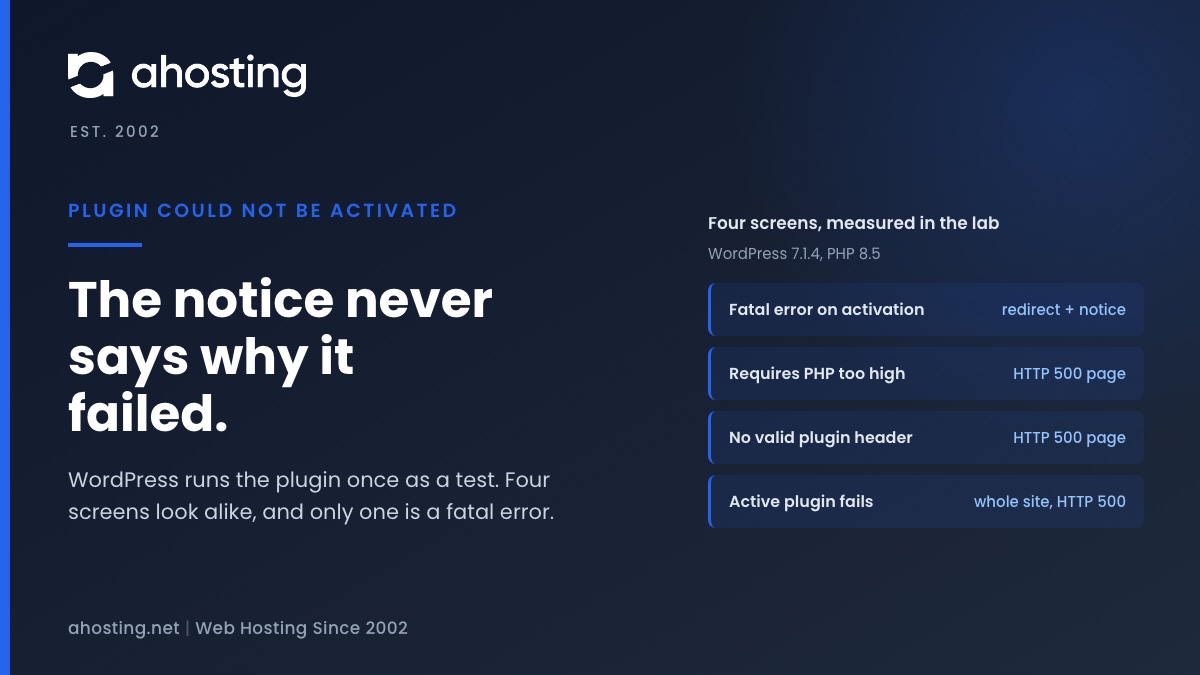
    When a plugin could not be activated because it triggered a fatal error, WordPress 7.1.4 hides the real PHP message. Load the failed address with action=error_scrape to read it, then match the line to a cause.
    November 3, 2026
    AHosting card: plugin could not be activated, and four look-alike WordPress screens measured in a lab test.
1 2 3 … 37
Next Page
Ahosting Logo

Hosting

  • WordPress Hosting
  • Web Hosting
  • FFmpeg Hosting
  • WooCommerce Hosting
  • Reseller Hosting
  • VPS Hosting
  • Dedicated Server

Domain

  • Register a Domain
  • Domain Transfer
  • Premium SSL Certificate

Support

  • Knowledge Base
  • Abuse Report
  • Submit A Ticket

Company

  • Compare Hosts
  • About Us
  • Datacenter
  • Contact Us
  • Blog
  • Sitemap

Legal

  • Privacy Policy
  • Terms of Service
  • Acceptable Use Policy
  • Service Level Agreement
  • Resource Abuse Policy
  • Hosting
    • WordPress Hosting
    • Web Hosting
    • FFMpeg Hosting
    • WooCommerce Hosting
    • Reseller Hosting
    • VPS Hosting
    • Dedicated Server
  • Domain
    • Register a Domain
    • Domain Transfer
    • Premium SSL Certificate
  • Support
    • Knowledge Base
    • Abuse Report
    • Submit A Ticket
  • Company
    • About Us
    • Datacenter
    • Contact Us
    • Blog
    • Sitemap
  • Legal
    • Privacy Policy
    • Terms of Service
    • Acceptable Use Policy
    • Service Level Agreement
    • Resource Abuse Policy

Copyright © 2026 All Rights Reserved

Ahosting, Inc. BBB Accredited Business, A+ rating
Facebook X/Twitter Instagram LinkedIn YouTube