-

You Should Use a Persistent Object Cache: What WordPress Site Health Actually Measures
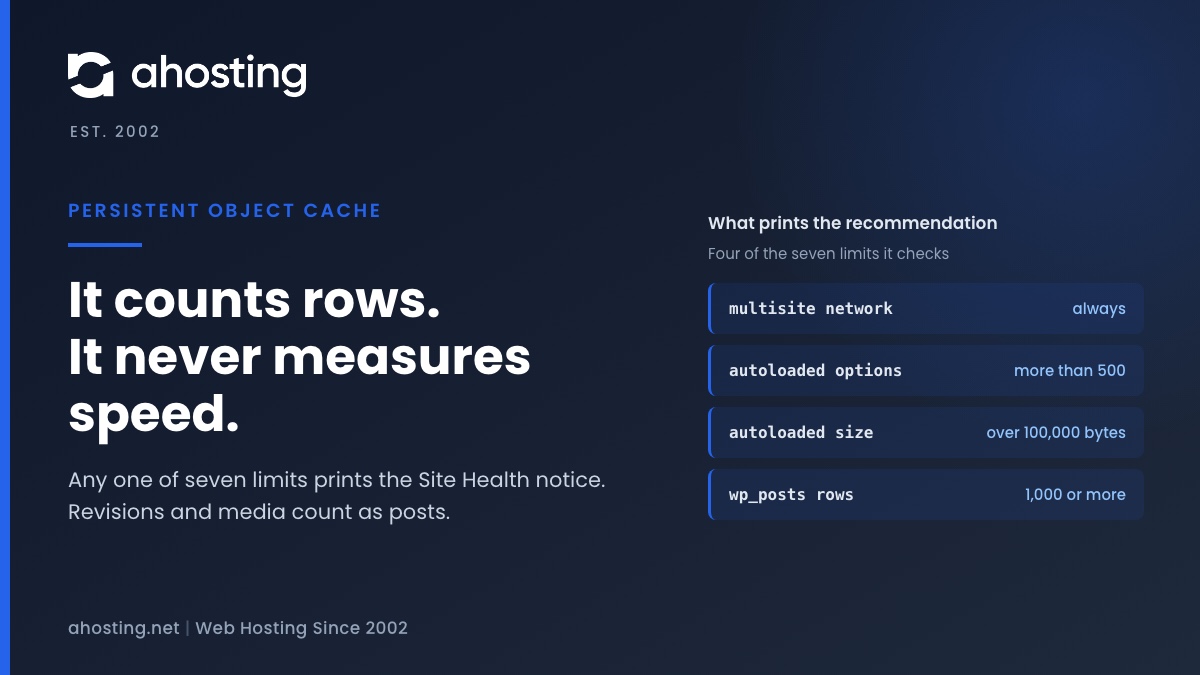
TL;DRSite Health recommends a persistent object cache when your site crosses a size line, not when it is slow. Any one of seven counters is enough: a multisite network, more than 500 autoloaded options or 100,000 bytes of them, or 1,000 rows in the posts, comments, options, terms or users table. Revisions and media count as posts, so small sites trip it often. An object cache also needs a cache server, and a plugin alone cannot provide one. Decide first whether your traffic is the kind an object cache speeds up.
Categories
- CMS
- Concrete5
- Drupal
- FFmpeg / Video Hosting
- Hosting Guides
- How To
- Joomla
- Security
- SEO
- Uncategorized
- Video Content
- Web Hosting News
- WooCommerce
- WordPress
Lets Connect!
-
WordPress Memory Limit Errors: Why Raising It in wp-config Often Fails (2026)
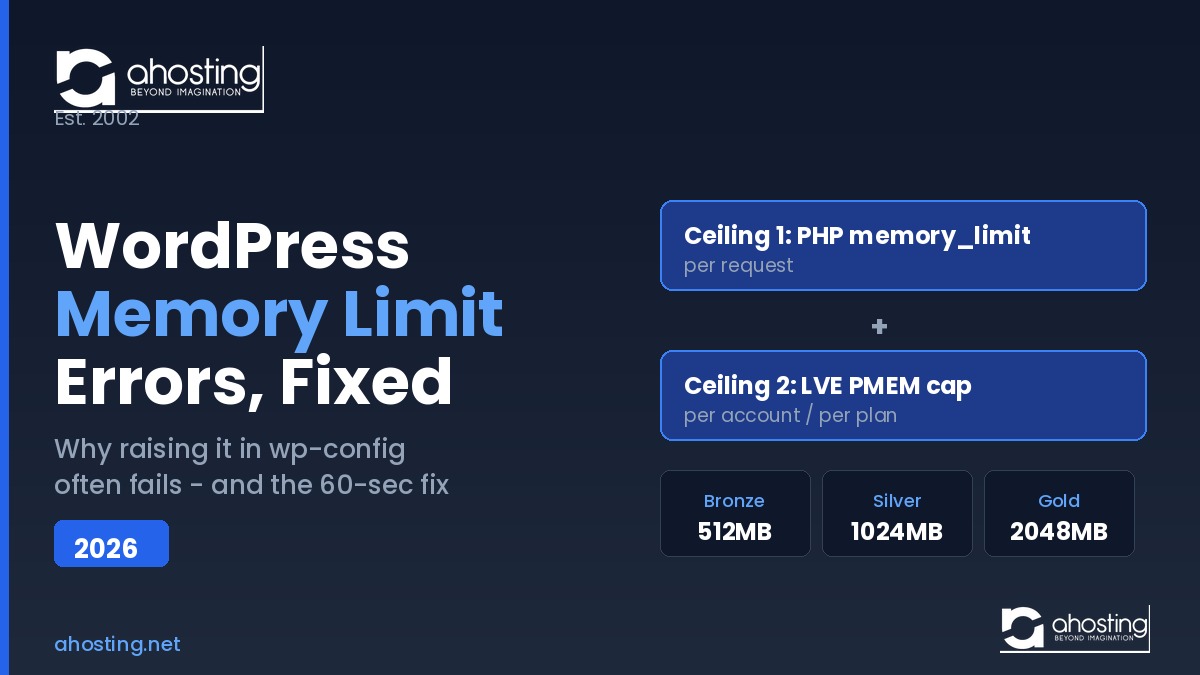
TL;DR The WordPress memory limit error means one PHP request exceeded its per-request RAM ceiling. RaisingWP_MEMORY_LIMITinwp-config.phpoften fails because two separate ceilings govern shared hosting: the PHPmemory_limitand, on CloudLinux, the LVE container cap (PMEM). On AHosting you raise the first yourself in cPanel’s PHP INI Editor with no ticket, while the second rises with your plan tier (512MB Bronze, 1024MB Silver, 2048MB Gold). PHP 8.4 already ships at 256MB, so most sites never hit the wall. -
WordPress 503 Errors Explained: How Many WordPress PHP Workers Your Site Actually Needs (2026)
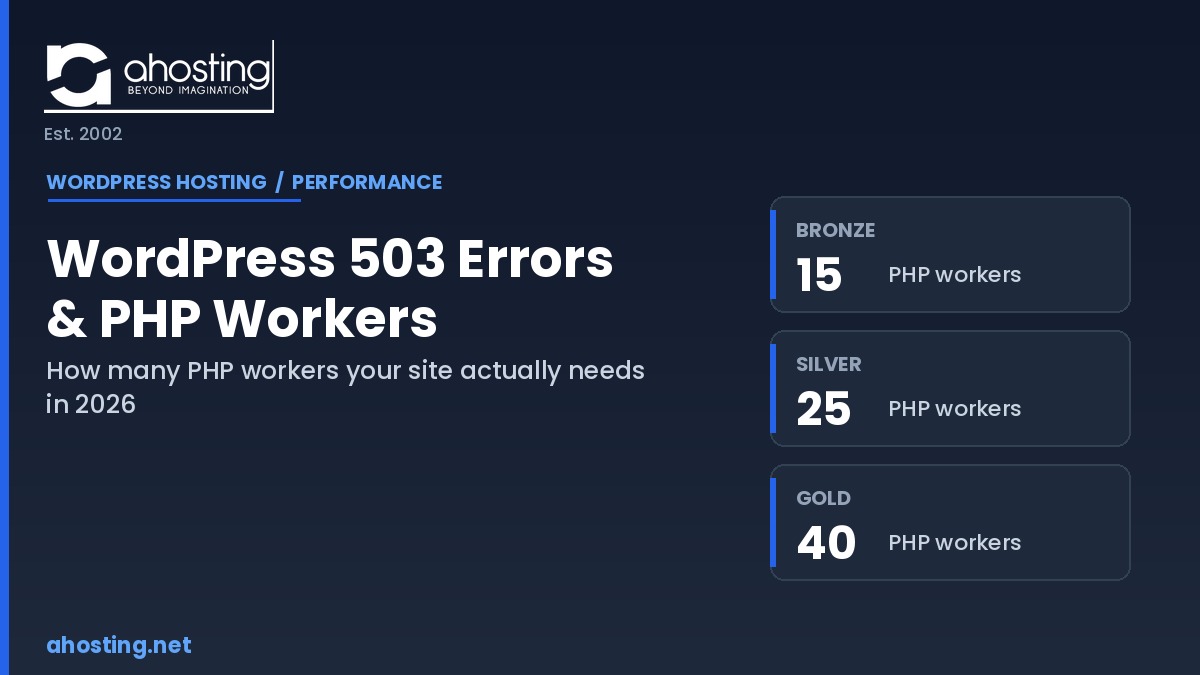
TL;DRWordPress PHP workers set a hard ceiling on simultaneous dynamic requests, and a 503 error means that ceiling was hit. AHosting publishes its real counts: 15, 25, and 40 across Bronze, Silver, and Gold.
-
WordPress Hosting for Elementor 2026: What the Page Builder Actually Needs From Your Server
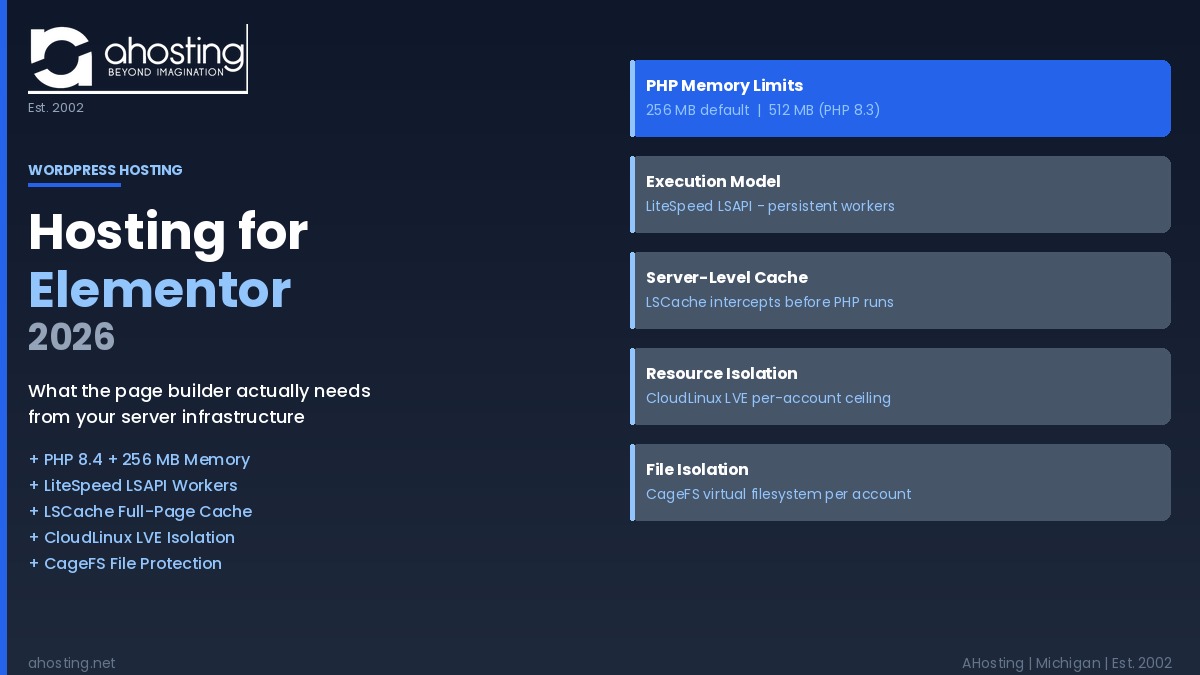
TL;DRWordPress hosting for Elementor requires PHP 8.2 or higher, at least 256 MB of memory (512 MB recommended for Pro builds), a persistent PHP execution model like LSAPI, and server-level caching — infrastructure gaps that oversold shared hosts routinely miss.
-
WordPress LiteSpeed Hosting 2026: Why Server-Level Caching Changes Everything
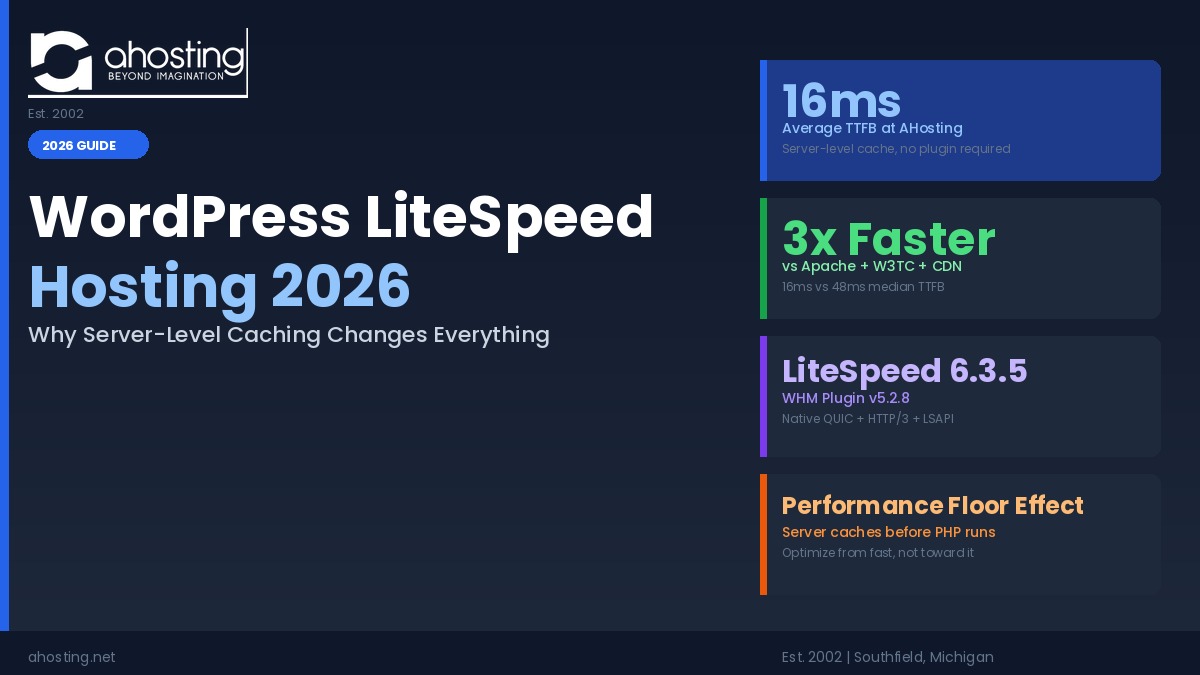
TL;DRWordPress LiteSpeed hosting 2026 delivers a 16ms TTFB at AHosting before any cache plugin activates — 3x faster than Apache plus W3 Total Cache plus CDN — because LiteSpeed caches at the web server layer, not the PHP layer.