-

You Should Use a Persistent Object Cache: What WordPress Site Health Actually Measures
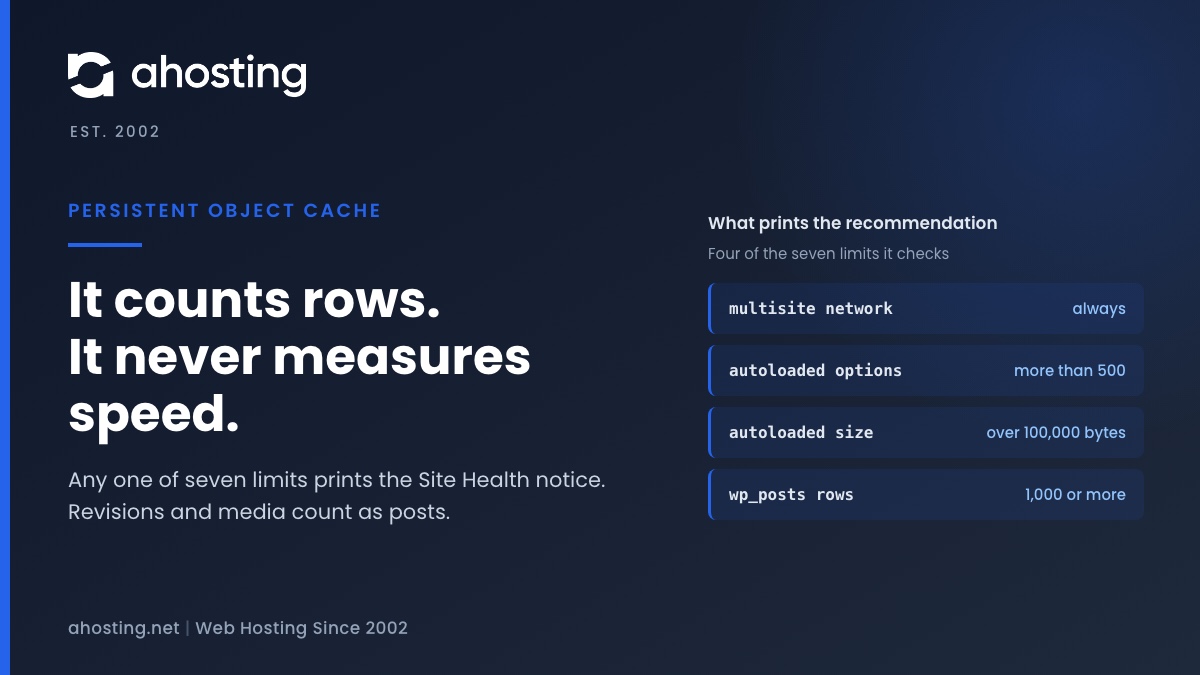
TL;DRSite Health recommends a persistent object cache when your site crosses a size line, not when it is slow. Any one of seven counters is enough: a multisite network, more than 500 autoloaded options or 100,000 bytes of them, or 1,000 rows in the posts, comments, options, terms or users table. Revisions and media count as posts, so small sites trip it often. An object cache also needs a cache server, and a plugin alone cannot provide one. Decide first whether your traffic is the kind an object cache speeds up.
Categories
- CMS
- Concrete5
- Drupal
- FFmpeg / Video Hosting
- Hosting Guides
- How To
- Joomla
- Security
- SEO
- Uncategorized
- Video Content
- Web Hosting News
- WooCommerce
- WordPress
Lets Connect!
-
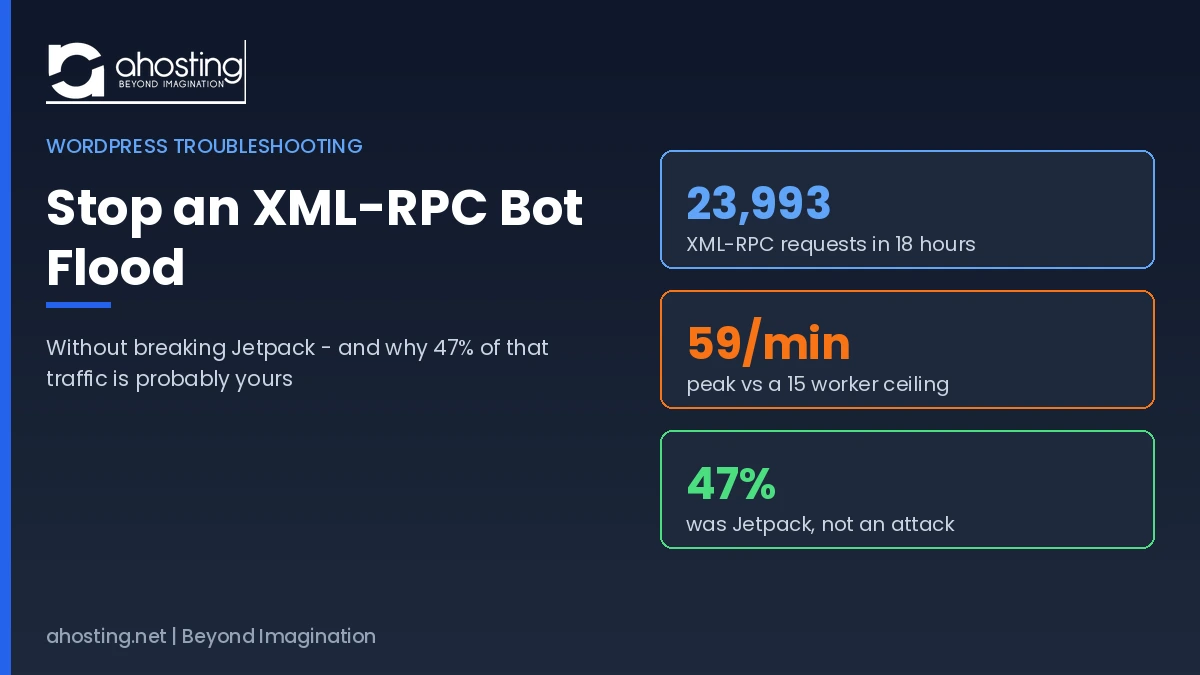
How to Stop an XML-RPC Bot Flood Without Breaking Jetpack (2026)
TL;DRTo stop an XML-RPC bot flood, allowlist Jetpack first, then deny xmlrpc.php in .htaccess so LiteSpeed refuses the request before WordPress loads and no PHP worker is consumed.
-
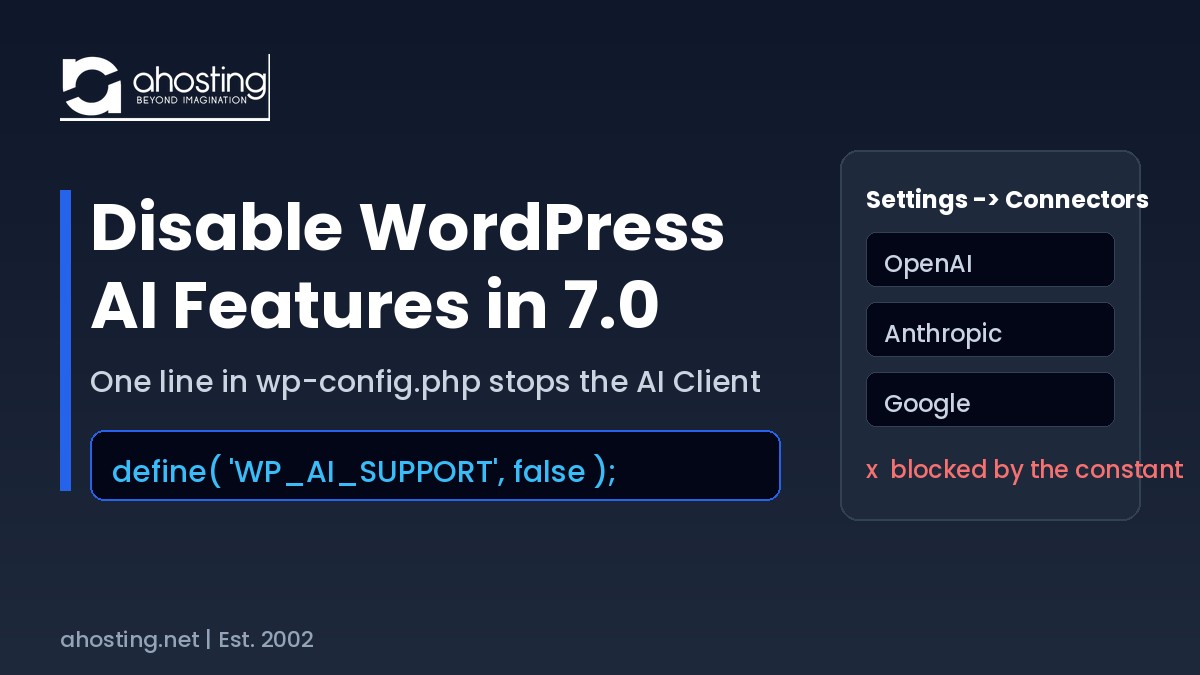
Disable WordPress AI Features in WordPress 7.0 (2026 Guide)
TL;DRTo disable WordPress AI features in WordPress 7.0, add
define( 'WP_AI_SUPPORT', false );to wp-config.php. It overrides the wp_supports_ai filter, blocks every AI provider call site-wide, and a plugin cannot re-enable it. -
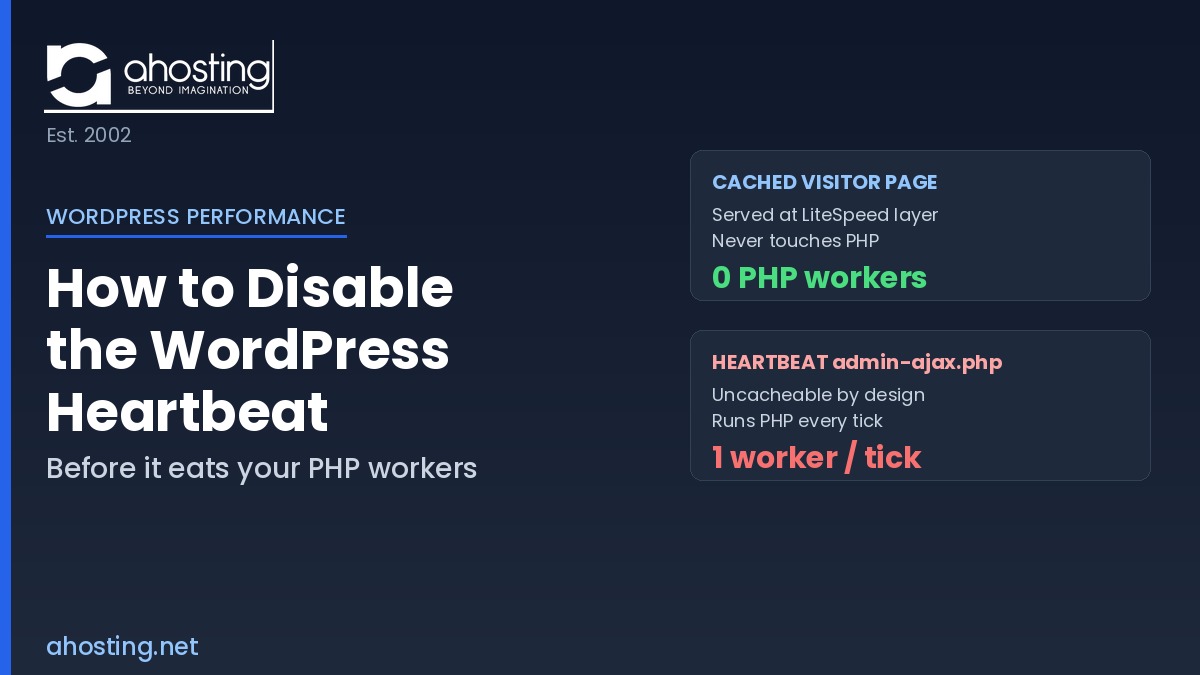
How to Disable the WordPress Heartbeat (Before It Eats Your PHP Workers)
TL;DRTo disable WordPress Heartbeat safely, throttle its interval to 60 seconds and deregister it on the front end with one
heartbeat_settingsfilter — this cuts admin-ajax.php load about 75% while keeping autosave and post locking. -
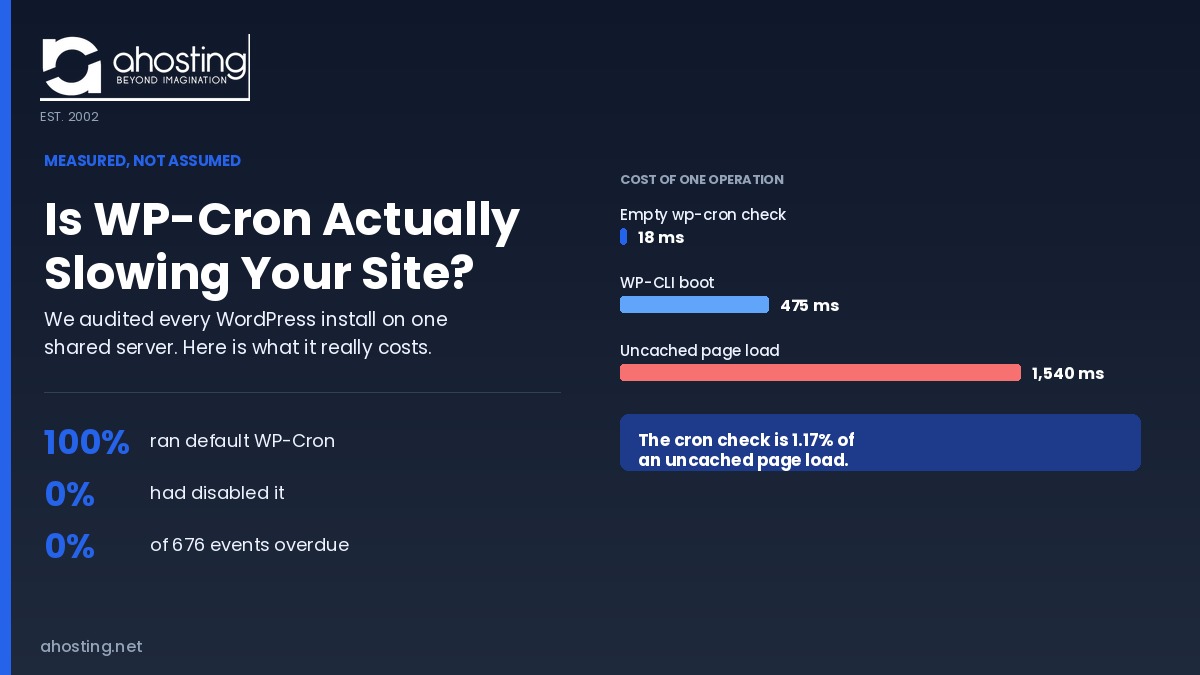
Is WP-Cron Actually Slowing Your Site?
TL;DRWe measured before telling anyone to disable wp-cron. An empty WP-Cron check costs 18 ms, just 1.17% of an uncached page load. On 100% of the WordPress installs we audited, the default was fine.