-

Available Disk Space Is Critically Low? What WordPress Is Really Measuring
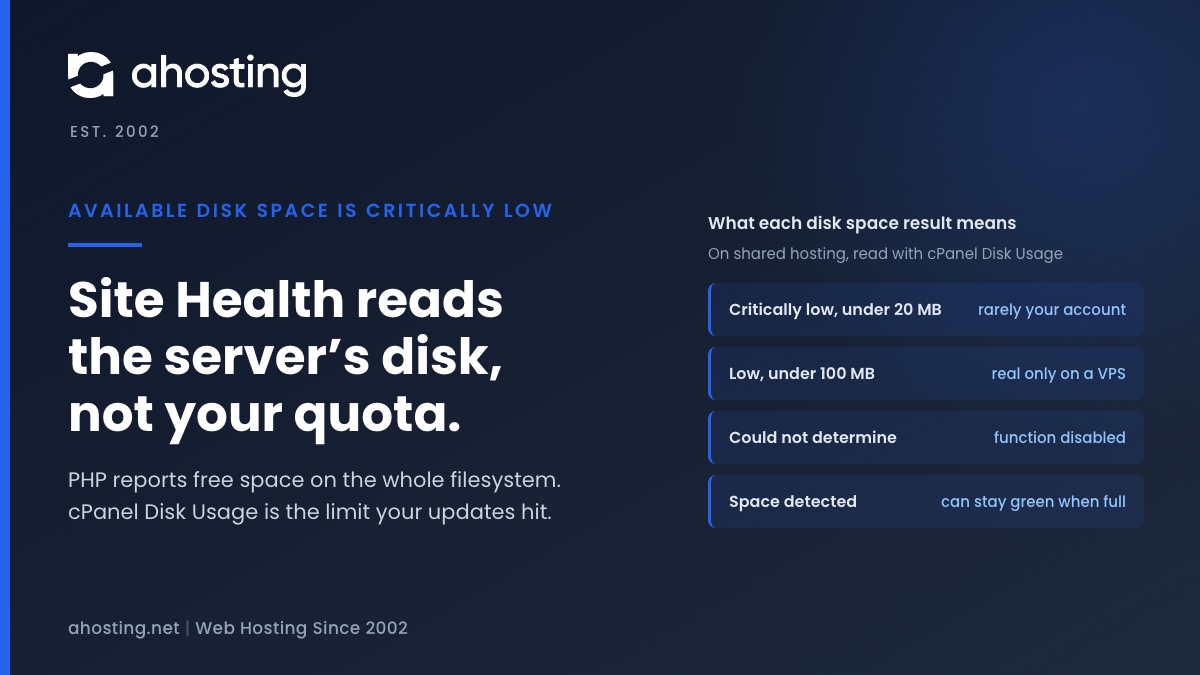
TL;DRAvailable disk space is critically low means PHP reported under 20 MB free on the filesystem that holds wp-content. On shared hosting that filesystem belongs to the whole server, not to your plan, so the warning can be wrong in either direction. Read the Disk Usage meter in cPanel instead. Near its limit: clear old backups, logs and unused plugins before updating. Plenty of room: the warning is a measuring problem, not a full site.
Categories
- CMS
- Concrete5
- Drupal
- FFmpeg / Video Hosting
- Hosting Guides
- How To
- Joomla
- Security
- SEO
- Uncategorized
- Video Content
- Web Hosting News
- WooCommerce
- WordPress
Lets Connect!
-
OV SSL vs DV: What the Extra Money Actually Buys
TL;DRAn OV SSL certificate proves the same thing about your domain as a free DV one. The rulebook says so, browsers stopped displaying the difference in 2019, and the organization name is what you are actually buying.
-
Your Server Is Running PHP Version X but WordPress Requires Y” – What to Actually Do
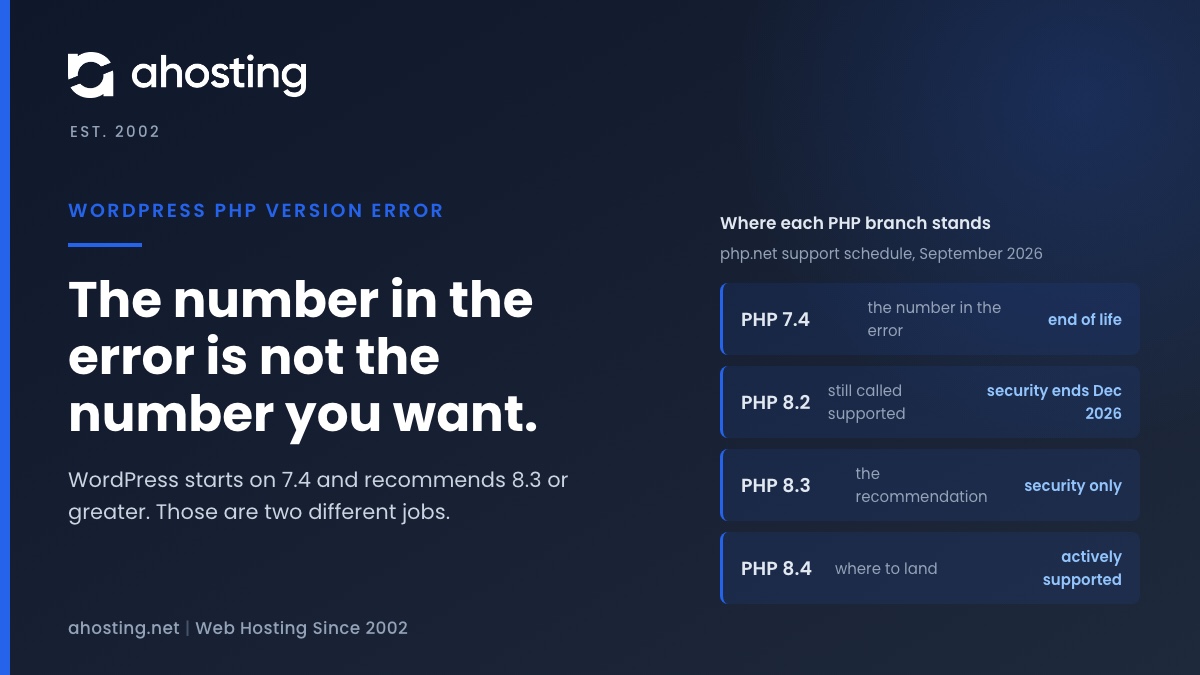
TL;DRThe WordPress PHP version error is a pre-boot fatal, not an admin notice. Raise PHP in cPanel to clear it, but do not stop at the number in the message: WordPress enforces 7.4 and recommends 8.3 or greater.
-
Slow FFmpeg Encoding on Shared Hosting: Find Your CPU Cap
TL;DRSlow FFmpeg encoding on shared hosting is usually a CPU cap, not a bad command. Time one encode, divide user seconds by your plan’s cores, and you have the floor no flag can beat.
-
WooCommerce Black Friday Hosting: The 12-Week Countdown Site: AHosting.net
TL;DRWooCommerce Black Friday hosting is decided by one number: entry processes divided by checkout execution time. Measure it in September, rehearse it in October, freeze the site in November.