-

Your PHP Installation Appears to Be Missing the MySQL Extension: What It Means and How to Fix It (2026)
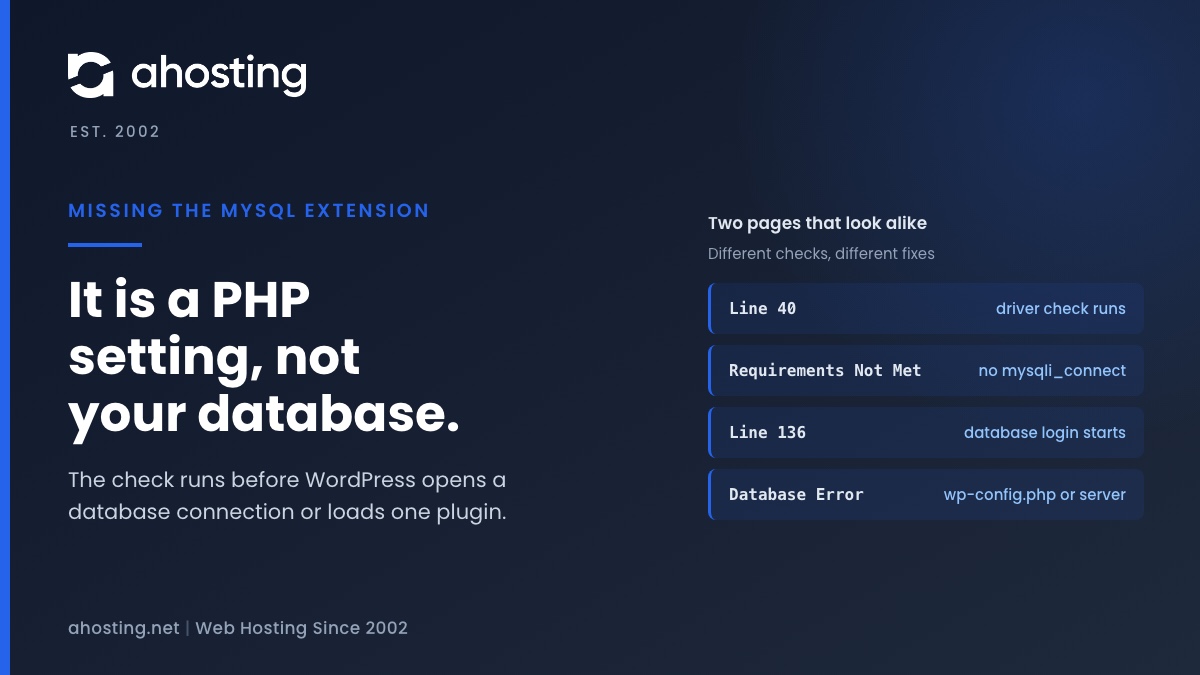
TL;DRThe missing the MySQL extension message means PHP cannot find the function mysqli_connect, so WordPress stopped before it touched your database. Check the PHP version and the extension list for the account, choose one MySQL driver set, and reload. Plugins, themes and wp-config.php are not the cause.
Categories
- CMS
- Concrete5
- Drupal
- FFmpeg / Video Hosting
- Hosting Guides
- How To
- Joomla
- Security
- SEO
- Uncategorized
- Video Content
- Web Hosting News
- WooCommerce
- WordPress
Lets Connect!
-
The Link You Followed Has Expired: What WordPress Really Means, and How to Fix It on Shared Hosting
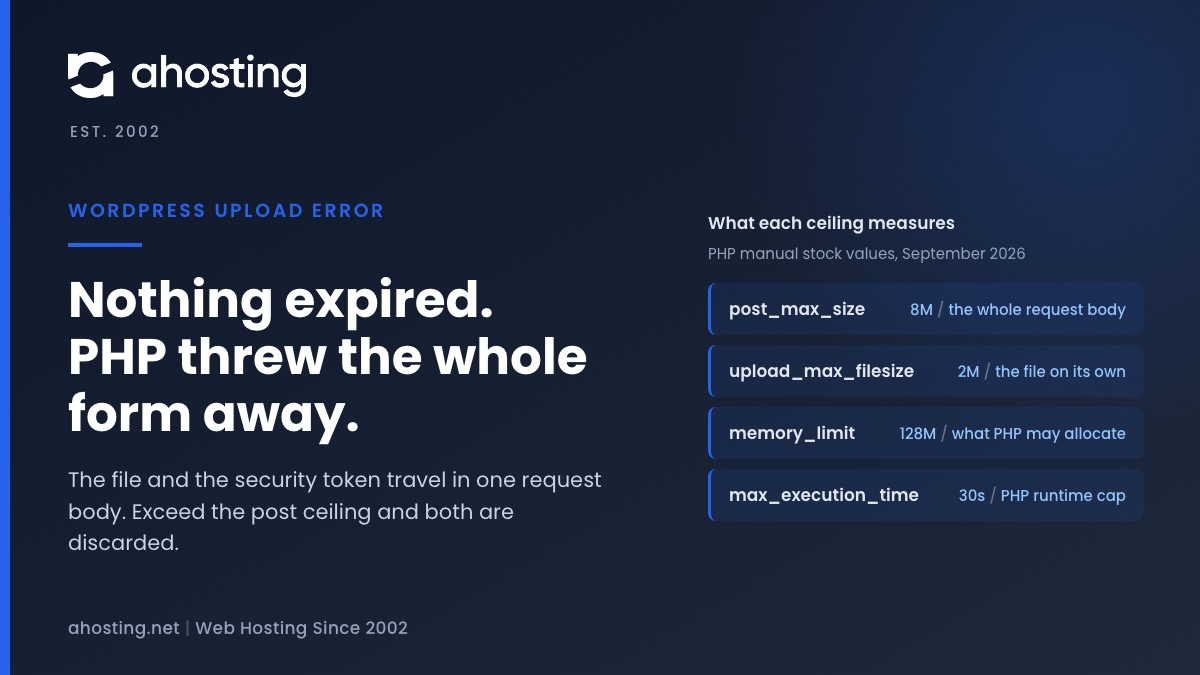
TL;DRNothing expired. WordPress prints this sentence when a form arrives without a security token it can verify, and on a theme or plugin upload the usual reason the token is missing is that PHP discarded the entire request body for exceeding
post_max_size— the file and the token travel together, so both went. Raise the post ceiling above the upload ceiling in cPanel and the message stops. If the file was small, the cause is one of three others, and none of them is a timeout. -
An Active PHP Session Was Detected: What WordPress Site Health Is Really Telling You, and How to Fix It on Shared Hosting
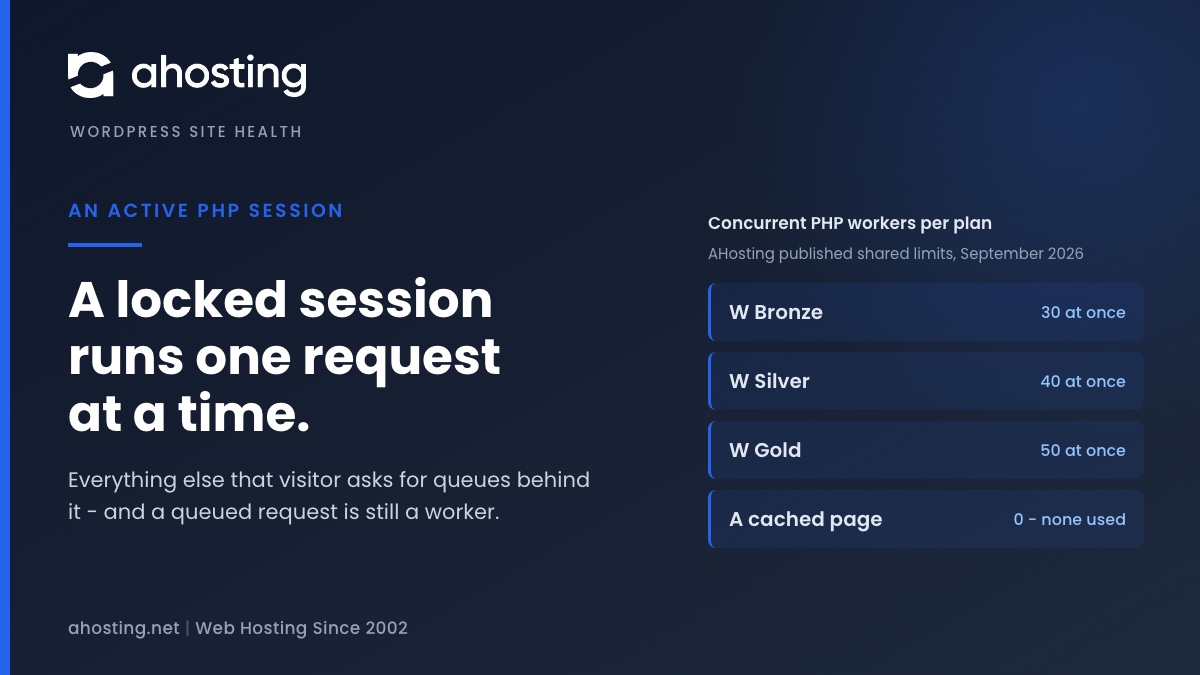
TL;DRWordPress core never opens a PHP session, so an active PHP session on your site was opened by a plugin, a theme or a server directive. The cost is not the warning: PHP locks the session file for the whole request, so every other request from that visitor queues behind it, and the session cookie stops the page being cached at all. The fix is to close the session as soon as the last write is done — not to delete the code that needed it, and not to hide the test.
-
One or More Recommended Modules Are Missing: How to Read the WordPress Site Health Warning and Fix It on Shared Hosting
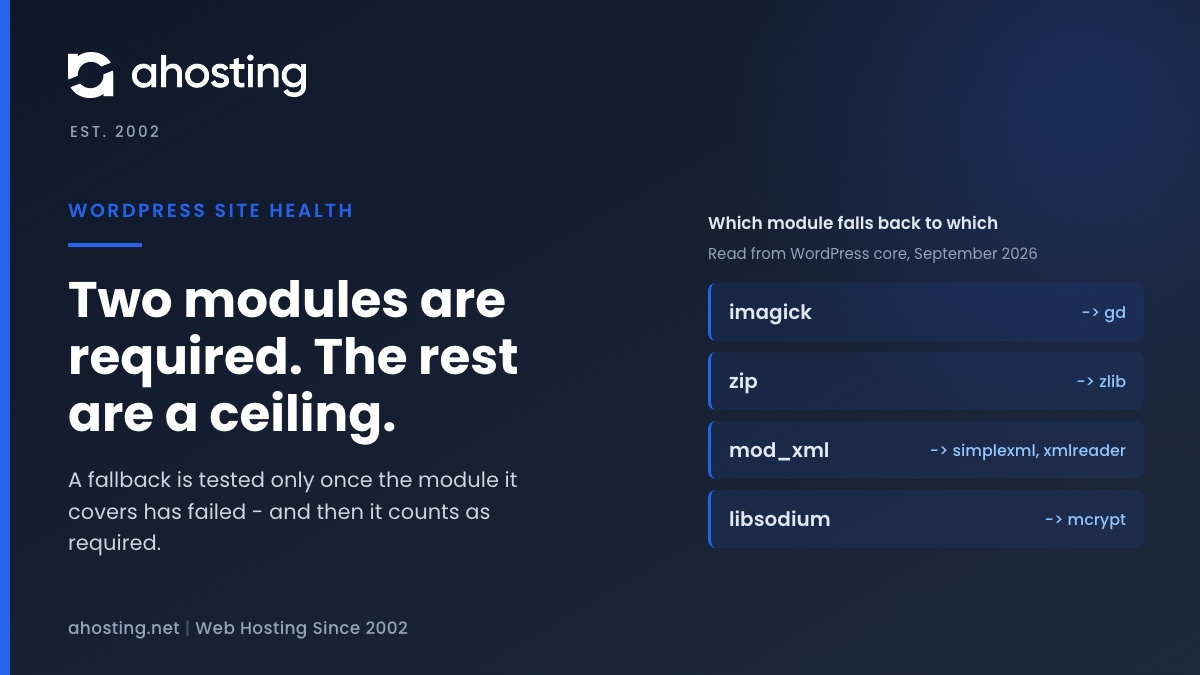
TL;DRSite Health tests twenty PHP modules and marks only two of them required, so a heading saying recommended modules are missing is almost always a quality ceiling rather than a fault. Read the module names under it, not the heading. Four of those modules are fallbacks for other modules, and a missing fallback is the one case that turns the warning into a red critical — which is why the same screen can go from yellow to red without anything new breaking.
-
WordPress Could Not Establish a Secure Connection to WordPress.org: How to Read the Error and Fix It on Shared Hosting
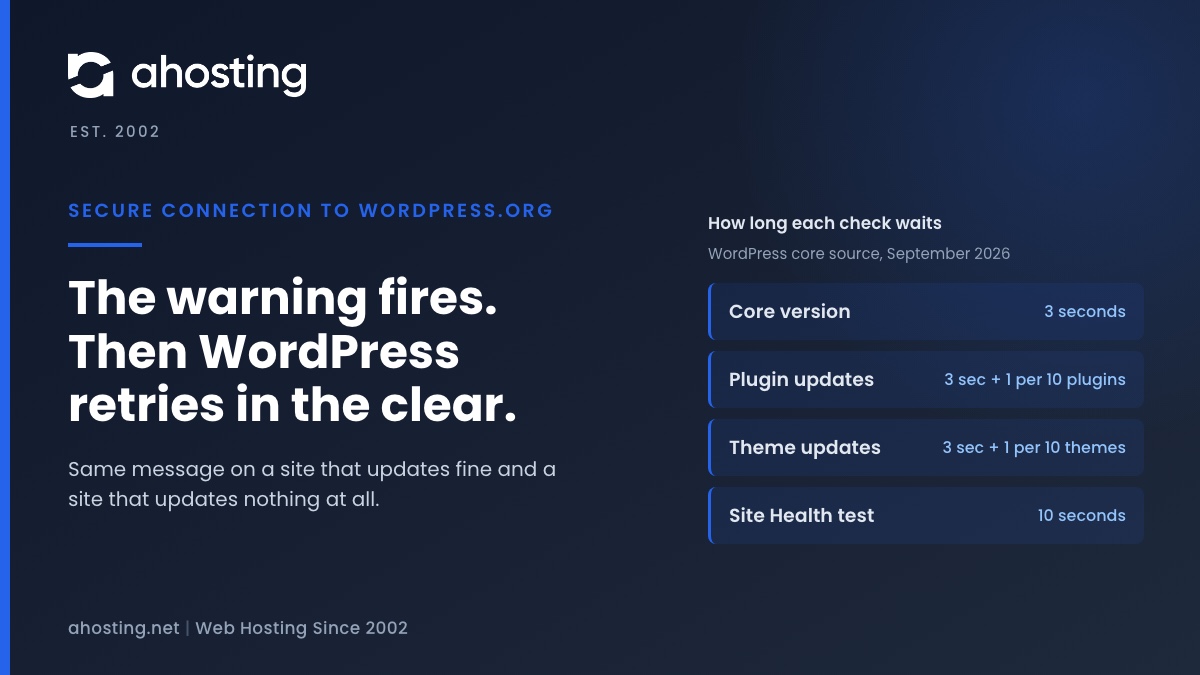
TL;DRThe warning means one HTTPS request to api.wordpress.org failed, and core then retried the same request over plain HTTP. So the message alone does not say whether updates are broken. Read the error line: a certificate error is the trust store on your server, a timeout is the three-second clock the update checks run on, and a blocked-URL message is a constant in your own wp-config.php.