-

You Should Use a Persistent Object Cache: What WordPress Site Health Actually Measures
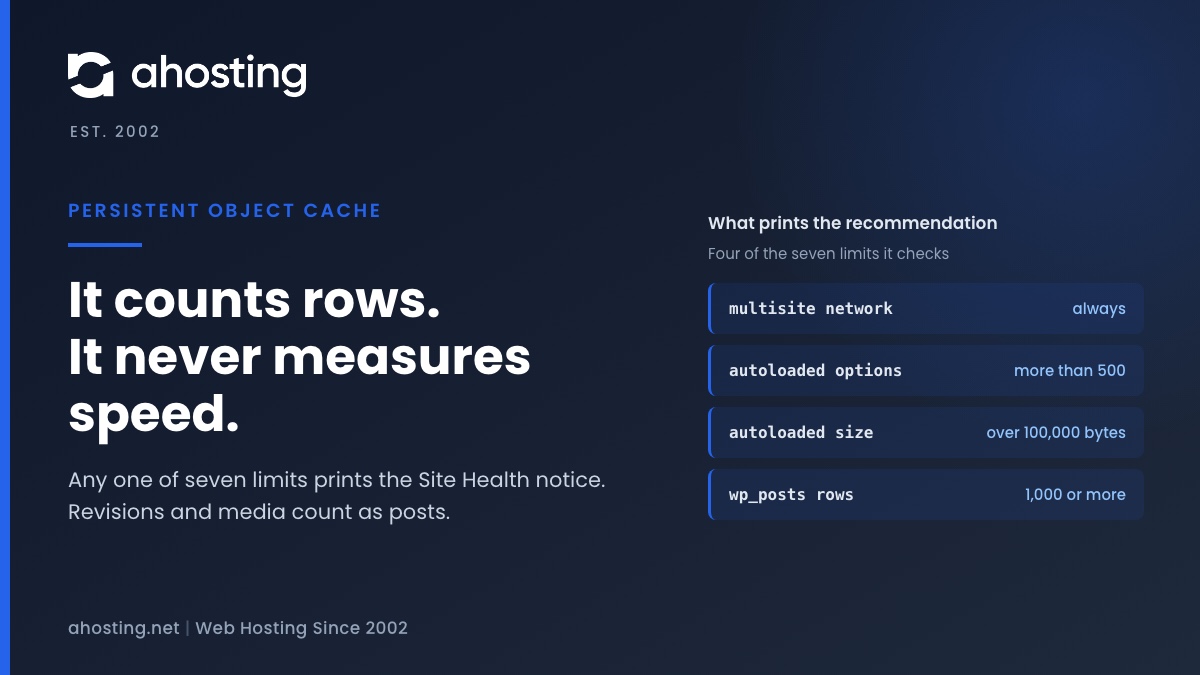
TL;DRSite Health recommends a persistent object cache when your site crosses a size line, not when it is slow. Any one of seven counters is enough: a multisite network, more than 500 autoloaded options or 100,000 bytes of them, or 1,000 rows in the posts, comments, options, terms or users table. Revisions and media count as posts, so small sites trip it often. An object cache also needs a cache server, and a plugin alone cannot provide one. Decide first whether your traffic is the kind an object cache speeds up.
Categories
- CMS
- Concrete5
- Drupal
- FFmpeg / Video Hosting
- Hosting Guides
- How To
- Joomla
- Security
- SEO
- Uncategorized
- Video Content
- Web Hosting News
- WooCommerce
- WordPress
Lets Connect!
-
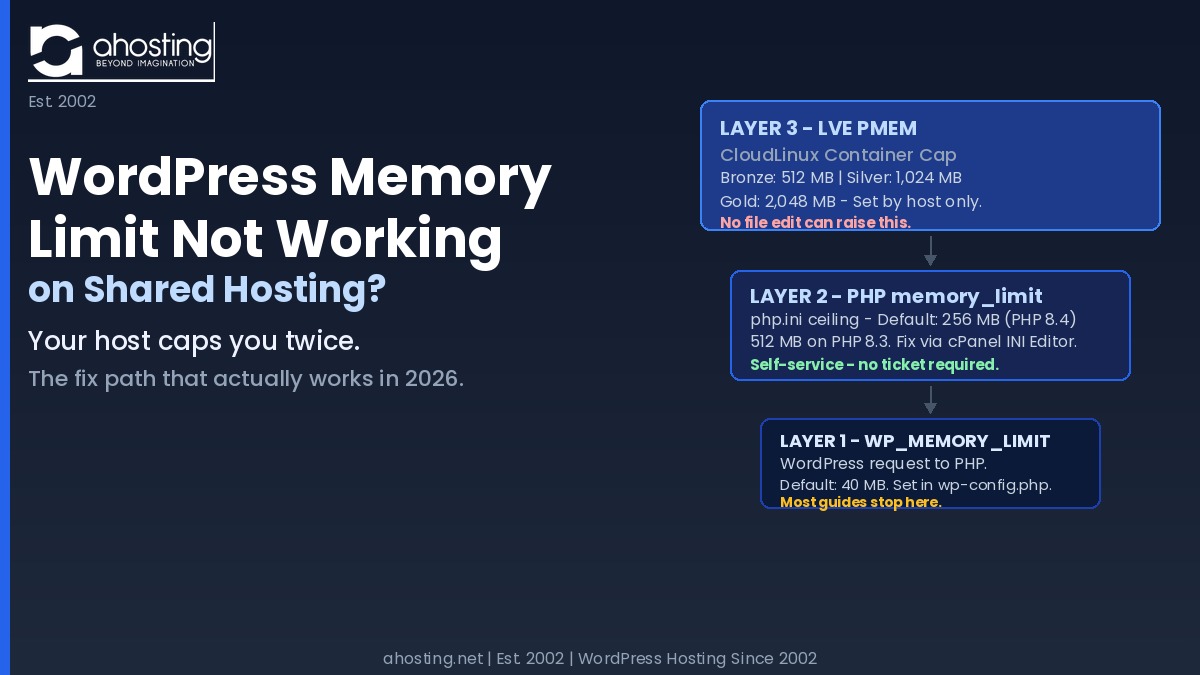
Why Raising the WordPress Memory Limit Doesn’t Work on Shared Hosting (and What Does)
TL;DRIs your WordPress Memory Limit not working? When your WordPress memory limit is not working after a wp-config.php edit, a second ceiling — the CloudLinux LVE PMEM container cap — is almost always the real blocker on shared hosting, and no configuration file you can edit will change it.
-
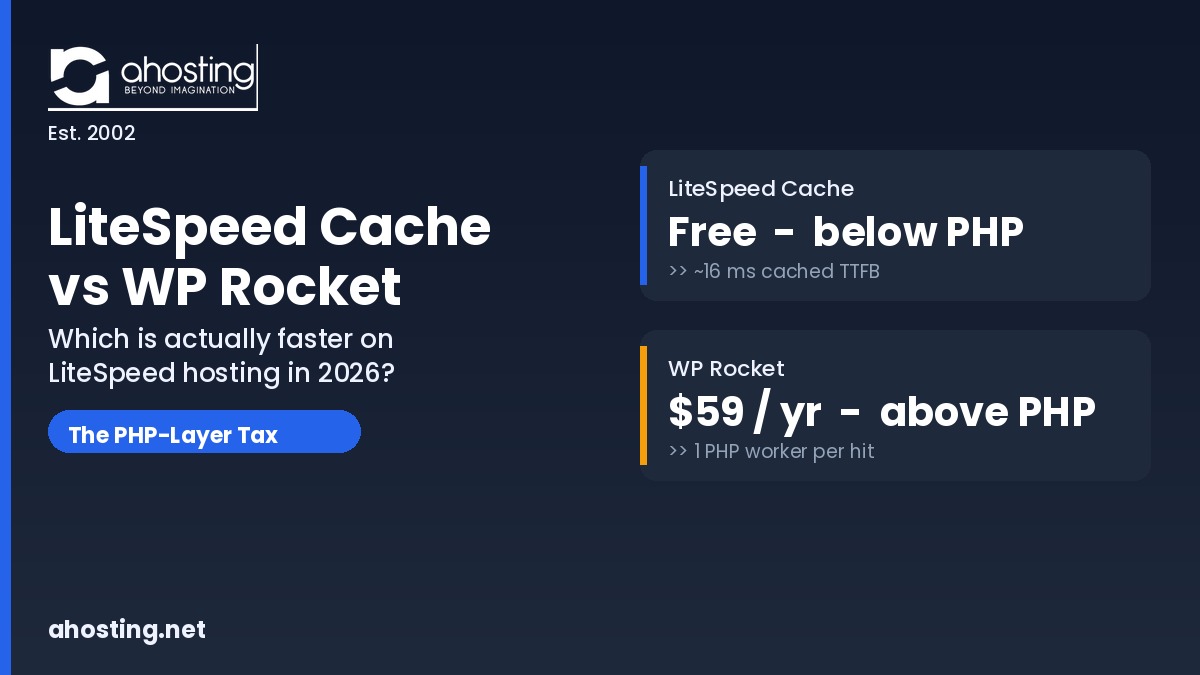
LiteSpeed Cache vs. WP Rocket: Which Is Actually Faster on LiteSpeed Hosting (2026)
TL;DRIn the litespeed cache vs wp rocket question, LiteSpeed Cache wins on a LiteSpeed server because it caches below PHP for free, while WP Rocket caches above PHP for $59 a year.
-
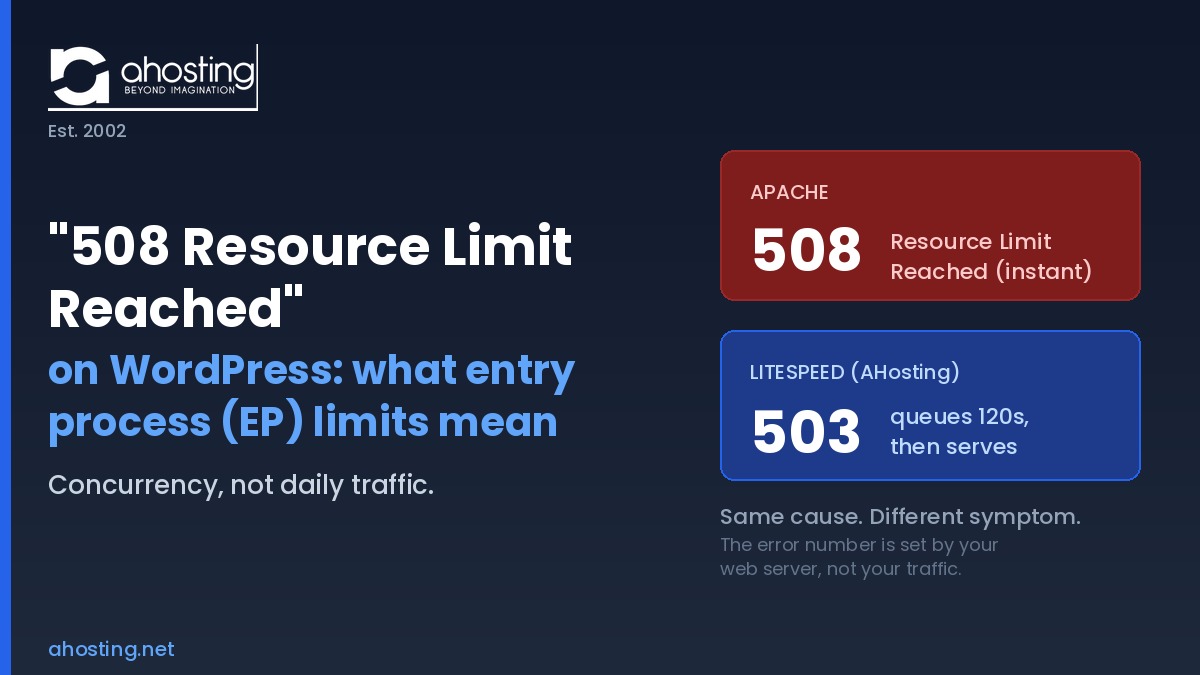
“508 Resource Limit Reached” on WordPress: What Entry Process (EP) Limits Really Mean
TL;DRThe 508 Resource Limit Reached error means your WordPress account hit its concurrent entry process ceiling, not a daily traffic cap. On LiteSpeed it usually shows as a 503 after a queue, not a literal 508.
-
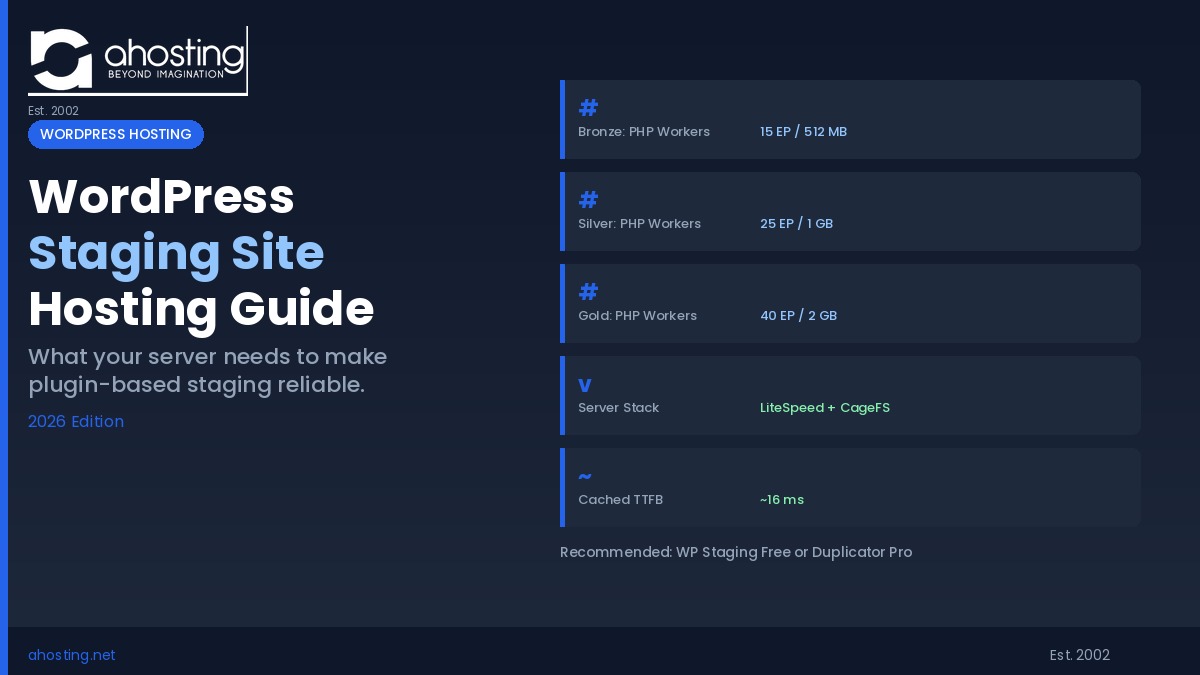
WordPress Staging Site: What Your Hosting Plan Needs to Make It Work (2026 Guide)
TL;DRA WordPress staging site plugin (WP Staging or Duplicator Pro) gives you a safe test environment — but reliable cloning depends on your hosting plan’s PHP workers, memory allocation, and server isolation. Here’s what actually matters.