-

You Should Use a Persistent Object Cache: What WordPress Site Health Actually Measures
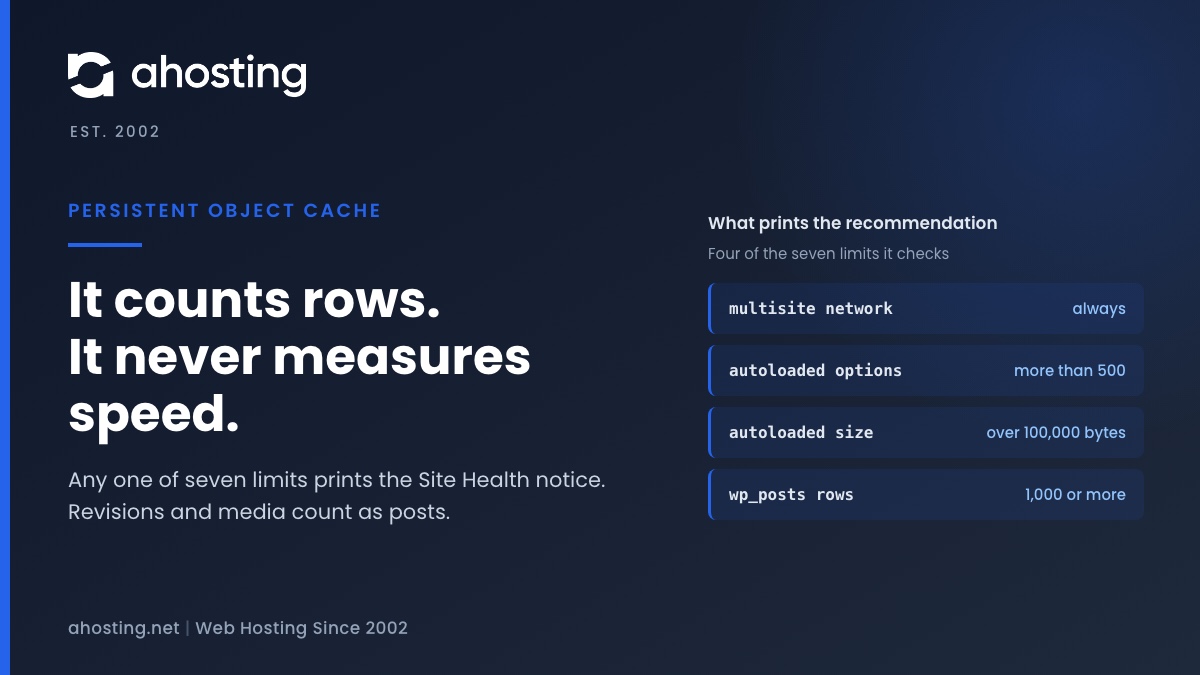
TL;DRSite Health recommends a persistent object cache when your site crosses a size line, not when it is slow. Any one of seven counters is enough: a multisite network, more than 500 autoloaded options or 100,000 bytes of them, or 1,000 rows in the posts, comments, options, terms or users table. Revisions and media count as posts, so small sites trip it often. An object cache also needs a cache server, and a plugin alone cannot provide one. Decide first whether your traffic is the kind an object cache speeds up.
Categories
- CMS
- Concrete5
- Drupal
- FFmpeg / Video Hosting
- Hosting Guides
- How To
- Joomla
- Security
- SEO
- Uncategorized
- Video Content
- Web Hosting News
- WooCommerce
- WordPress
Lets Connect!
-
The Server Cannot Process the Image: What WordPress Is Telling You
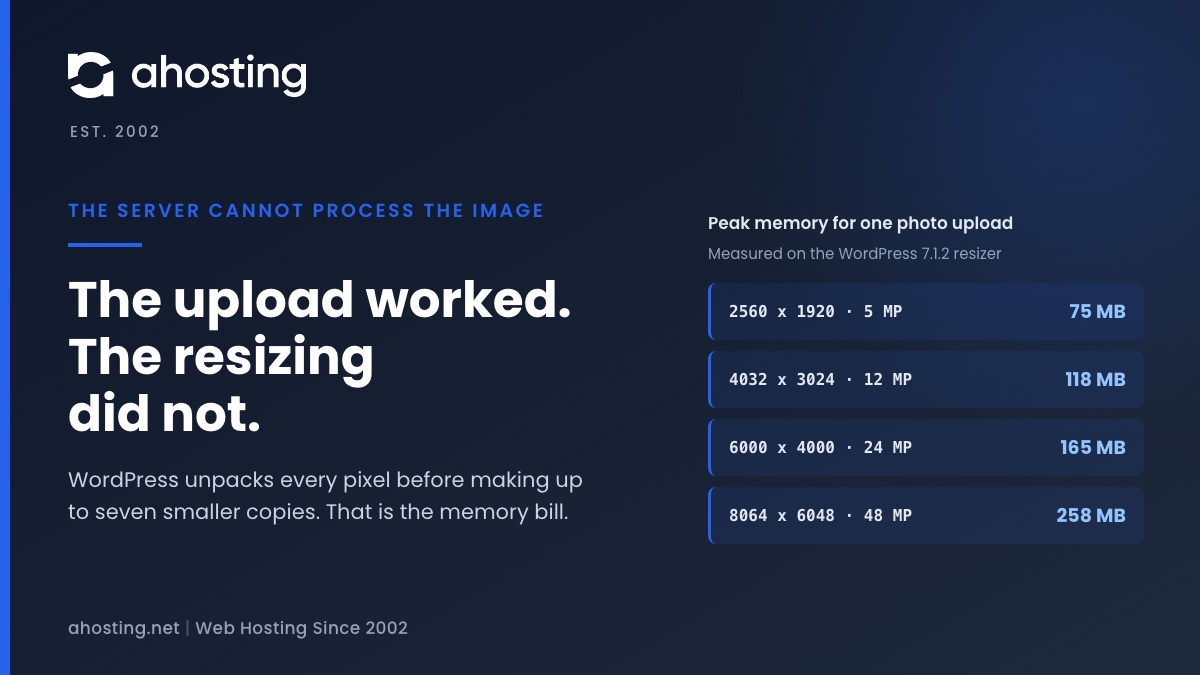
TL;DRWhen WordPress says the server cannot process the image, the upload almost always worked. What failed is the resizing that follows, which unpacks every pixel of the photo into memory before making up to seven smaller copies. We measured that at about a quarter of a gigabyte for a 48 megapixel phone photo. Since WordPress 7.1 the block editor can do the resizing in your browser instead, while the Media Library still does it on the server, so the same photo can fail in one and work in the other. The fix depends on which limit stopped the resize, and your error log usually says which.
-
Page Cache Is Not Detected: What WordPress Site Health Actually Checks
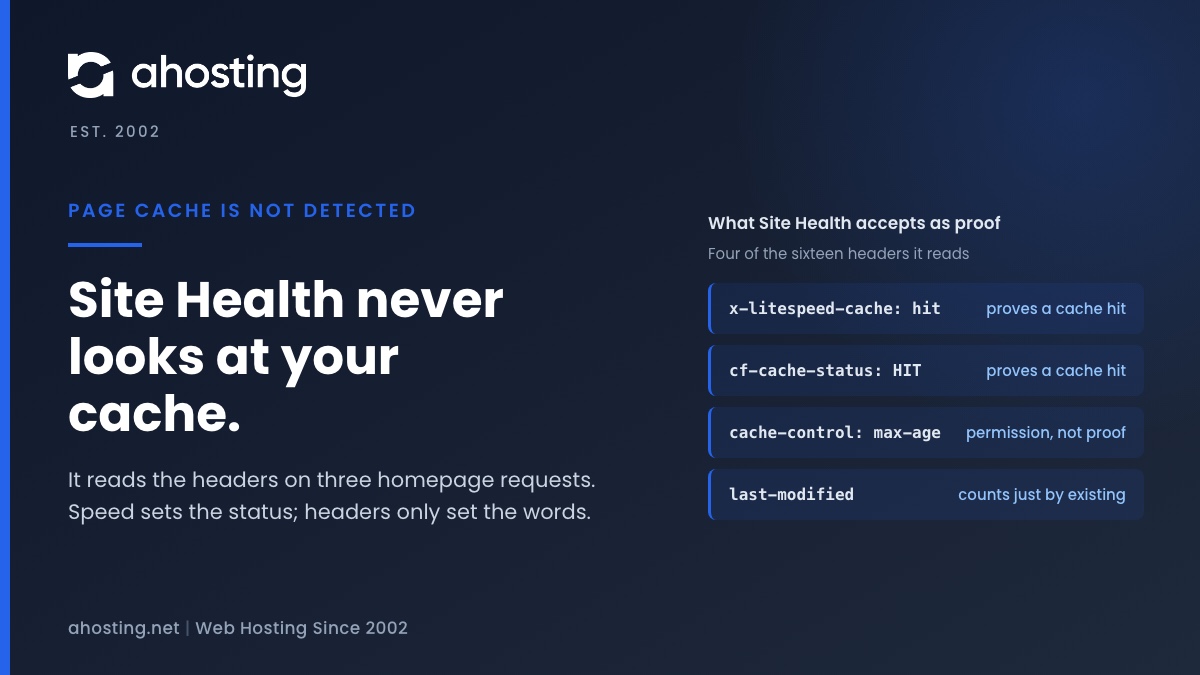
TL;DRSite Health decides whether you have a page cache by requesting your homepage three times from your own server and looking for a caching header, or for a cache drop-in file. It never looks at the cache itself. So the message can appear on a site that is cached perfectly well, and it can stay silent on a site with no cache at all. Response time alone decides whether the result is a recommendation or critical. Read the headers your homepage actually returns and you will know in a minute which of the two you have.
-
Updating Failed: The Response Is Not a Valid JSON Response — Read the Response, Not the Checklist
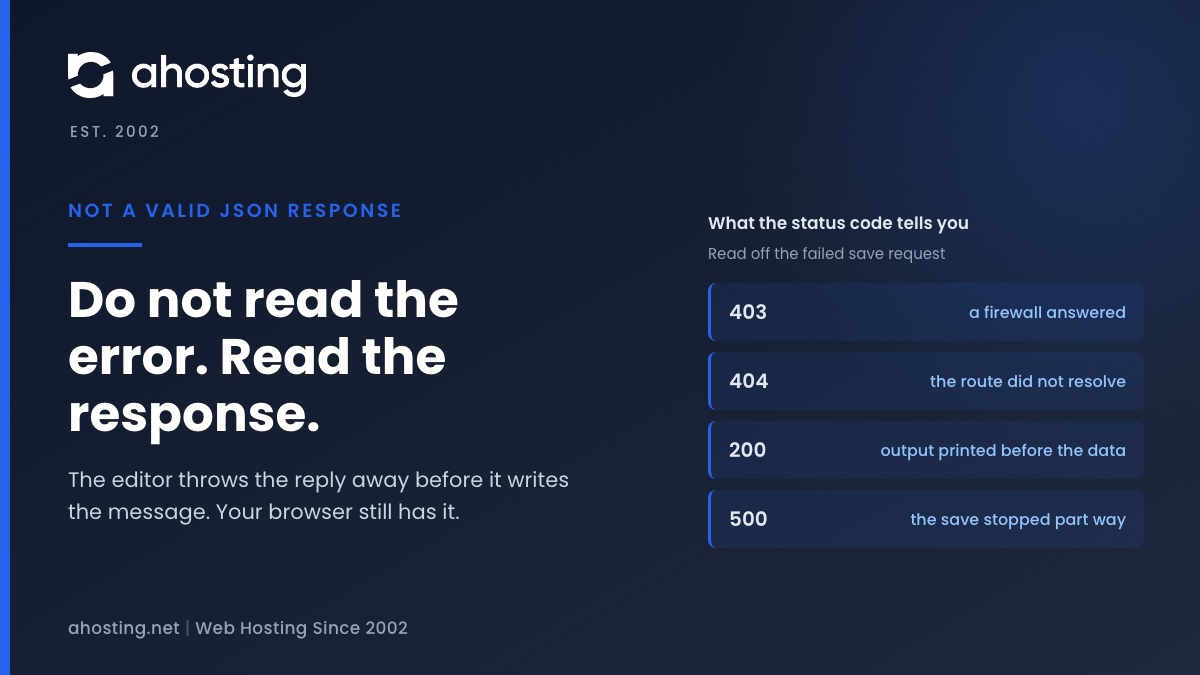
TL;DRThe block editor saves your post by asking the server for structured data, and this message means the reply was not structured data — it was a web page, or it had something printed in front of it. The editor cannot tell you which, because the code that catches the failure throws the reply away before composing the message. So do not work through a list of ten fixes: open the browser network panel, save again, and read the failed request. Its status code, content type and first characters name the cause in about a minute.
-
The Link You Followed Has Expired: What WordPress Really Means, and How to Fix It on Shared Hosting
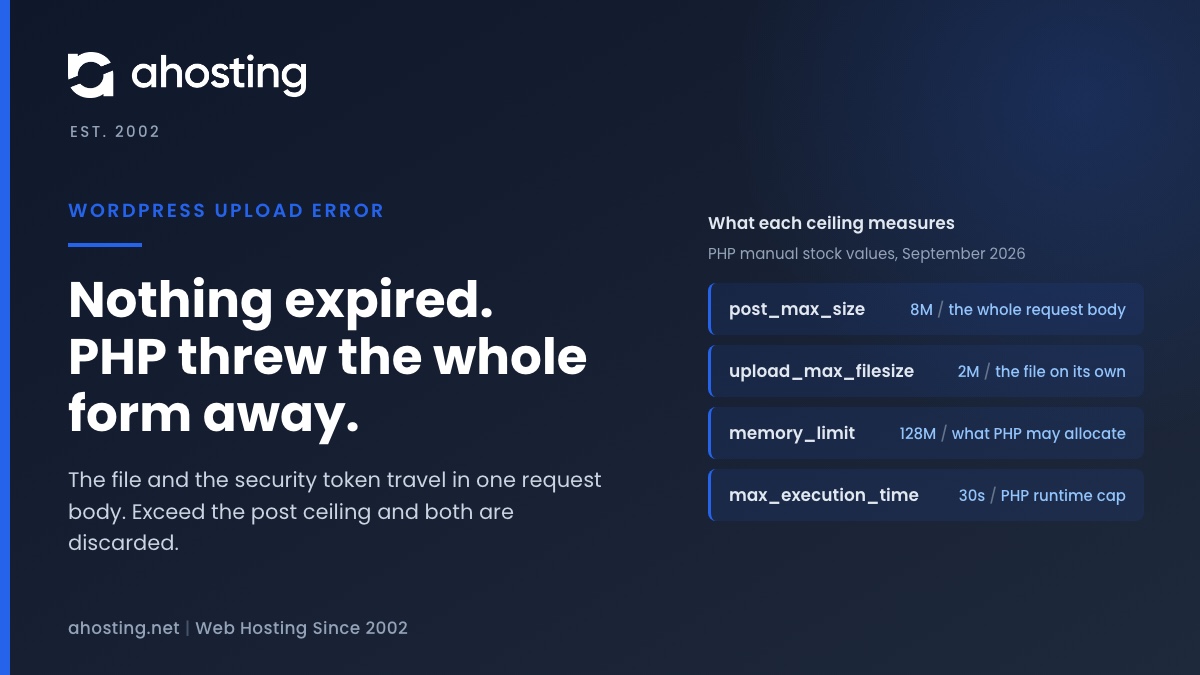
TL;DRNothing expired. WordPress prints this sentence when a form arrives without a security token it can verify, and on a theme or plugin upload the usual reason the token is missing is that PHP discarded the entire request body for exceeding
post_max_size— the file and the token travel together, so both went. Raise the post ceiling above the upload ceiling in cPanel and the message stops. If the file was small, the cause is one of three others, and none of them is a timeout.