-

You Should Use a Persistent Object Cache: What WordPress Site Health Actually Measures
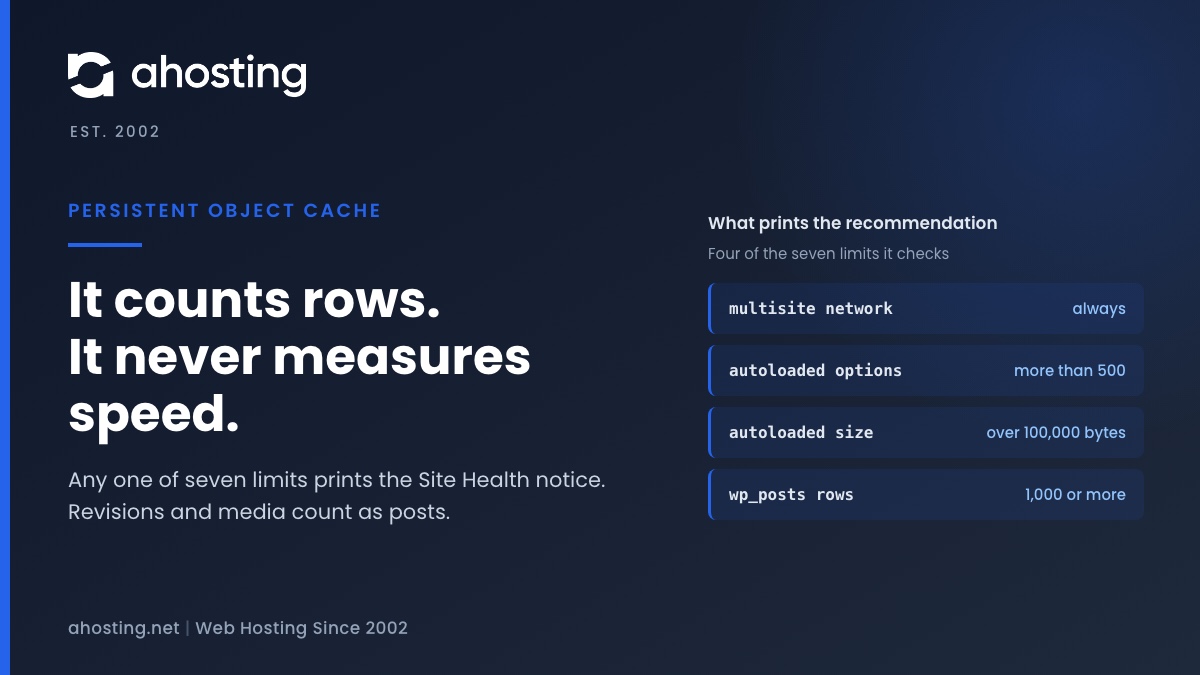
TL;DRSite Health recommends a persistent object cache when your site crosses a size line, not when it is slow. Any one of seven counters is enough: a multisite network, more than 500 autoloaded options or 100,000 bytes of them, or 1,000 rows in the posts, comments, options, terms or users table. Revisions and media count as posts, so small sites trip it often. An object cache also needs a cache server, and a plugin alone cannot provide one. Decide first whether your traffic is the kind an object cache speeds up.
Categories
- CMS
- Concrete5
- Drupal
- FFmpeg / Video Hosting
- Hosting Guides
- How To
- Joomla
- Security
- SEO
- Uncategorized
- Video Content
- Web Hosting News
- WooCommerce
- WordPress
Lets Connect!
-
Autoloaded Options Could Affect Performance: How to Read the Site Health Warning and Clear It on Shared Hosting
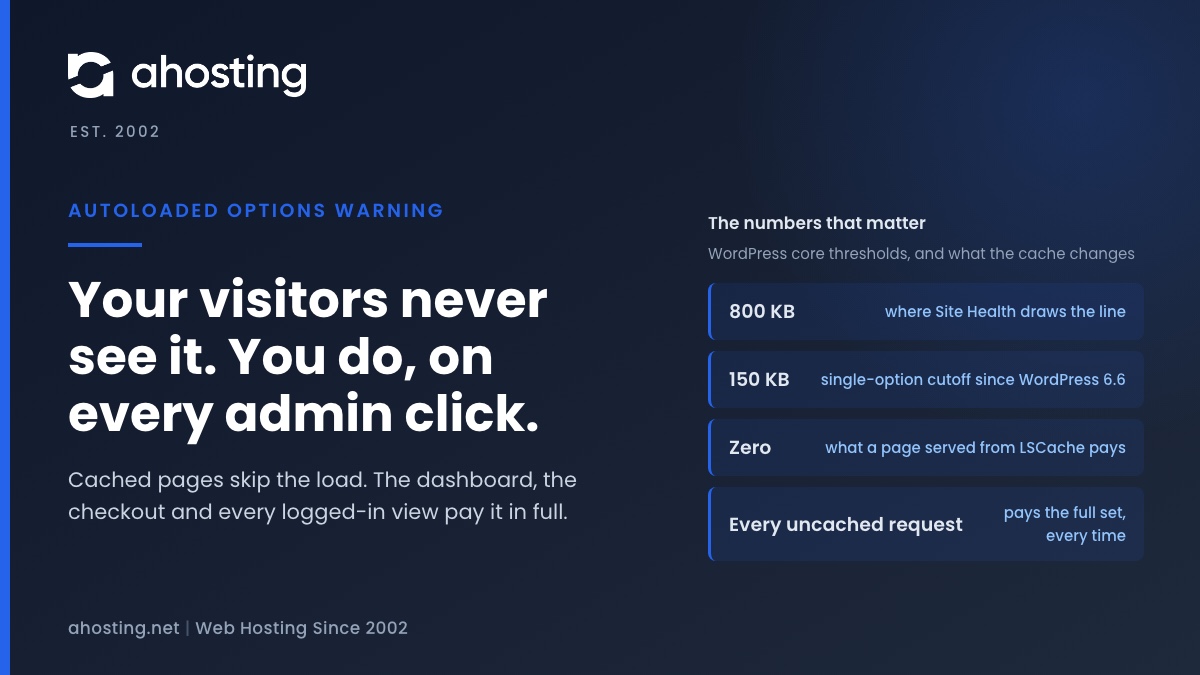
TL;DRThe warning that autoloaded options could affect performance means WordPress now loads more than 800 KB of settings before it routes every uncached request. Cached pages never pay it; your admin, your checkout and every logged-in view pay it in full. Export the options table, clear expired transients, delete leftovers from removed plugins, then switch autoload off per large row — never wholesale.
-
Your Hosting Says 100% Full With 8 GB Free: How to Fix a WordPress Inode Limit
TL;DRAn inode limit counts files, not bytes, so an account can report itself full with most of its disk unused. Open cPanel and read the File Usage row in the Statistics panel against the Disk Usage row above it. If the file count is near its ceiling while storage is not, adding gigabytes fixes nothing — find the directory holding the files instead, and start with mail, cache and old backups.
-
Your Site Is Slow, CPU and Memory Are Fine: How to Tell If You’re Being Disk-I/O Throttled
TL;DRA disk I/O limit never returns an error. CloudLinux puts your processes to sleep, so the page still loads and simply takes longer, which is why CPU and memory look innocent. Open cPanel, go to Logs and then Resource Usage, and read the Faults column for the minutes the site was slow. Faults on the disk rows and none on the entry process row means you are throttled, not out of workers.
-
FFmpeg Server Requirements: How to Size a Plan From Your Own Encode Queue
TL;DRFFmpeg server requirements come from one number: finished encode-minutes per day. Measure a single job, multiply by your rendition ladder, then read off the tier that clears it. The plan name is the last decision, not the first.