-

Available Disk Space Is Critically Low? What WordPress Is Really Measuring
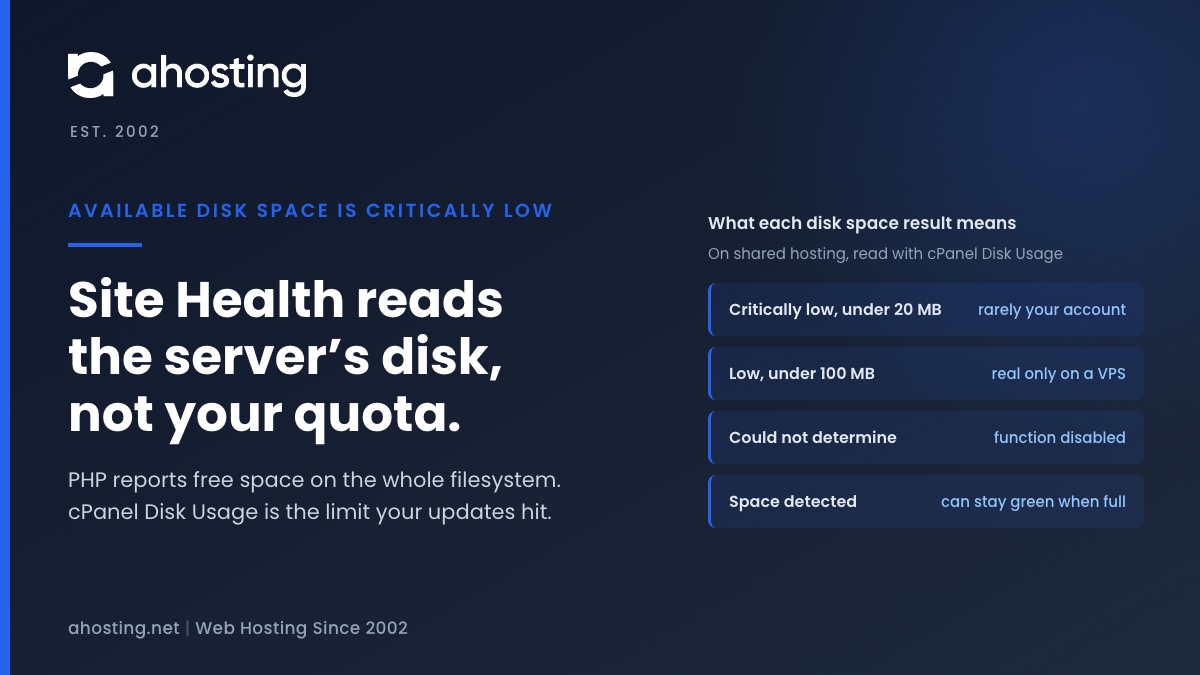
TL;DRAvailable disk space is critically low means PHP reported under 20 MB free on the filesystem that holds wp-content. On shared hosting that filesystem belongs to the whole server, not to your plan, so the warning can be wrong in either direction. Read the Disk Usage meter in cPanel instead. Near its limit: clear old backups, logs and unused plugins before updating. Plenty of room: the warning is a measuring problem, not a full site.
Categories
- CMS
- Concrete5
- Drupal
- FFmpeg / Video Hosting
- Hosting Guides
- How To
- Joomla
- Security
- SEO
- Uncategorized
- Video Content
- Web Hosting News
- WooCommerce
- WordPress
Lets Connect!
-
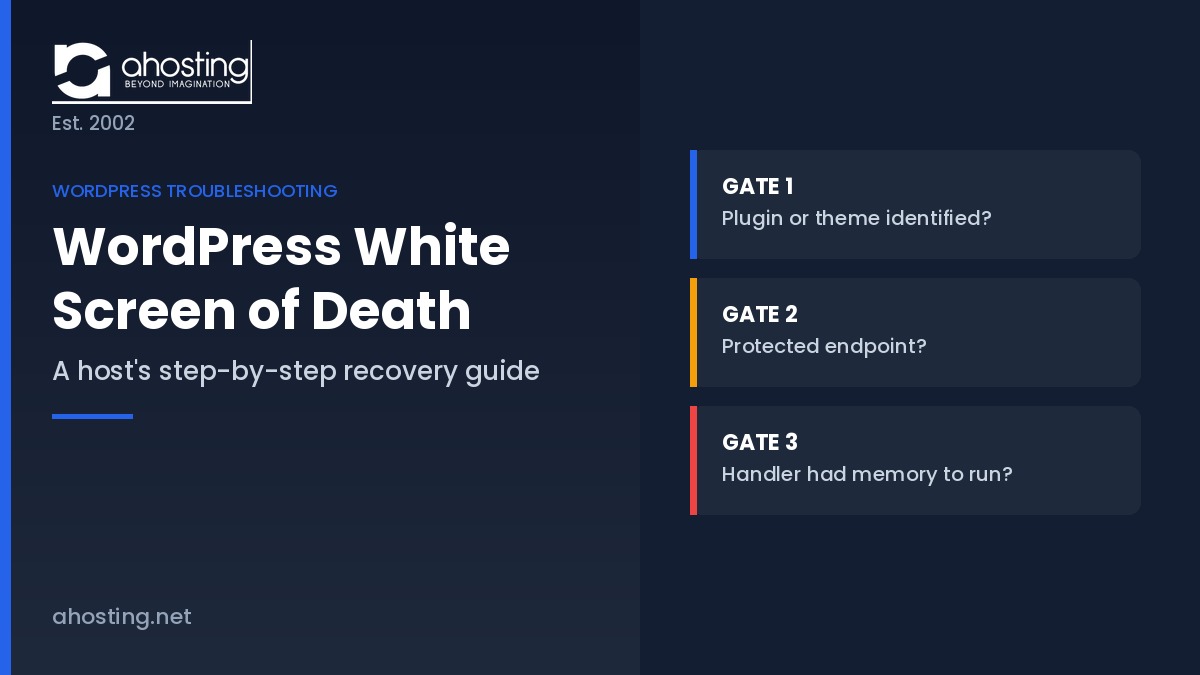
WordPress White Screen of Death: A Host’s Step-by-Step Recovery Guide
TL;DRThe WordPress white screen of death is a fatal PHP error, not an outage. Three server-controlled conditions decide whether you get a recovery email, a critical error page, or a silent blank screen.
-
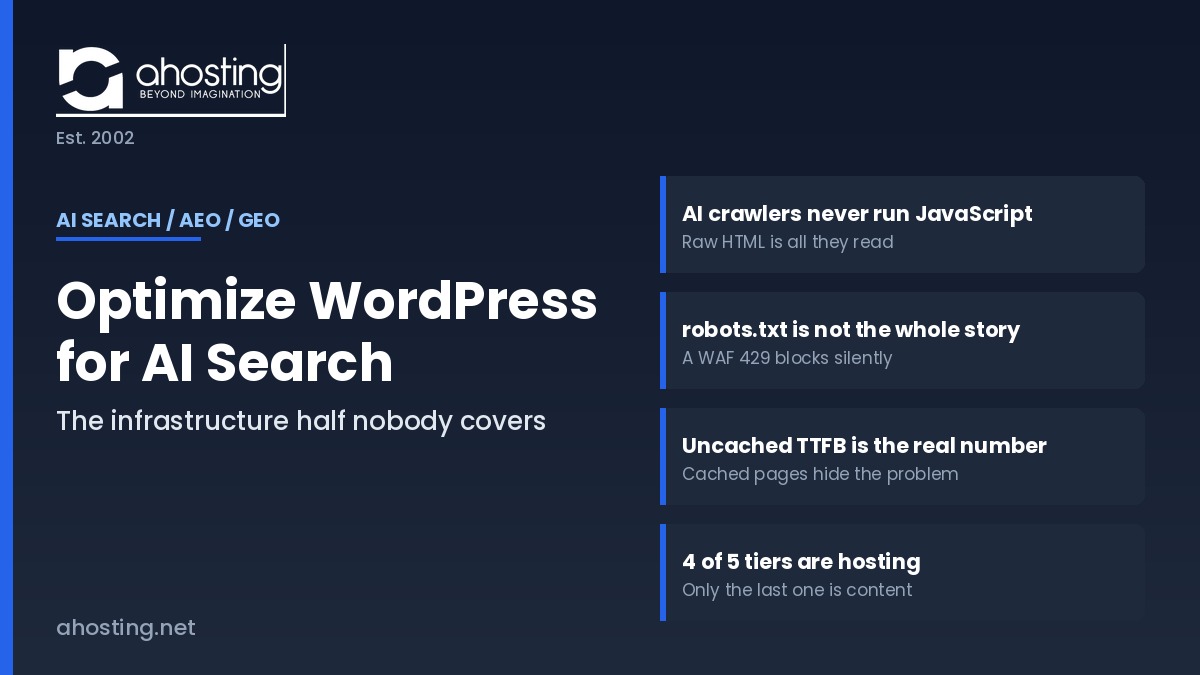
How to Optimize a WordPress Site for AI Search (AEO/GEO): The Infrastructure Half Nobody Covers
TL;DRTo optimize WordPress for AI search, start at the server: AI crawlers never run JavaScript, so whatever your server returns in that first response is the only content ChatGPT, Claude, and Perplexity can ever cite.
-
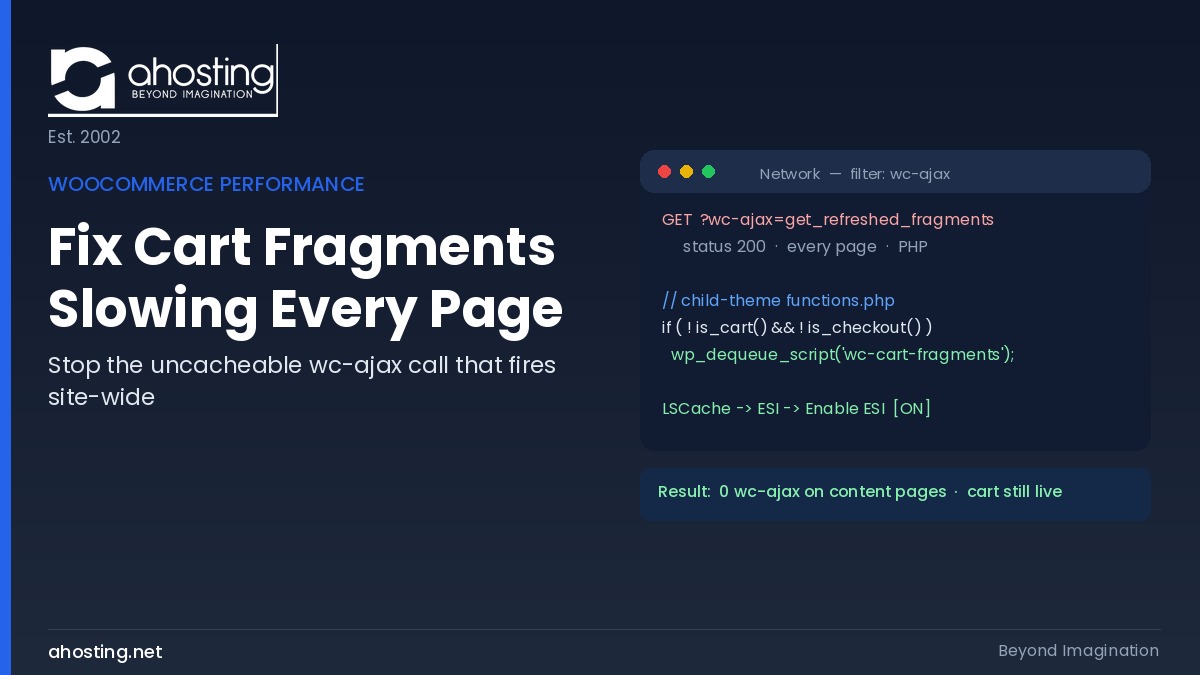
How to Fix WooCommerce Cart Fragments Slowing Every Page (2026)
TL;DRTo fix WooCommerce cart fragments slowing every page, dequeue the wc-cart-fragments script outside cart and checkout, then enable LSCache ESI so the mini-cart stays live while pages stay cached.
-
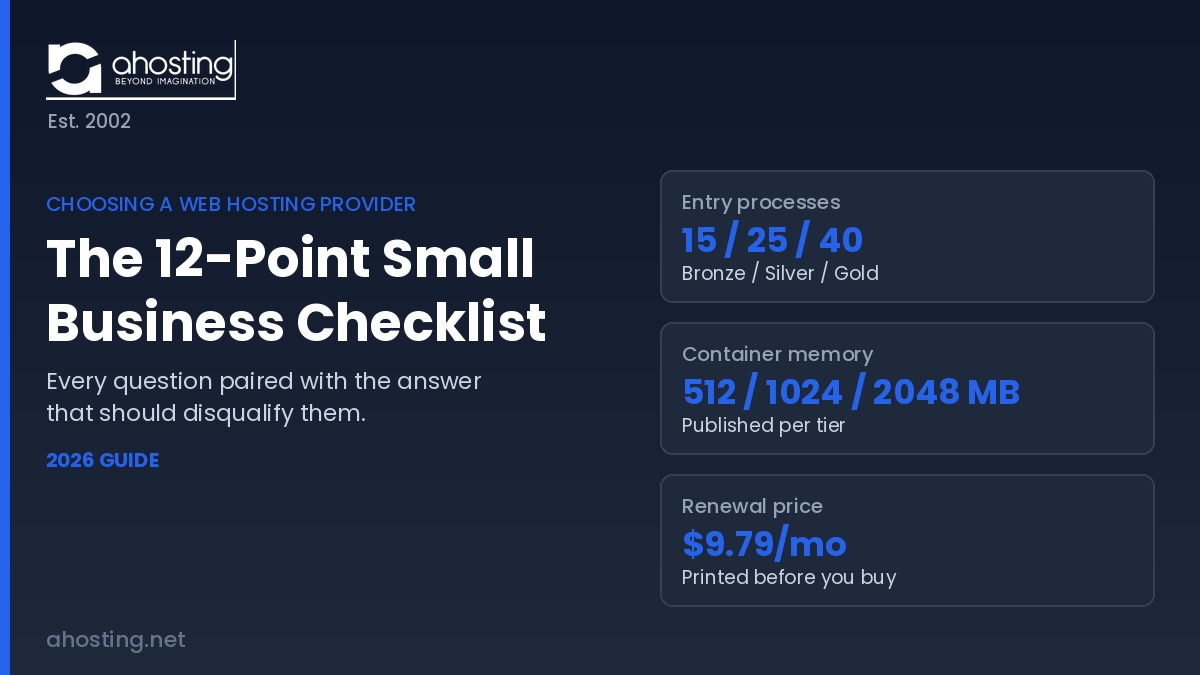
Choosing a Web Hosting Provider: The 12-Point Small Business Checklist (2026)
TL;DRChoosing a web hosting provider comes down to twelve questions with published numbers behind them. A host that will not disclose worker counts, memory ceilings, or renewal pricing is telling you something.