-

Available Disk Space Is Critically Low? What WordPress Is Really Measuring
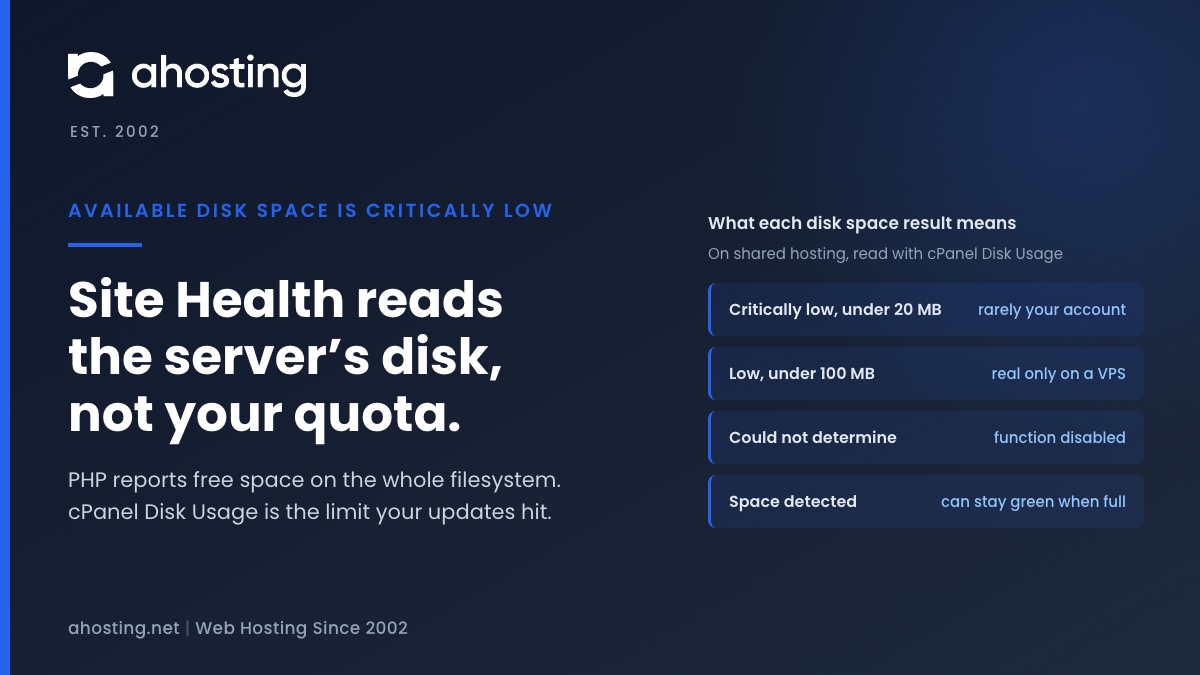
TL;DRAvailable disk space is critically low means PHP reported under 20 MB free on the filesystem that holds wp-content. On shared hosting that filesystem belongs to the whole server, not to your plan, so the warning can be wrong in either direction. Read the Disk Usage meter in cPanel instead. Near its limit: clear old backups, logs and unused plugins before updating. Plenty of room: the warning is a measuring problem, not a full site.
Categories
- CMS
- Concrete5
- Drupal
- FFmpeg / Video Hosting
- Hosting Guides
- How To
- Joomla
- Security
- SEO
- Uncategorized
- Video Content
- Web Hosting News
- WooCommerce
- WordPress
Lets Connect!
-
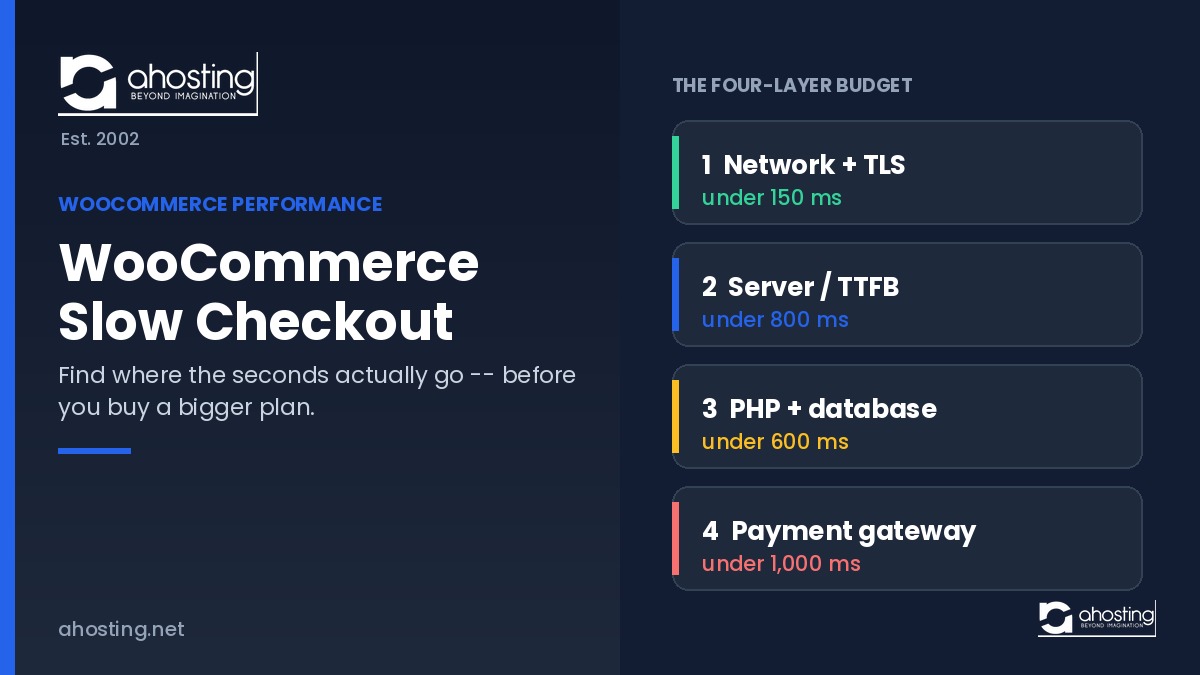
WooCommerce Slow Checkout: How to Find Where the Seconds Actually Go
TL;DRWooCommerce slow checkout is a measurement problem before it is a hosting problem. Split one request into four layers — network, server, database, gateway — then measure each. Whichever breaches its threshold is the one to fix.
-
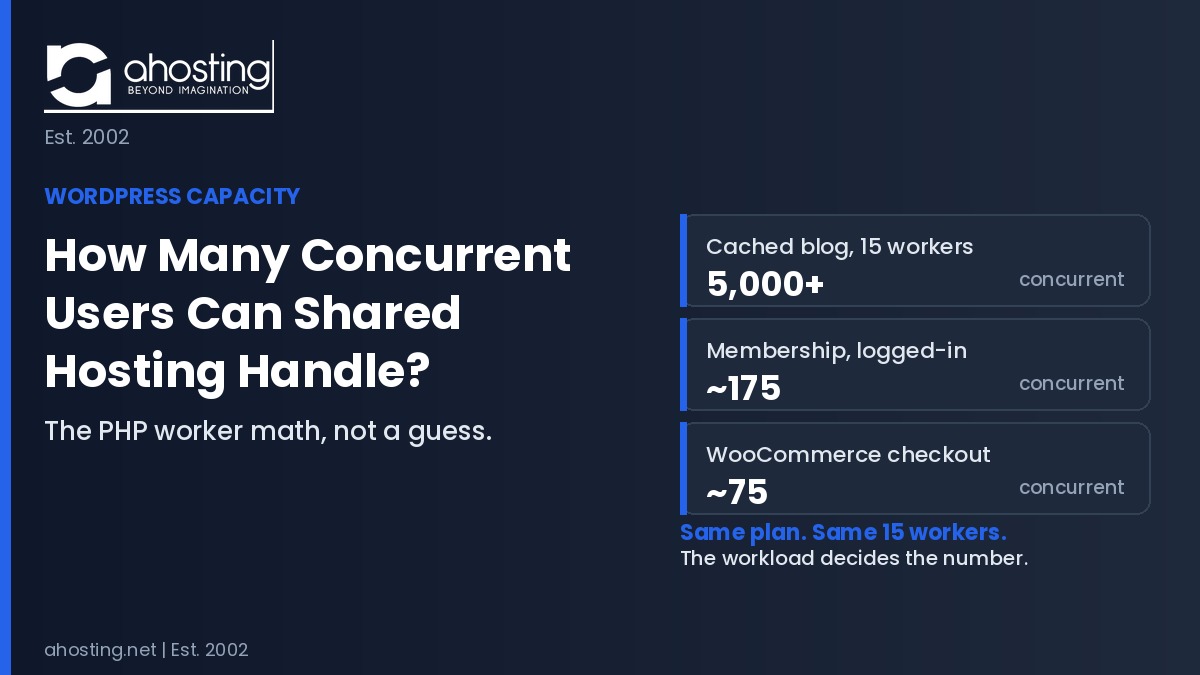
How Many Concurrent Users Can WordPress Shared Hosting Handle? The PHP Worker Math (2026)
TL;DRThe number of WordPress concurrent users shared hosting supports is not one figure. It is your PHP worker count divided by execution time, then divided by your cache-bypass rate. A cached blog handles thousands. An uncached membership site handles about 175.
-
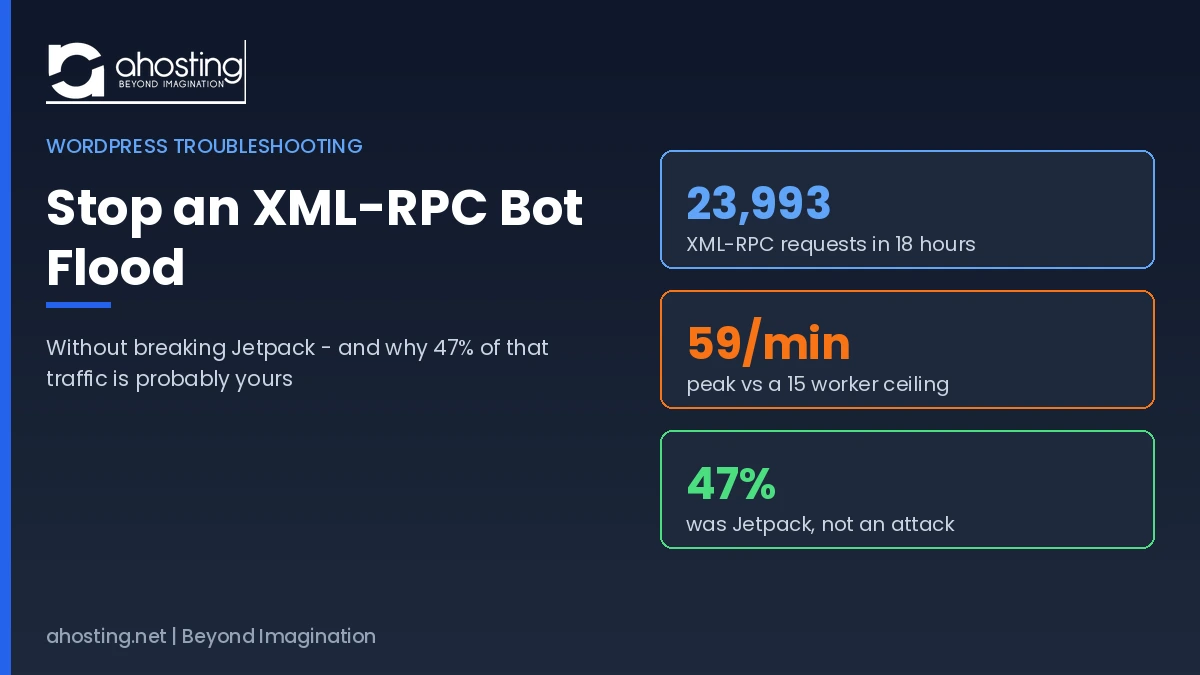
How to Stop an XML-RPC Bot Flood Without Breaking Jetpack (2026)
TL;DRTo stop an XML-RPC bot flood, allowlist Jetpack first, then deny xmlrpc.php in .htaccess so LiteSpeed refuses the request before WordPress loads and no PHP worker is consumed.
-
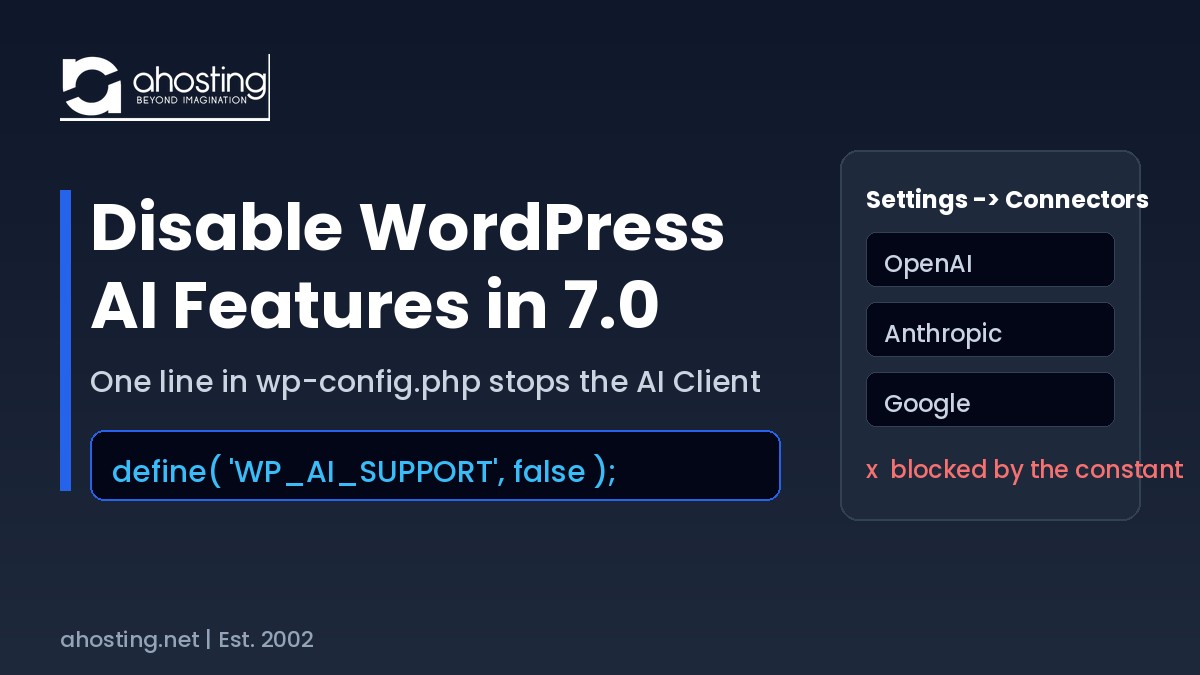
Disable WordPress AI Features in WordPress 7.0 (2026 Guide)
TL;DRTo disable WordPress AI features in WordPress 7.0, add
define( 'WP_AI_SUPPORT', false );to wp-config.php. It overrides the wp_supports_ai filter, blocks every AI provider call site-wide, and a plugin cannot re-enable it.