-

Available Disk Space Is Critically Low? What WordPress Is Really Measuring
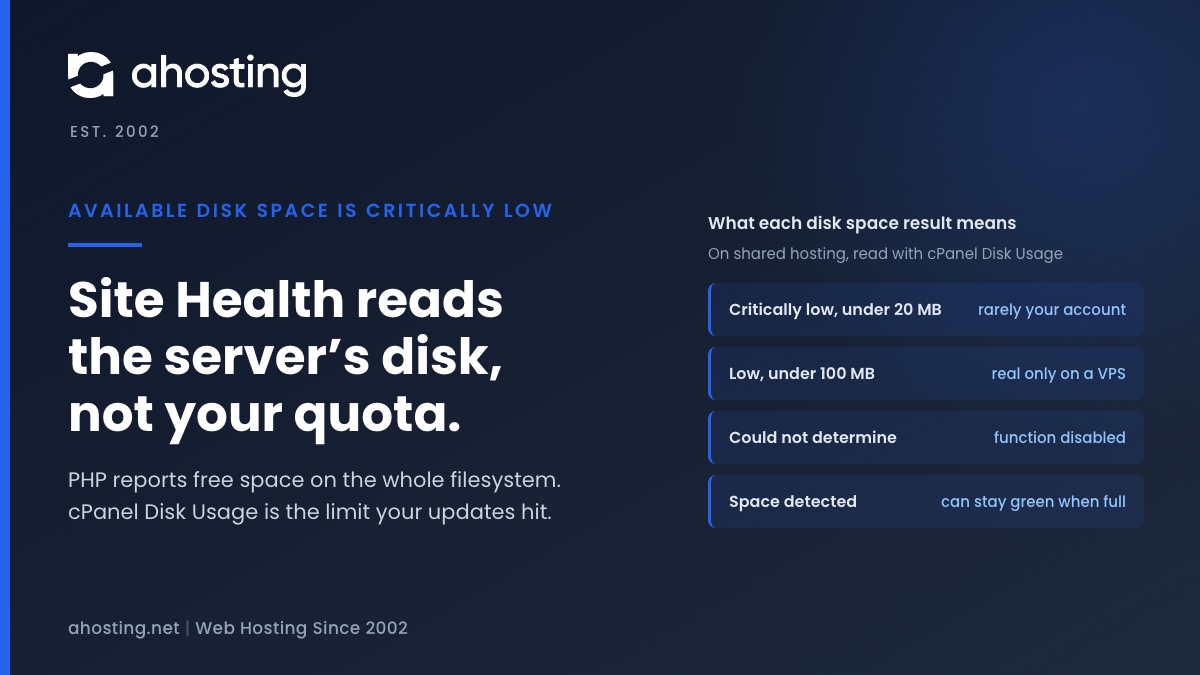
TL;DRAvailable disk space is critically low means PHP reported under 20 MB free on the filesystem that holds wp-content. On shared hosting that filesystem belongs to the whole server, not to your plan, so the warning can be wrong in either direction. Read the Disk Usage meter in cPanel instead. Near its limit: clear old backups, logs and unused plugins before updating. Plenty of room: the warning is a measuring problem, not a full site.
Categories
- CMS
- Concrete5
- Drupal
- FFmpeg / Video Hosting
- Hosting Guides
- How To
- Joomla
- Security
- SEO
- Uncategorized
- Video Content
- Web Hosting News
- WooCommerce
- WordPress
Lets Connect!
-
WordPress Could Not Establish a Secure Connection to WordPress.org: How to Read the Error and Fix It on Shared Hosting
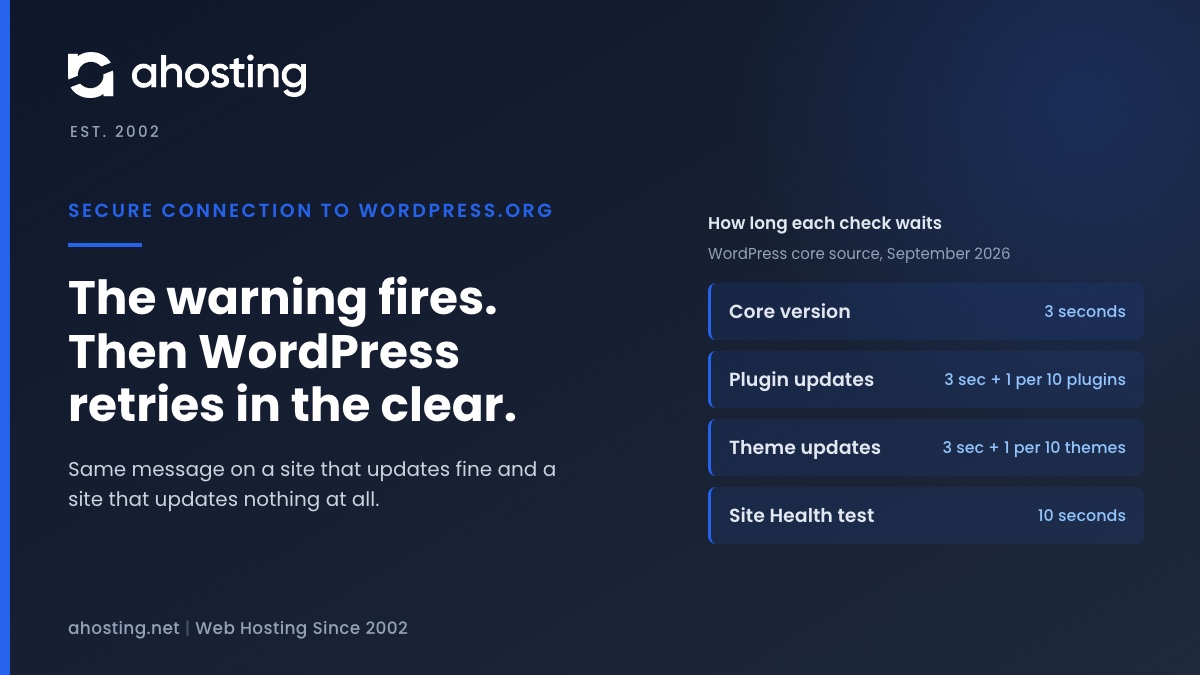
TL;DRThe warning means one HTTPS request to api.wordpress.org failed, and core then retried the same request over plain HTTP. So the message alone does not say whether updates are broken. Read the error line: a certificate error is the trust store on your server, a timeout is the three-second clock the update checks run on, and a blocked-URL message is a constant in your own wp-config.php.
-
Your Site Could Not Complete a Loopback Request: How to Read the Error and Fix It on Shared Hosting
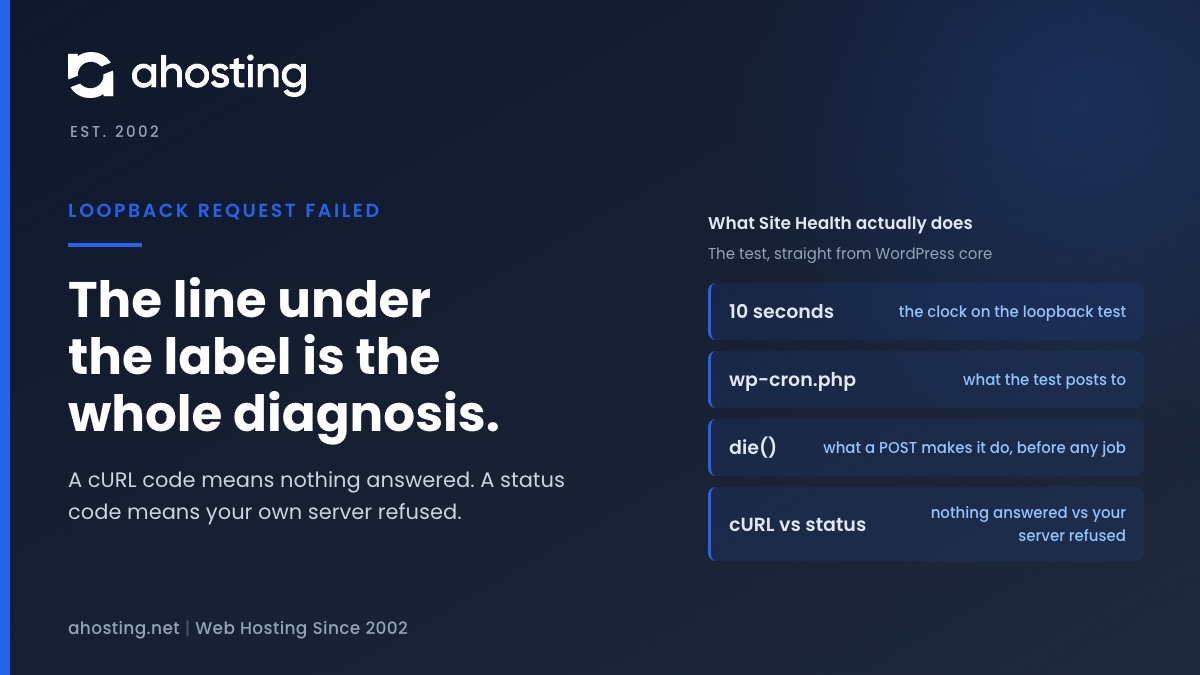
TL;DRA failed loopback request means WordPress could not reach its own wp-cron.php with a ten-second POST. The code printed under the label is the diagnosis: a cURL error means nothing answered (DNS, firewall, network), a status code means your own server refused (Cloudflare, ModSecurity, a deny rule, or the entry-process ceiling).
-
Autoloaded Options Could Affect Performance: How to Read the Site Health Warning and Clear It on Shared Hosting
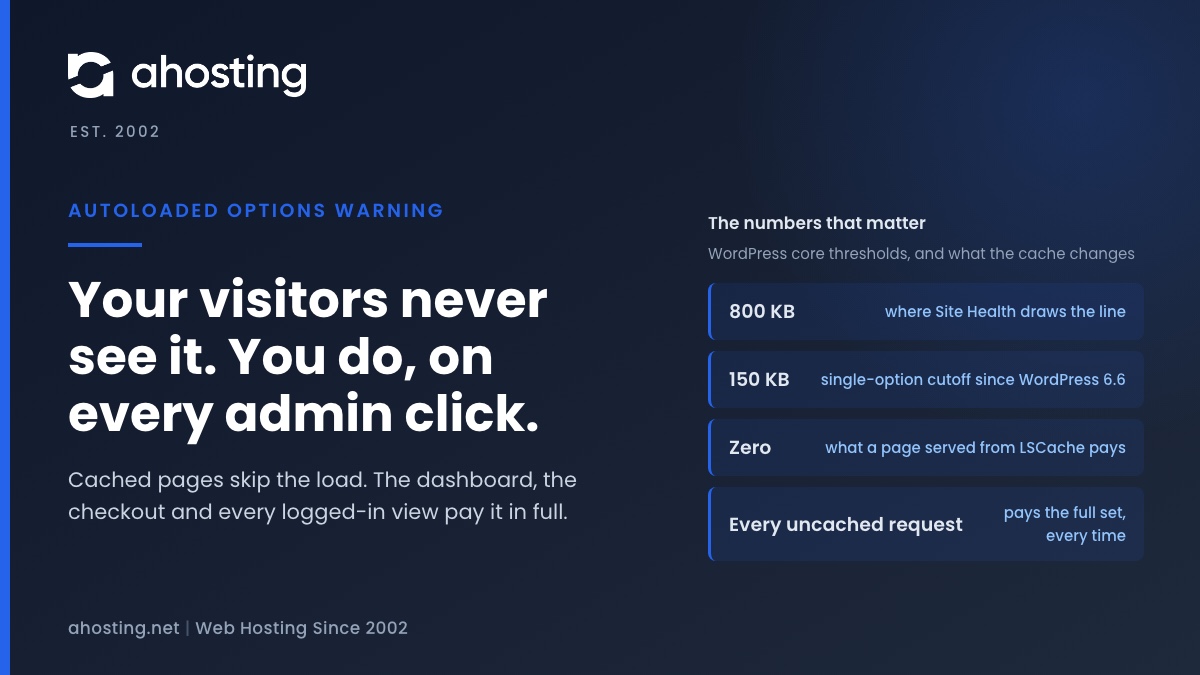
TL;DRThe warning that autoloaded options could affect performance means WordPress now loads more than 800 KB of settings before it routes every uncached request. Cached pages never pay it; your admin, your checkout and every logged-in view pay it in full. Export the options table, clear expired transients, delete leftovers from removed plugins, then switch autoload off per large row — never wholesale.
-
Your Hosting Says 100% Full With 8 GB Free: How to Fix a WordPress Inode Limit
TL;DRAn inode limit counts files, not bytes, so an account can report itself full with most of its disk unused. Open cPanel and read the File Usage row in the Statistics panel against the Disk Usage row above it. If the file count is near its ceiling while storage is not, adding gigabytes fixes nothing — find the directory holding the files instead, and start with mail, cache and old backups.