-

Available Disk Space Is Critically Low? What WordPress Is Really Measuring
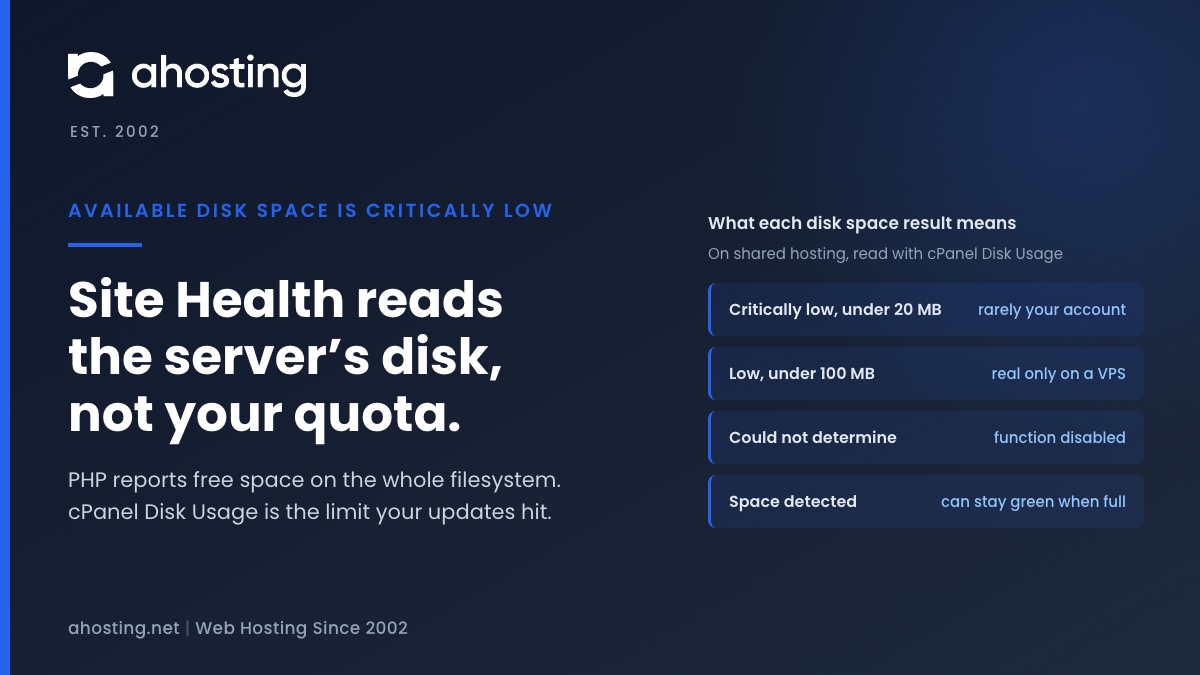
TL;DRAvailable disk space is critically low means PHP reported under 20 MB free on the filesystem that holds wp-content. On shared hosting that filesystem belongs to the whole server, not to your plan, so the warning can be wrong in either direction. Read the Disk Usage meter in cPanel instead. Near its limit: clear old backups, logs and unused plugins before updating. Plenty of room: the warning is a measuring problem, not a full site.
Categories
- CMS
- Concrete5
- Drupal
- FFmpeg / Video Hosting
- Hosting Guides
- How To
- Joomla
- Security
- SEO
- Uncategorized
- Video Content
- Web Hosting News
- WooCommerce
- WordPress
Lets Connect!
-
Your Site Is Slow, CPU and Memory Are Fine: How to Tell If You’re Being Disk-I/O Throttled
TL;DRA disk I/O limit never returns an error. CloudLinux puts your processes to sleep, so the page still loads and simply takes longer, which is why CPU and memory look innocent. Open cPanel, go to Logs and then Resource Usage, and read the Faults column for the minutes the site was slow. Faults on the disk rows and none on the entry process row means you are throttled, not out of workers.
-
FFmpeg Server Requirements: How to Size a Plan From Your Own Encode Queue
TL;DRFFmpeg server requirements come from one number: finished encode-minutes per day. Measure a single job, multiply by your rendition ladder, then read off the tier that clears it. The plan name is the last decision, not the first.
-
AI Crawler Traffic Is Now a Hosting Cost: 65,044 Fetches, Measured
TL;DRAHosting logged 65,044 AI crawler fetches in 28 days against 298 Google clicks. Most of that load costs nothing, because a cached page consumes no entry process — and most of it cannot be blocked with robots.txt either, because 72% of it is user-triggered.
-
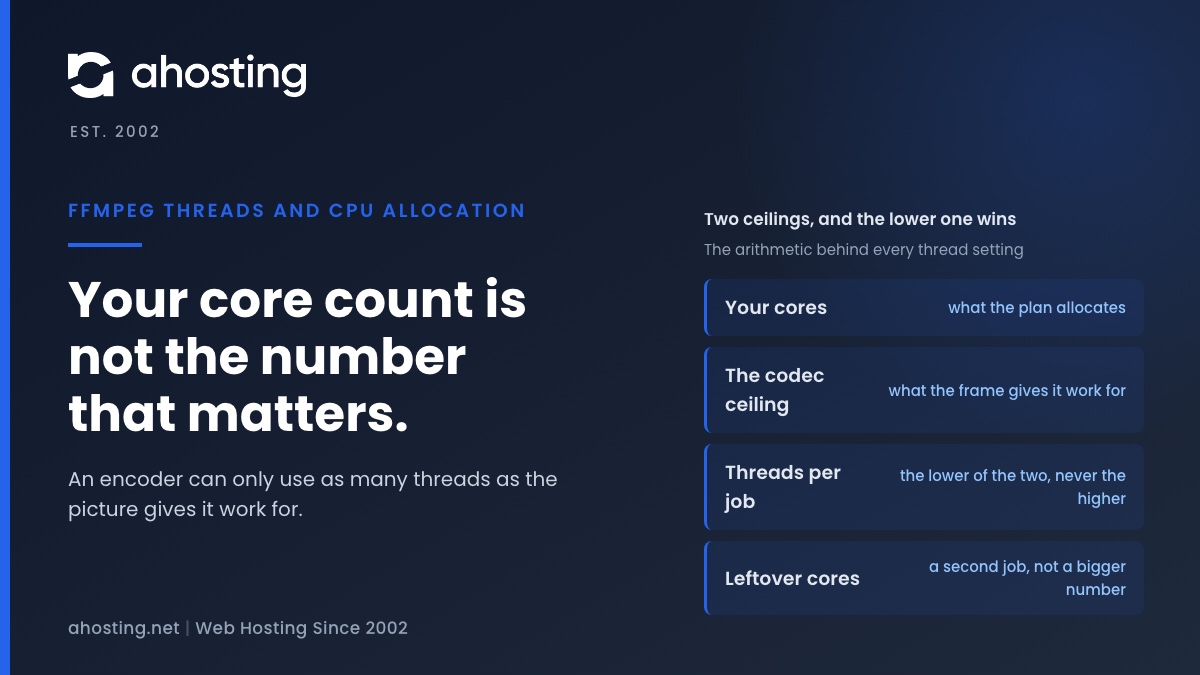
FFmpeg Threads and CPU Allocation: How Many Threads Actually Help
TL;DRUseful FFmpeg threads are capped by the video, not by your core count. At 1080p that cap is about four, so spare vCPU buys a second job rather than a bigger thread number.