-

The Server Cannot Process the Image: What WordPress Is Telling You
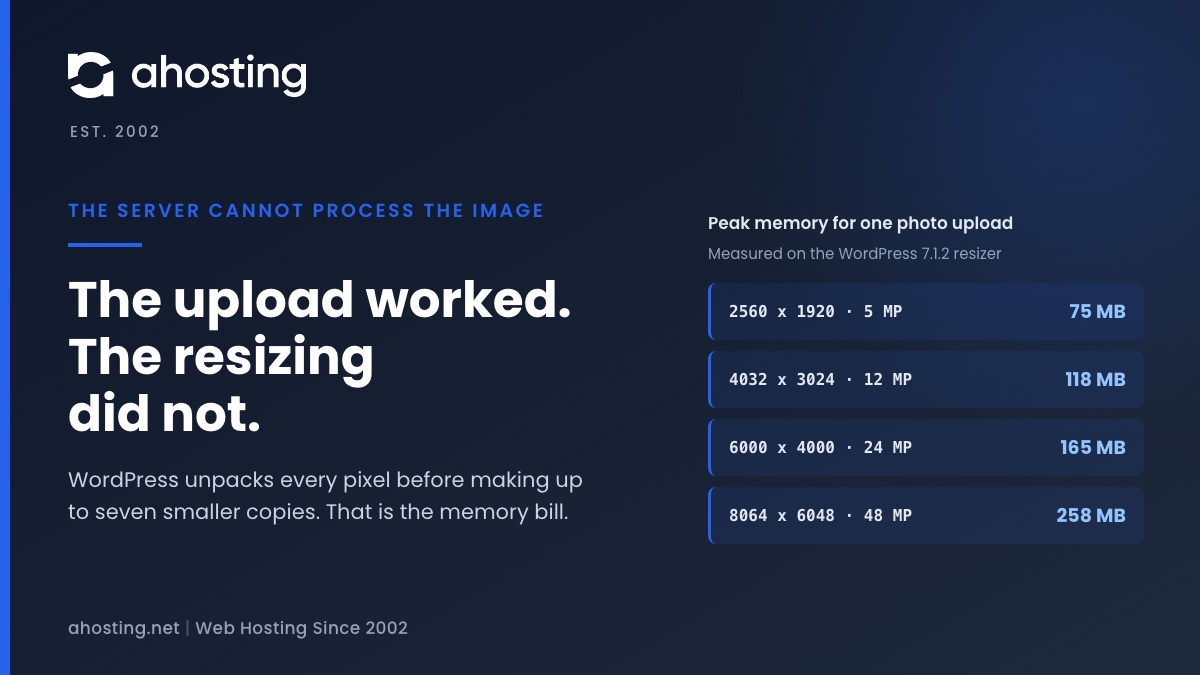
TL;DRWhen WordPress says the server cannot process the image, the upload almost always worked. What failed is the resizing that follows, which unpacks every pixel of the photo into memory before making up to seven smaller copies. We measured that at about a quarter of a gigabyte for a 48 megapixel phone photo. Since WordPress 7.1 the block editor can do the resizing in your browser instead, while the Media Library still does it on the server, so the same photo can fail in one and work in the other. The fix depends on which limit stopped the resize, and your error log usually says which.
Categories
- CMS
- Concrete5
- Drupal
- FFmpeg / Video Hosting
- Hosting Guides
- How To
- Joomla
- Security
- SEO
- Uncategorized
- Video Content
- Web Hosting News
- WooCommerce
- WordPress
Lets Connect!
-
One or More Recommended Modules Are Missing: How to Read the WordPress Site Health Warning and Fix It on Shared Hosting
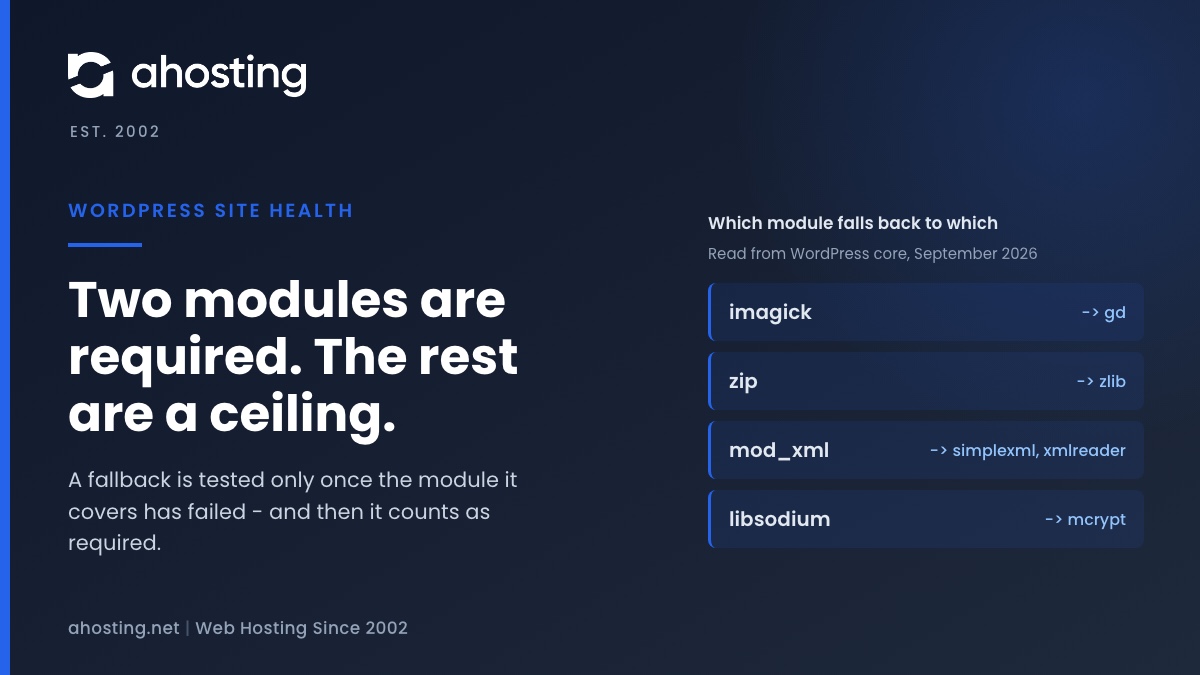
TL;DRSite Health tests twenty PHP modules and marks only two of them required, so a heading saying recommended modules are missing is almost always a quality ceiling rather than a fault. Read the module names under it, not the heading. Four of those modules are fallbacks for other modules, and a missing fallback is the one case that turns the warning into a red critical — which is why the same screen can go from yellow to red without anything new breaking.
-
WordPress Could Not Establish a Secure Connection to WordPress.org: How to Read the Error and Fix It on Shared Hosting
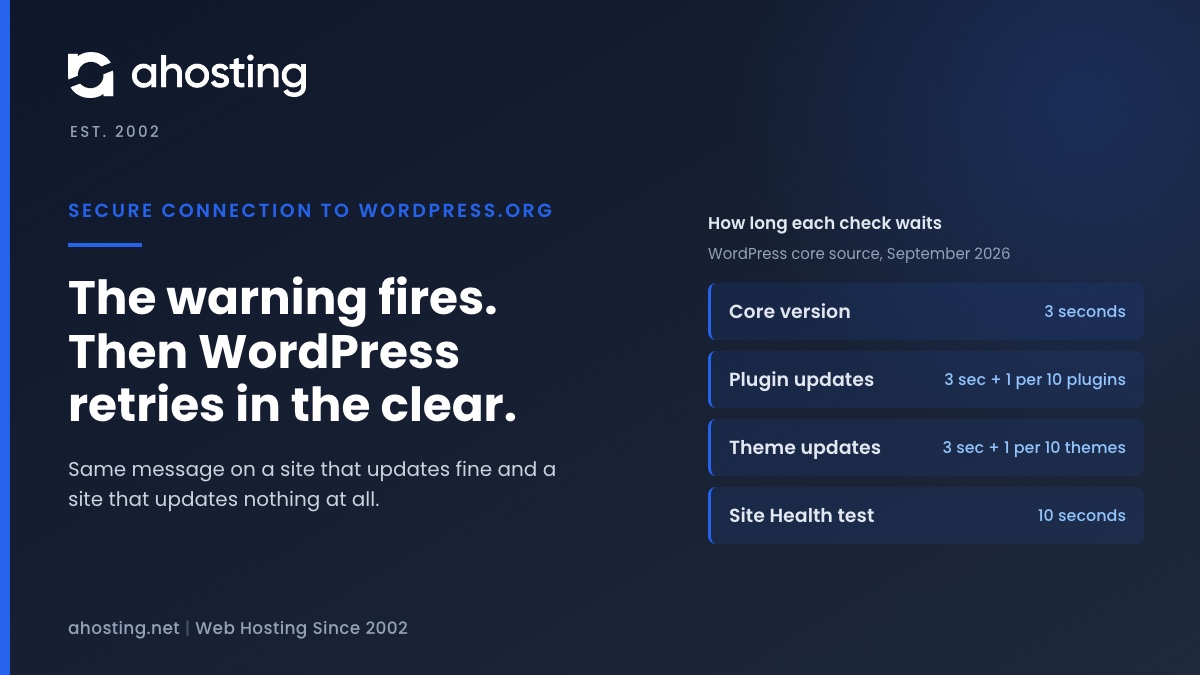
TL;DRThe warning means one HTTPS request to api.wordpress.org failed, and core then retried the same request over plain HTTP. So the message alone does not say whether updates are broken. Read the error line: a certificate error is the trust store on your server, a timeout is the three-second clock the update checks run on, and a blocked-URL message is a constant in your own wp-config.php.
-
Your Site Could Not Complete a Loopback Request: How to Read the Error and Fix It on Shared Hosting
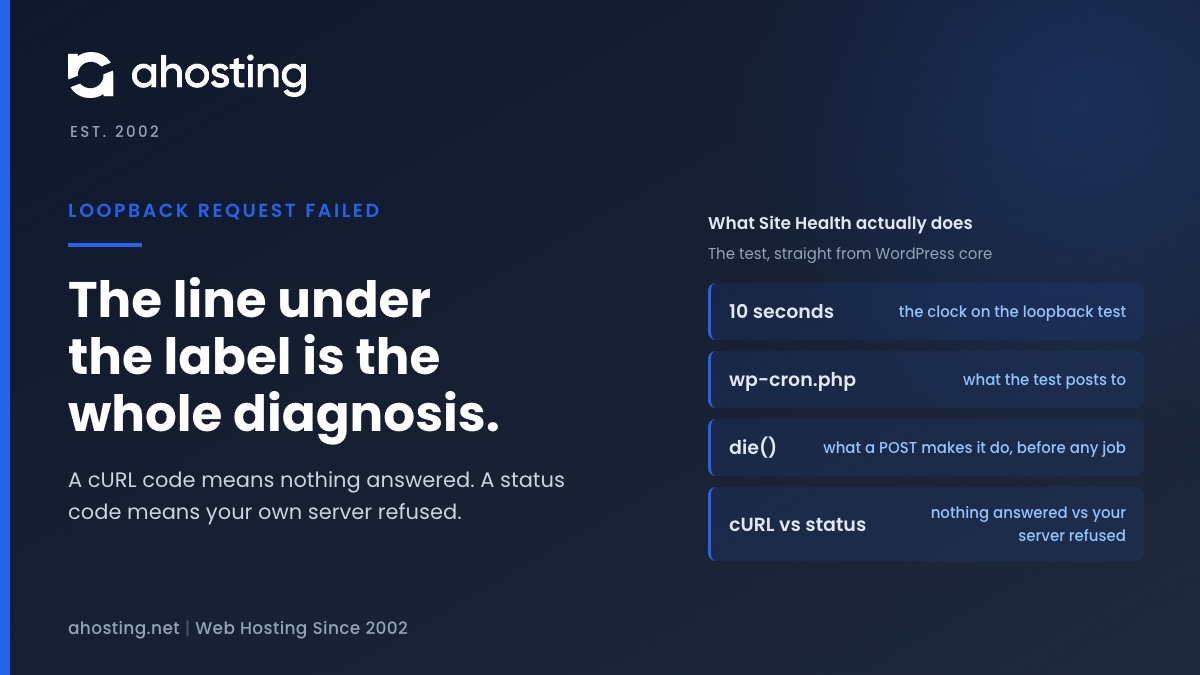
TL;DRA failed loopback request means WordPress could not reach its own wp-cron.php with a ten-second POST. The code printed under the label is the diagnosis: a cURL error means nothing answered (DNS, firewall, network), a status code means your own server refused (Cloudflare, ModSecurity, a deny rule, or the entry-process ceiling).
-
Autoloaded Options Could Affect Performance: How to Read the Site Health Warning and Clear It on Shared Hosting
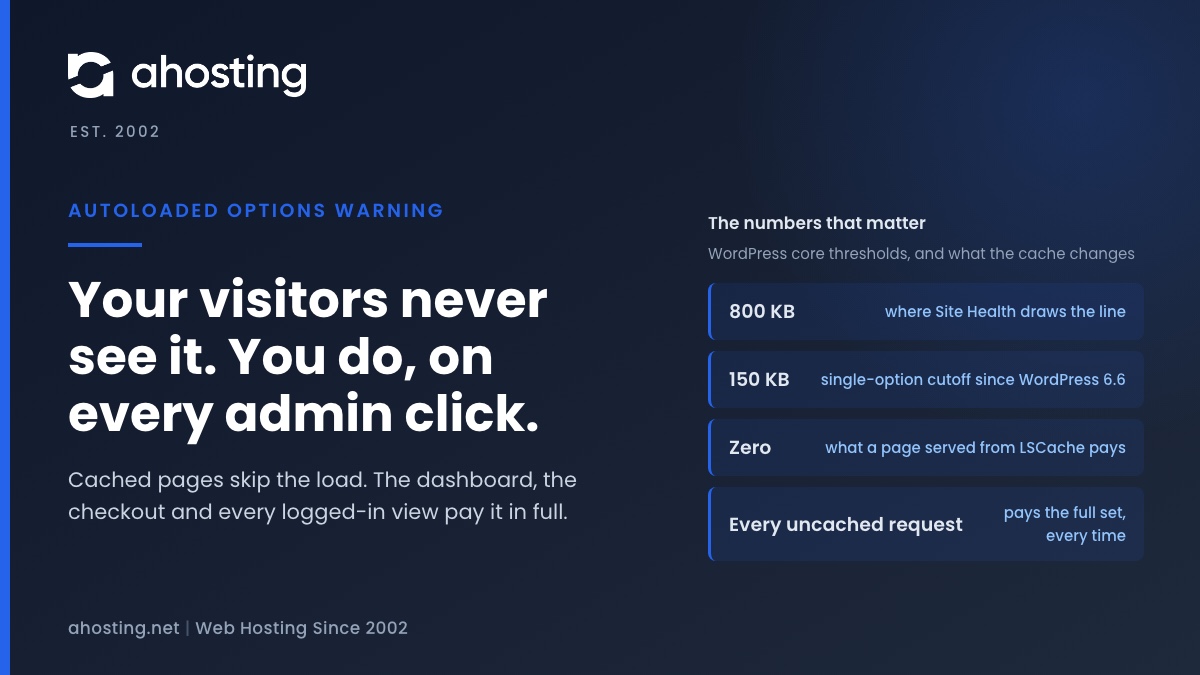
TL;DRThe warning that autoloaded options could affect performance means WordPress now loads more than 800 KB of settings before it routes every uncached request. Cached pages never pay it; your admin, your checkout and every logged-in view pay it in full. Export the options table, clear expired transients, delete leftovers from removed plugins, then switch autoload off per large row — never wholesale.