Ahosting Logo
  • Hosting
    • WordPress Hosting
      Fast, secure hosting for WordPress sites
    • Web Hosting
      Reliable, affordable hosting for sites
    • FFMpeg Hosting
      Fast hosting for FFmpeg projects
    • Reseller Hosting
      Start hosting biz with white-label plans
    • VPS Hosting
      Scalable VPS with full control & power
    • Dedicated Server
      High-power servers for max security
    • WooCommerce Hosting
      Fast hosting for WooCommerce shops
  • Domain
    • Register a Domain
      Secure your domain name in minutes
    • Domain Transfer
      Move domains to Ahosting with ease
    • Premium SSL Certificate
      Enterprise SSL to build customer trust
  • Support
    • Submit A Ticket
      Expert 24/7 help from our support team
    • Abuse Report
      Report abuse to keep network safe
    • Knowledge Base
      Quick answers via step-by-step guides
  • Company
    • Blog
      Expert articles to power your online growth
    • Compare Hosts
      Side-by-side comparison
    • Datacenter
      Secure, high tech datacenter for hosting
    • About Us
      Learn about our mission, values & team
    • Contact Us
      Contact sales for plans, pricing & advice
    • Sitemap
      Find info fast with our clear site map
My Account
Ahosting Logo
  • Hosting
    • Web Hosting
    • WordPress Hosting
    • FFMpeg Hosting
    • Reseller Hosting
    • VPS Hosting
    • Dedicated Server
    • WooCommerce Hosting
  • Domain
    • Register a Domain
    • Domain Transfer
    • Premium SSL Certificate
  • Support
    • Knowledge Base
    • Abuse Report
    • Submit A Ticket
  • Company
    • About Us
    • Contact Us
    • Blog
    • Sitemap
    • Datacenter
  • Legal
    • Privacy Policy
    • Terms of Service
    • Acceptable Use Policy
    • Service Level Agreement
    • Resource Abuse Policy
My Account

AHosting Blog

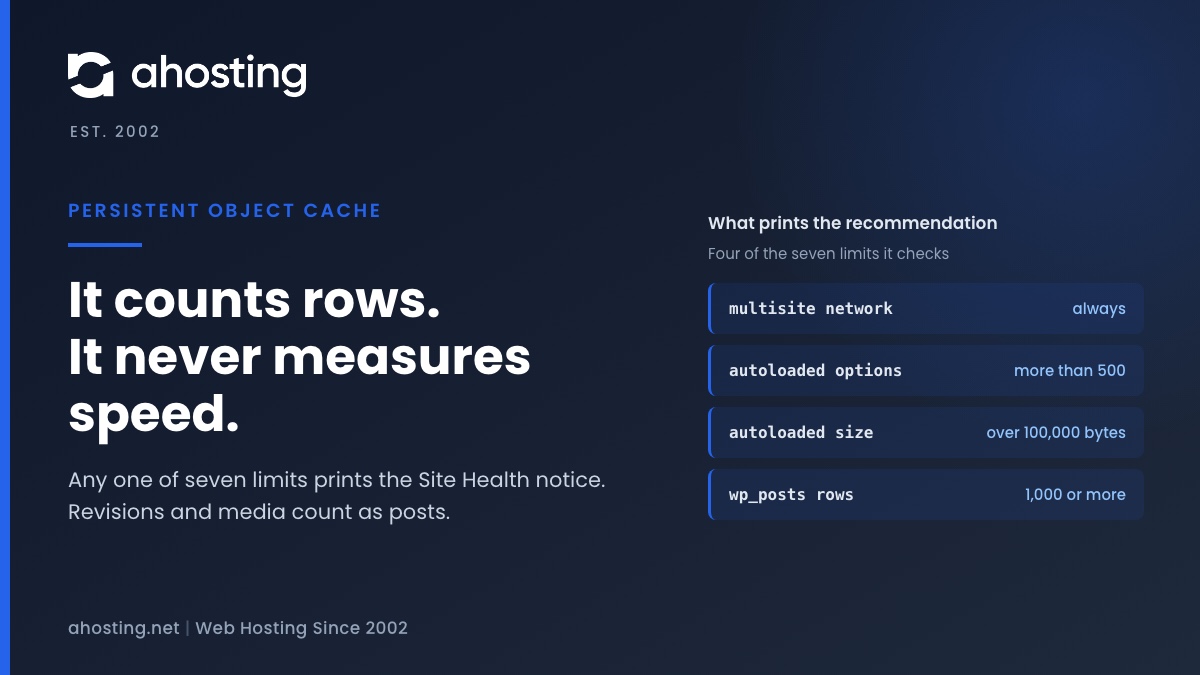
  • AHosting card on the Site Health notice you should use a persistent object cache, showing four of the seven limits that print it.

    You Should Use a Persistent Object Cache: What WordPress Site Health Actually Measures

    TL;DR

    Site Health recommends a persistent object cache when your site crosses a size line, not when it is slow. Any one of seven counters is enough: a multisite network, more than 500 autoloaded options or 100,000 bytes of them, or 1,000 rows in the posts, comments, options, terms or users table. Revisions and media count as posts, so small sites trip it often. An object cache also needs a cache server, and a plugin alone cannot provide one. Decide first whether your traffic is the kind an object cache speeds up.
    September 25, 2026

Categories

  • CMS
  • Concrete5
  • Drupal
  • FFmpeg / Video Hosting
  • Hosting Guides
  • How To
  • Joomla
  • Security
  • SEO
  • Uncategorized
  • Video Content
  • Web Hosting News
  • WooCommerce
  • WordPress

Lets Connect!

  • X
  • Facebook
  • LinkedIn
  • Instagram
  • YouTube
  • Pinterest
  • How to Push WordPress Staging to Live Without Losing Data

    TL;DR

    To push WordPress staging to live without data loss, exclude the tables production wrote to since you cloned — users, comments, and every WooCommerce order table for your storage mode — then push files and settings only.

    August 3, 2026
    Diagram showing how to push WordPress staging to live safely, with the four table groups that must never be pushed from a staging clone — AHosting.
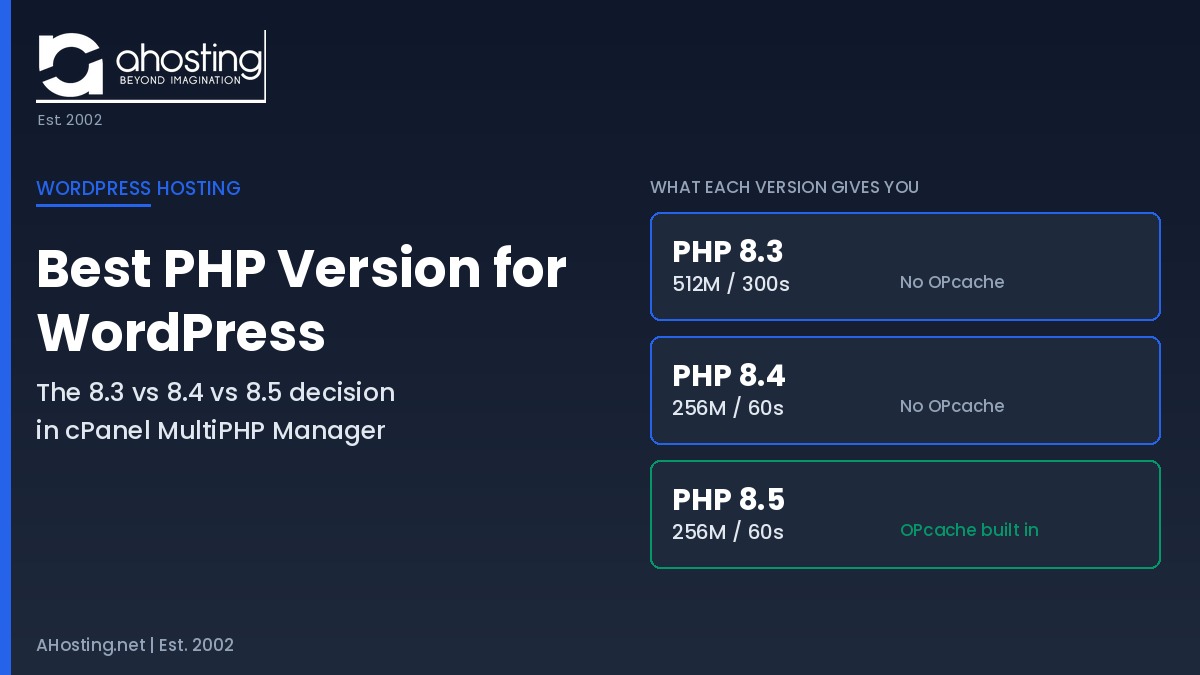
  • Best PHP Version for WordPress: The 8.3 vs 8.4 vs 8.5 Decision in cPanel

    TL;DR

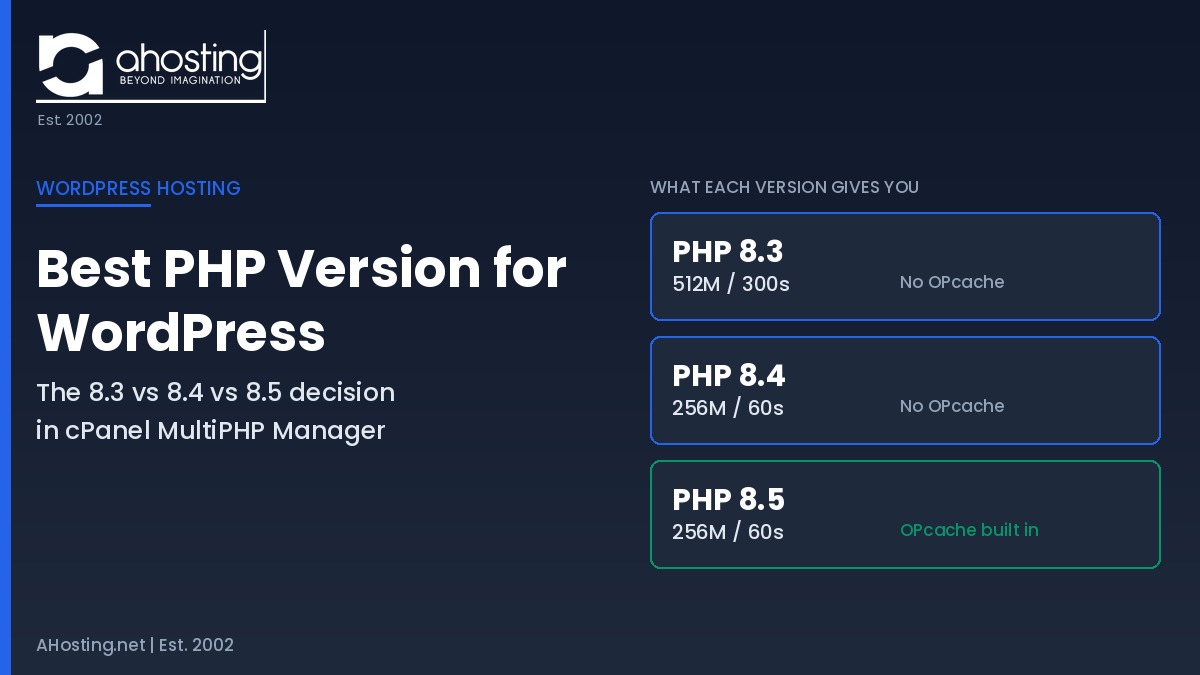
    The best PHP version for WordPress in 2026 is PHP 8.3 for compatibility or PHP 8.5 for speed. On AHosting, each version also sets a different memory limit and timeout.

    August 3, 2026
    Best PHP version for WordPress comparison chart showing PHP 8.3, 8.4 and 8.5 memory limits, timeouts and OPcache availability on AHosting cPanel hosting.
  • WordPress White Screen of Death: A Host’s Step-by-Step Recovery Guide

    TL;DR

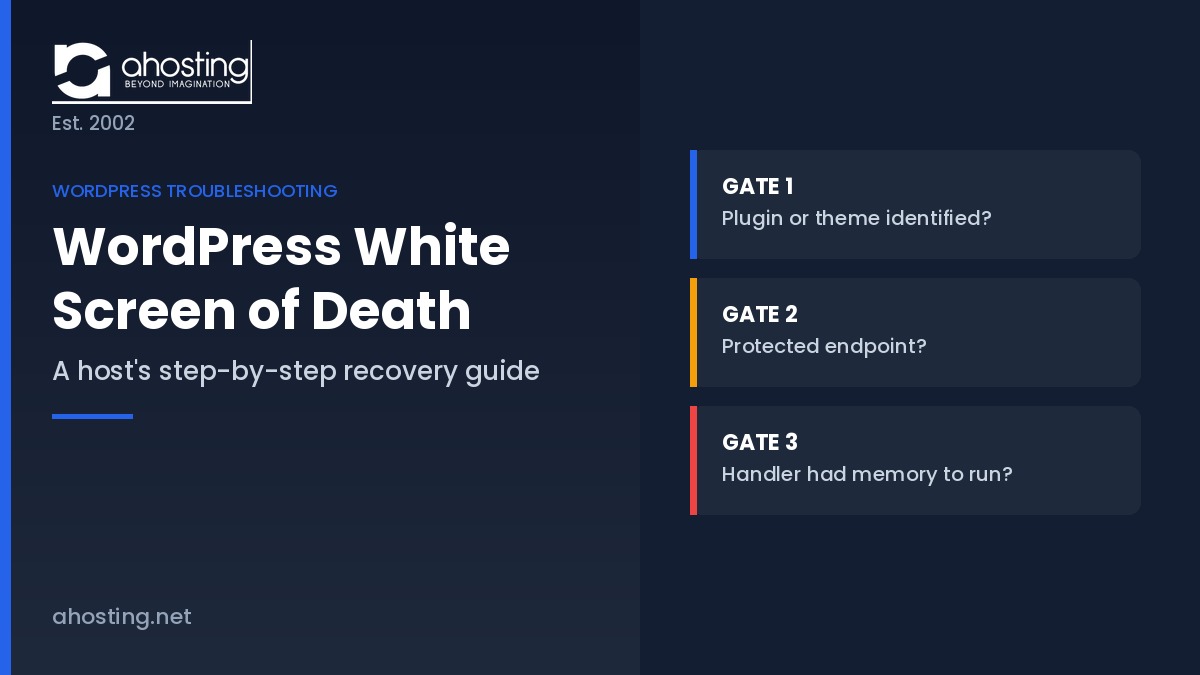
    The WordPress white screen of death is a fatal PHP error, not an outage. Three server-controlled conditions decide whether you get a recovery email, a critical error page, or a silent blank screen.

    July 31, 2026
    WordPress white screen of death recovery guide showing the three gates WordPress core evaluates before a blank page — AHosting
  • How to Optimize a WordPress Site for AI Search (AEO/GEO): The Infrastructure Half Nobody Covers

    TL;DR

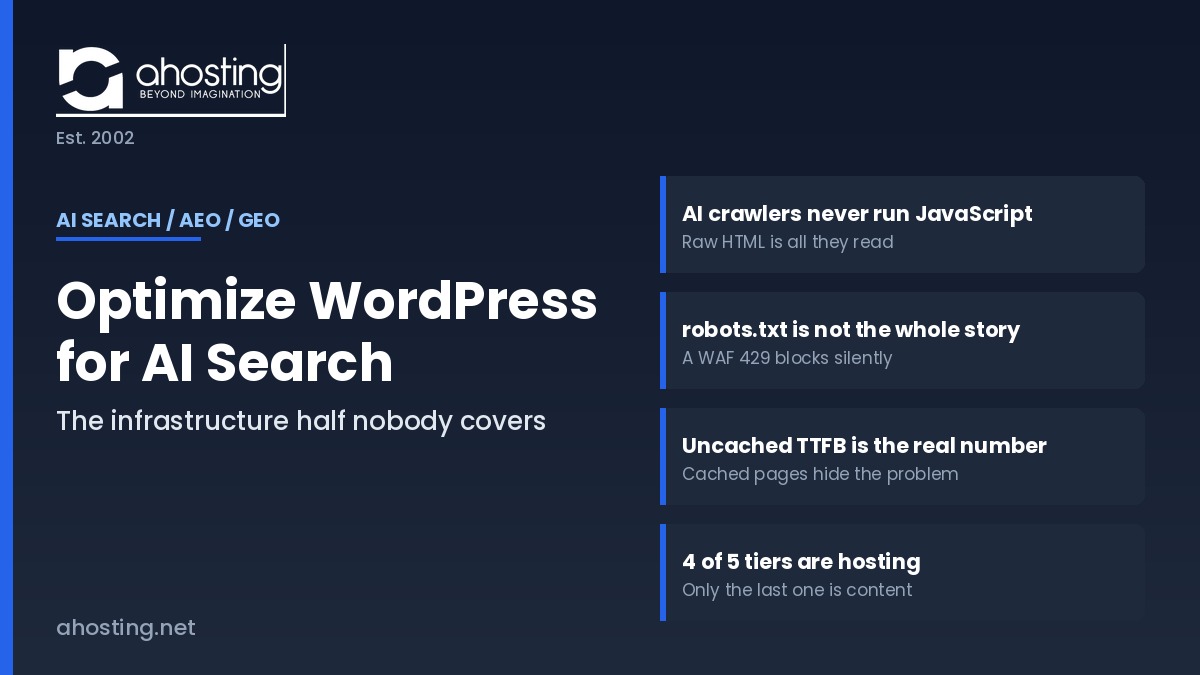
    To optimize WordPress for AI search, start at the server: AI crawlers never run JavaScript, so whatever your server returns in that first response is the only content ChatGPT, Claude, and Perplexity can ever cite.
    July 30, 2026
    Optimize WordPress for AI search — diagram of the four server-side factors that decide whether AI crawlers can read and cite a WordPress site. AHosting.
Previous Page
1 … 7 8 9 10 11 … 30
Next Page
Ahosting Logo

Hosting

  • WordPress Hosting
  • Web Hosting
  • FFmpeg Hosting
  • WooCommerce Hosting
  • Reseller Hosting
  • VPS Hosting
  • Dedicated Server

Domain

  • Register a Domain
  • Domain Transfer
  • Premium SSL Certificate

Support

  • Knowledge Base
  • Abuse Report
  • Submit A Ticket

Company

  • Compare Hosts
  • About Us
  • Datacenter
  • Contact Us
  • Blog
  • Sitemap

Legal

  • Privacy Policy
  • Terms of Service
  • Acceptable Use Policy
  • Service Level Agreement
  • Resource Abuse Policy
  • Hosting
    • WordPress Hosting
    • Web Hosting
    • FFMpeg Hosting
    • WooCommerce Hosting
    • Reseller Hosting
    • VPS Hosting
    • Dedicated Server
  • Domain
    • Register a Domain
    • Domain Transfer
    • Premium SSL Certificate
  • Support
    • Knowledge Base
    • Abuse Report
    • Submit A Ticket
  • Company
    • About Us
    • Datacenter
    • Contact Us
    • Blog
    • Sitemap
  • Legal
    • Privacy Policy
    • Terms of Service
    • Acceptable Use Policy
    • Service Level Agreement
    • Resource Abuse Policy

Copyright © 2026 All Rights Reserved

Ahosting, Inc. BBB Accredited Business, A+ rating
Facebook X/Twitter Instagram LinkedIn YouTube