Ahosting Logo
  • Hosting
    • WordPress Hosting
      Fast, secure hosting for WordPress sites
    • Web Hosting
      Reliable, affordable hosting for sites
    • FFMpeg Hosting
      Fast hosting for FFmpeg projects
    • Reseller Hosting
      Start hosting biz with white-label plans
    • VPS Hosting
      Scalable VPS with full control & power
    • Dedicated Server
      High-power servers for max security
    • WooCommerce Hosting
      Fast hosting for WooCommerce shops
  • Domain
    • Register a Domain
      Secure your domain name in minutes
    • Domain Transfer
      Move domains to Ahosting with ease
    • Premium SSL Certificate
      Enterprise SSL to build customer trust
  • Support
    • Submit A Ticket
      Expert 24/7 help from our support team
    • Abuse Report
      Report abuse to keep network safe
    • Knowledge Base
      Quick answers via step-by-step guides
  • Company
    • Blog
      Expert articles to power your online growth
    • Compare Hosts
      Side-by-side comparison
    • Datacenter
      Secure, high tech datacenter for hosting
    • About Us
      Learn about our mission, values & team
    • Contact Us
      Contact sales for plans, pricing & advice
    • Sitemap
      Find info fast with our clear site map
My Account
Ahosting Logo
  • Hosting
    • Web Hosting
    • WordPress Hosting
    • FFMpeg Hosting
    • Reseller Hosting
    • VPS Hosting
    • Dedicated Server
    • WooCommerce Hosting
  • Domain
    • Register a Domain
    • Domain Transfer
    • Premium SSL Certificate
  • Support
    • Knowledge Base
    • Abuse Report
    • Submit A Ticket
  • Company
    • About Us
    • Contact Us
    • Blog
    • Sitemap
    • Datacenter
  • Legal
    • Privacy Policy
    • Terms of Service
    • Acceptable Use Policy
    • Service Level Agreement
    • Resource Abuse Policy
My Account

AHosting Blog

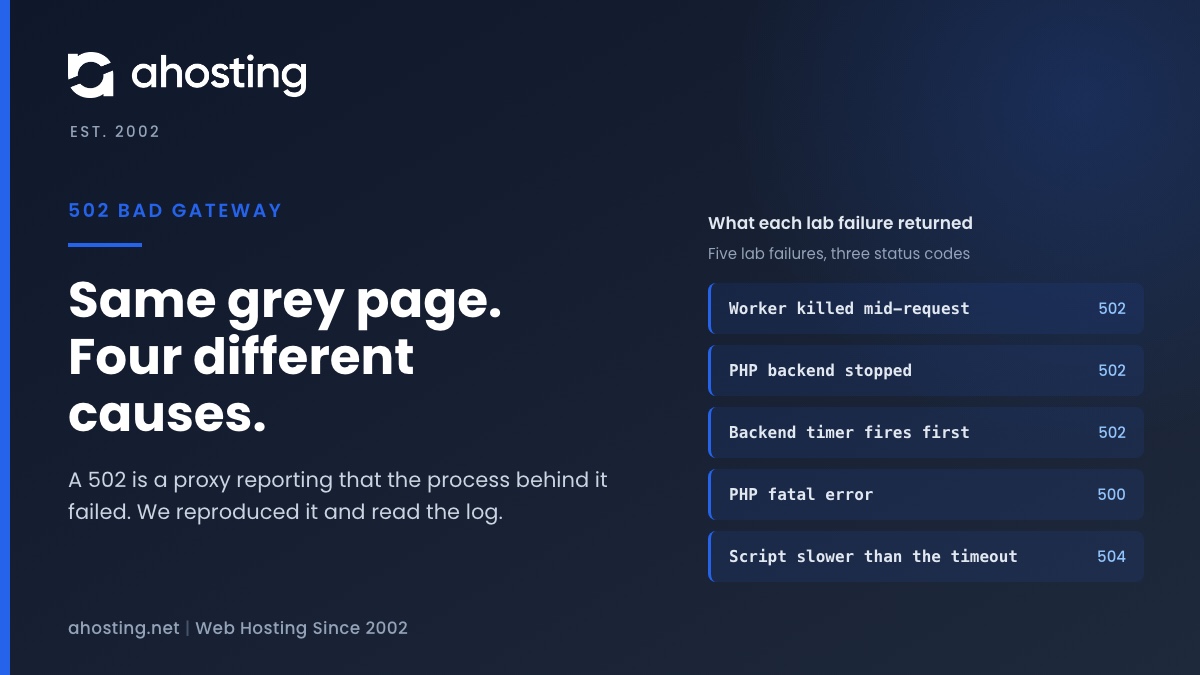
  • AHosting card for 502 bad gateway wordpress: one grey error page, four different causes, from a killed worker to a backend timer.

    502 Bad Gateway WordPress Error: Who Sent It and What Died (2026)

    TL;DR

    A 502 bad gateway WordPress error is a proxy reporting that the process behind it died, vanished or sent a broken answer. Find out who sent it, then read the log line: a PHP fatal error is a 500, and a slow request is a 504.
    November 13, 2026

Categories

  • CMS
  • Concrete5
  • Drupal
  • FFmpeg / Video Hosting
  • Hosting Guides
  • How To
  • Joomla
  • Security
  • SEO
  • Uncategorized
  • Video Content
  • Web Hosting News
  • WooCommerce
  • WordPress

Lets Connect!

  • X
  • Facebook
  • LinkedIn
  • Instagram
  • YouTube
  • Pinterest
  • Your Server Is Running PHP Version X but WordPress Requires Y” – What to Actually Do

    TL;DR

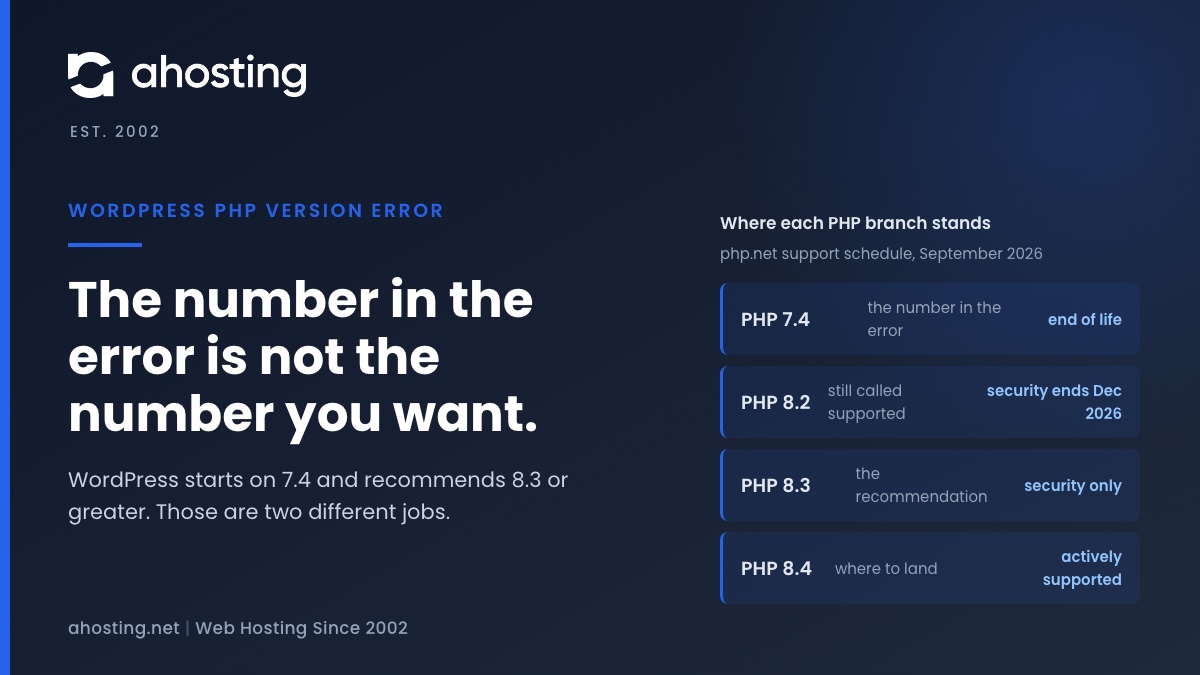
    The WordPress PHP version error is a pre-boot fatal, not an admin notice. Raise PHP in cPanel to clear it, but do not stop at the number in the message: WordPress enforces 7.4 and recommends 8.3 or greater.

    September 1, 2026
    A browser showing the WordPress PHP version error on a blank page, beside a cPanel PHP version selector
  • Slow FFmpeg Encoding on Shared Hosting: Find Your CPU Cap

    TL;DR

    Slow FFmpeg encoding on shared hosting is usually a CPU cap, not a bad command. Time one encode, divide user seconds by your plan’s cores, and you have the floor no flag can beat.

    August 31, 2026
    Slow FFmpeg encoding diagnostic showing CPU speed limits by hosting plan and the wall-clock floor each one sets — AHosting.
  • WooCommerce Black Friday Hosting: The 12-Week Countdown Site: AHosting.net 

    TL;DR

    WooCommerce Black Friday hosting is decided by one number: entry processes divided by checkout execution time. Measure it in September, rehearse it in October, freeze the site in November.

    August 31, 2026
    WooCommerce Black Friday hosting countdown showing checkout ceiling arithmetic across a twelve-week schedule
  • How to Limit WordPress Post Revisions (2026)

    TL;DR

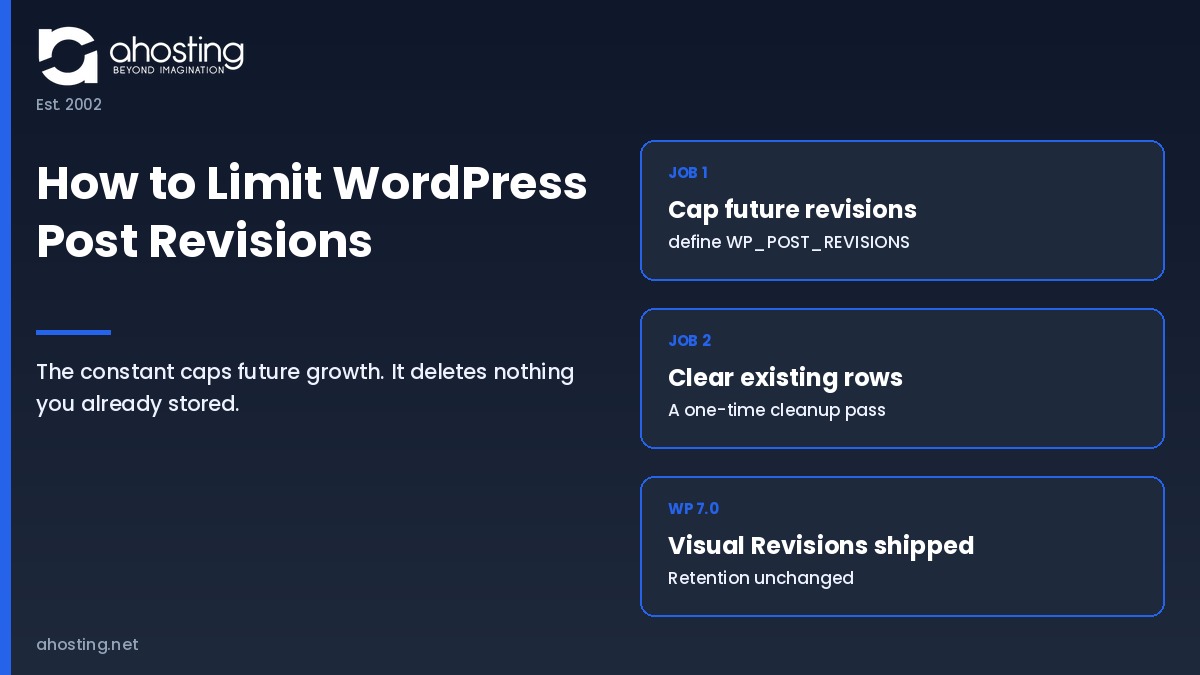
    Setting WP_POST_REVISIONS caps future growth only. To limit WordPress post revisions and actually shrink the database, you must also delete the rows already stored, because the constant removes none of them.
    August 21, 2026
    How to limit WordPress post revisions: capping WP_POST_REVISIONS controls future growth while existing revision rows need a separate cleanup — Ahosting.
Previous Page
1 … 11 12 13 14 15 … 38
Next Page
Ahosting Logo

Hosting

  • WordPress Hosting
  • Web Hosting
  • FFmpeg Hosting
  • WooCommerce Hosting
  • Reseller Hosting
  • VPS Hosting
  • Dedicated Server

Domain

  • Register a Domain
  • Domain Transfer
  • Premium SSL Certificate

Support

  • Knowledge Base
  • Abuse Report
  • Submit A Ticket

Company

  • Compare Hosts
  • About Us
  • Datacenter
  • Contact Us
  • Blog
  • Sitemap

Legal

  • Privacy Policy
  • Terms of Service
  • Acceptable Use Policy
  • Service Level Agreement
  • Resource Abuse Policy
  • Hosting
    • WordPress Hosting
    • Web Hosting
    • FFMpeg Hosting
    • WooCommerce Hosting
    • Reseller Hosting
    • VPS Hosting
    • Dedicated Server
  • Domain
    • Register a Domain
    • Domain Transfer
    • Premium SSL Certificate
  • Support
    • Knowledge Base
    • Abuse Report
    • Submit A Ticket
  • Company
    • About Us
    • Datacenter
    • Contact Us
    • Blog
    • Sitemap
  • Legal
    • Privacy Policy
    • Terms of Service
    • Acceptable Use Policy
    • Service Level Agreement
    • Resource Abuse Policy

Copyright © 2026 All Rights Reserved

Ahosting, Inc. BBB Accredited Business, A+ rating
Facebook X/Twitter Instagram LinkedIn YouTube