-

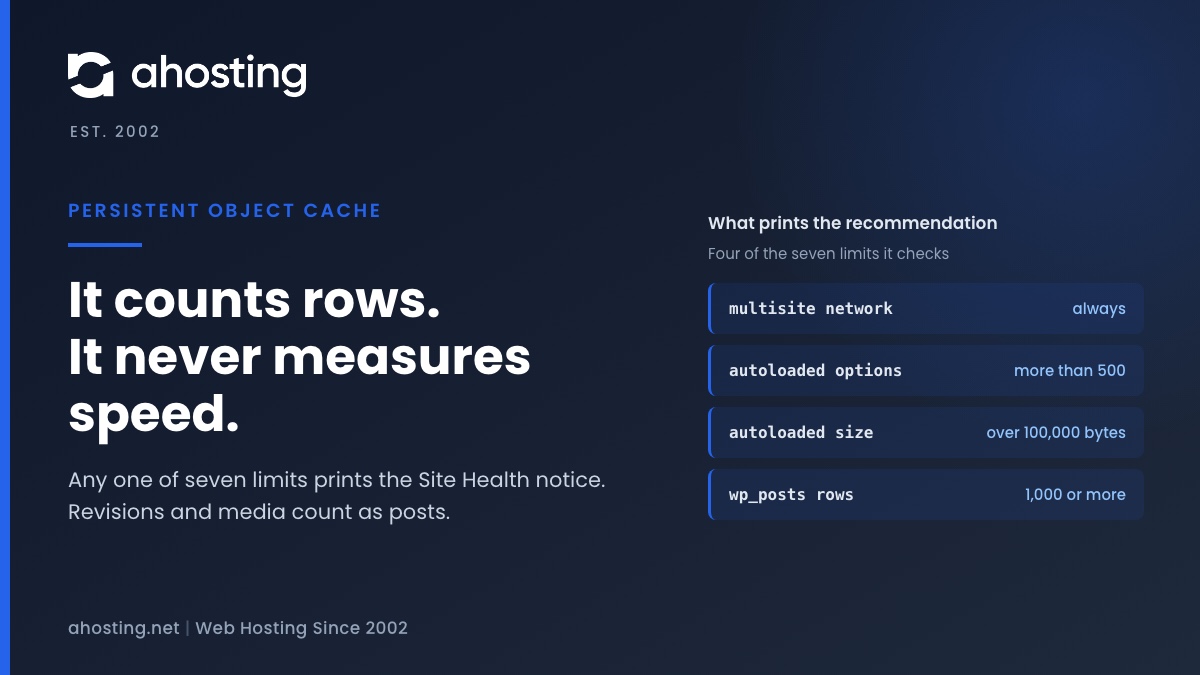
You Should Use a Persistent Object Cache: What WordPress Site Health Actually Measures
TL;DRSite Health recommends a persistent object cache when your site crosses a size line, not when it is slow. Any one of seven counters is enough: a multisite network, more than 500 autoloaded options or 100,000 bytes of them, or 1,000 rows in the posts, comments, options, terms or users table. Revisions and media count as posts, so small sites trip it often. An object cache also needs a cache server, and a plugin alone cannot provide one. Decide first whether your traffic is the kind an object cache speeds up.
Categories
- CMS
- Concrete5
- Drupal
- FFmpeg / Video Hosting
- Hosting Guides
- How To
- Joomla
- Security
- SEO
- Uncategorized
- Video Content
- Web Hosting News
- WooCommerce
- WordPress
Lets Connect!
-
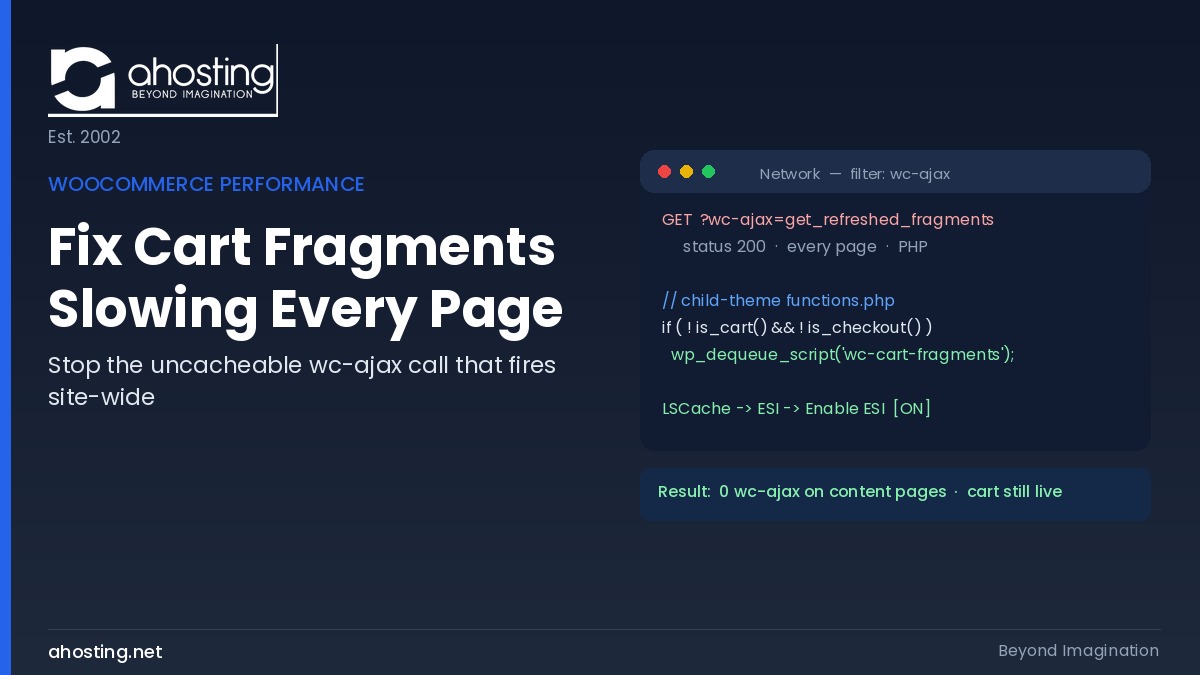
How to Fix WooCommerce Cart Fragments Slowing Every Page (2026)
TL;DRTo fix WooCommerce cart fragments slowing every page, dequeue the wc-cart-fragments script outside cart and checkout, then enable LSCache ESI so the mini-cart stays live while pages stay cached.
-
Choosing a Web Hosting Provider: The 12-Point Small Business Checklist (2026)
TL;DRChoosing a web hosting provider comes down to twelve questions with published numbers behind them. A host that will not disclose worker counts, memory ceilings, or renewal pricing is telling you something.
-
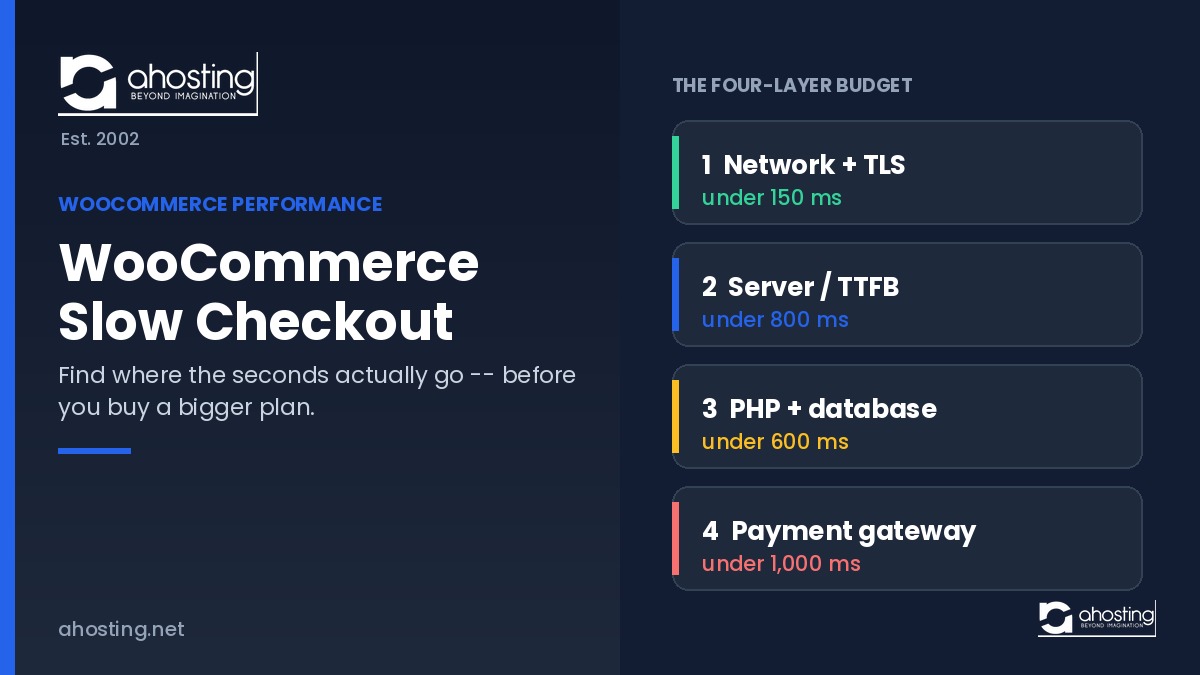
WooCommerce Slow Checkout: How to Find Where the Seconds Actually Go
TL;DRWooCommerce slow checkout is a measurement problem before it is a hosting problem. Split one request into four layers — network, server, database, gateway — then measure each. Whichever breaches its threshold is the one to fix.
-
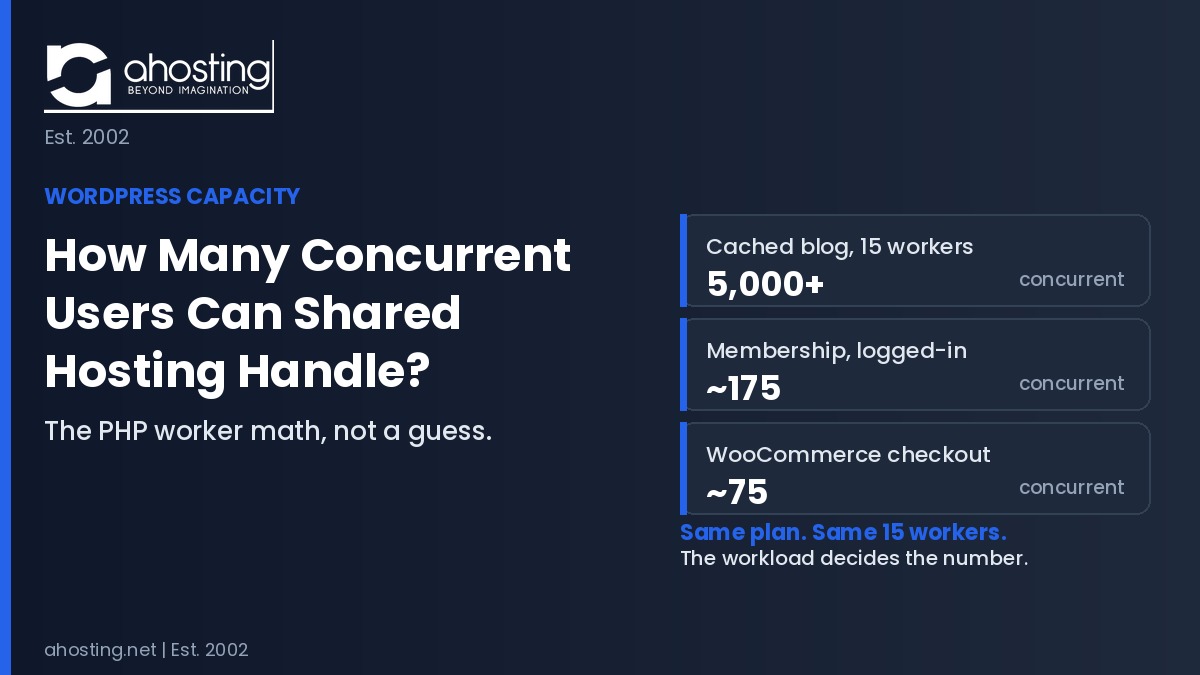
How Many Concurrent Users Can WordPress Shared Hosting Handle? The PHP Worker Math (2026)
TL;DRThe number of WordPress concurrent users shared hosting supports is not one figure. It is your PHP worker count divided by execution time, then divided by your cache-bypass rate. A cached blog handles thousands. An uncached membership site handles about 175.