-

You Should Use a Persistent Object Cache: What WordPress Site Health Actually Measures
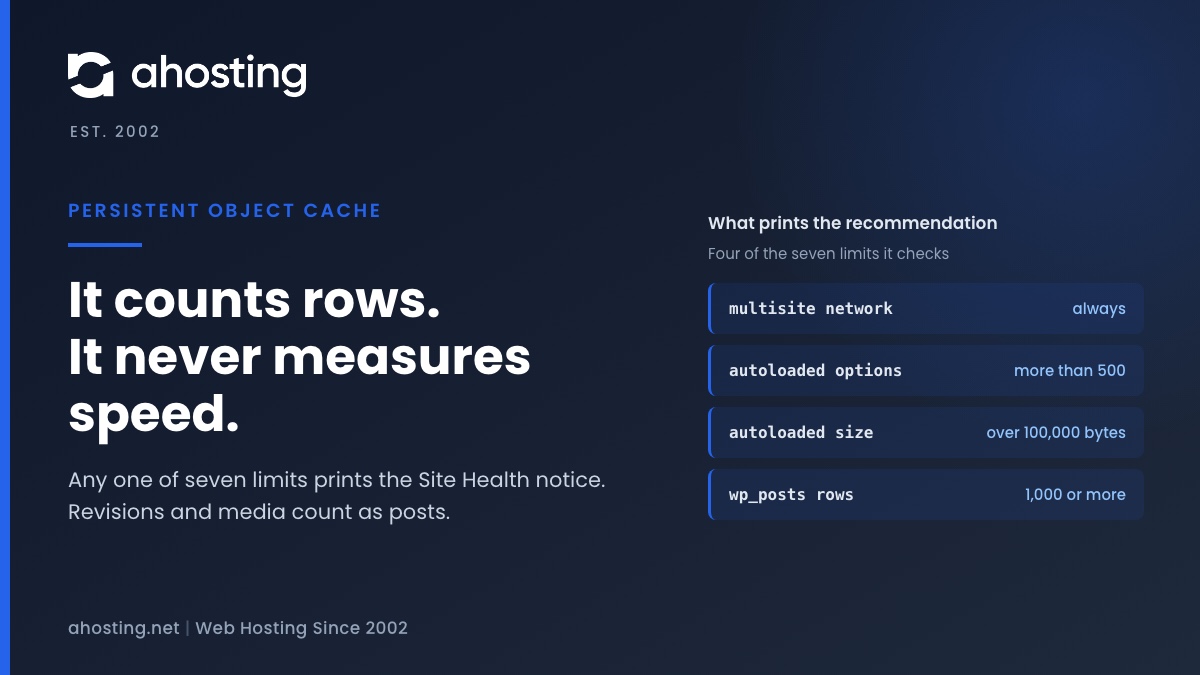
TL;DRSite Health recommends a persistent object cache when your site crosses a size line, not when it is slow. Any one of seven counters is enough: a multisite network, more than 500 autoloaded options or 100,000 bytes of them, or 1,000 rows in the posts, comments, options, terms or users table. Revisions and media count as posts, so small sites trip it often. An object cache also needs a cache server, and a plugin alone cannot provide one. Decide first whether your traffic is the kind an object cache speeds up.
Categories
- CMS
- Concrete5
- Drupal
- FFmpeg / Video Hosting
- Hosting Guides
- How To
- Joomla
- Security
- SEO
- Uncategorized
- Video Content
- Web Hosting News
- WooCommerce
- WordPress
Lets Connect!
-
An Active PHP Session Was Detected: What WordPress Site Health Is Really Telling You, and How to Fix It on Shared Hosting
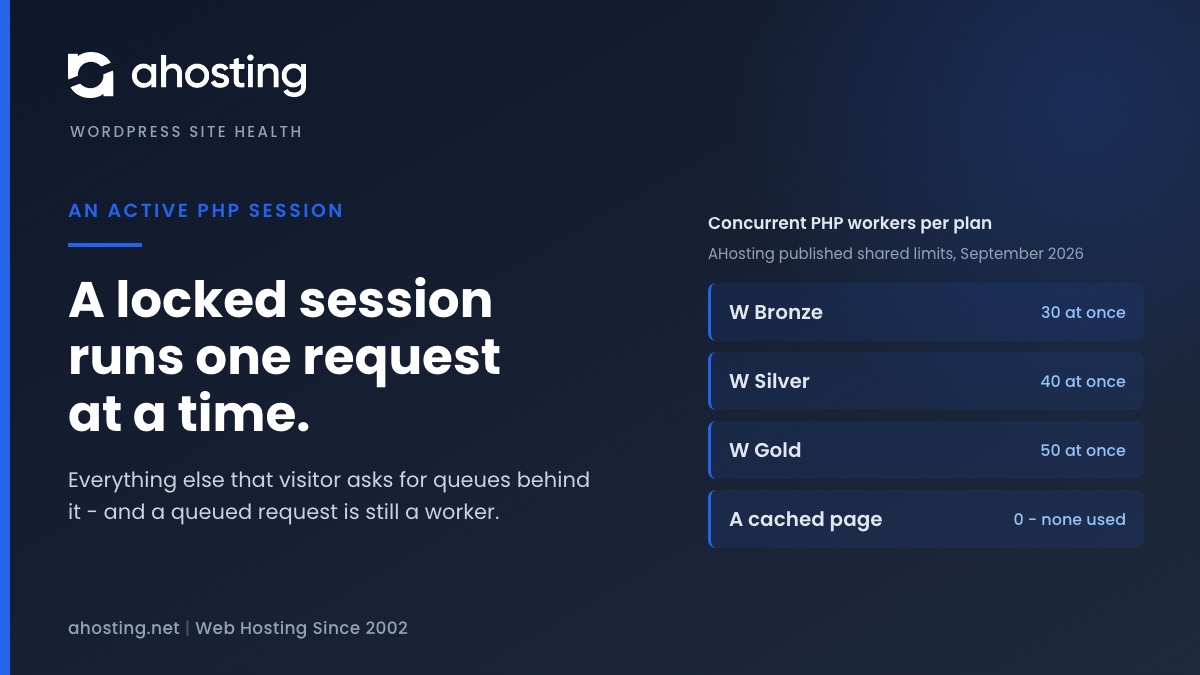
TL;DRWordPress core never opens a PHP session, so an active PHP session on your site was opened by a plugin, a theme or a server directive. The cost is not the warning: PHP locks the session file for the whole request, so every other request from that visitor queues behind it, and the session cookie stops the page being cached at all. The fix is to close the session as soon as the last write is done — not to delete the code that needed it, and not to hide the test.
-
One or More Recommended Modules Are Missing: How to Read the WordPress Site Health Warning and Fix It on Shared Hosting
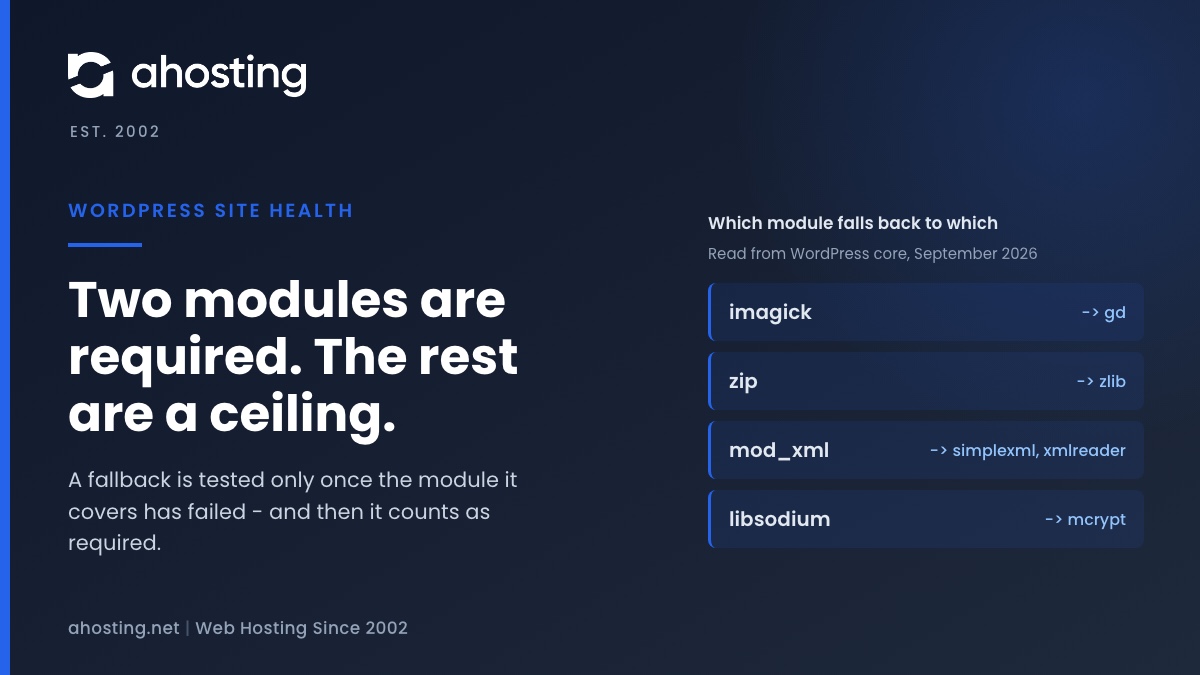
TL;DRSite Health tests twenty PHP modules and marks only two of them required, so a heading saying recommended modules are missing is almost always a quality ceiling rather than a fault. Read the module names under it, not the heading. Four of those modules are fallbacks for other modules, and a missing fallback is the one case that turns the warning into a red critical — which is why the same screen can go from yellow to red without anything new breaking.
-
WordPress Could Not Establish a Secure Connection to WordPress.org: How to Read the Error and Fix It on Shared Hosting
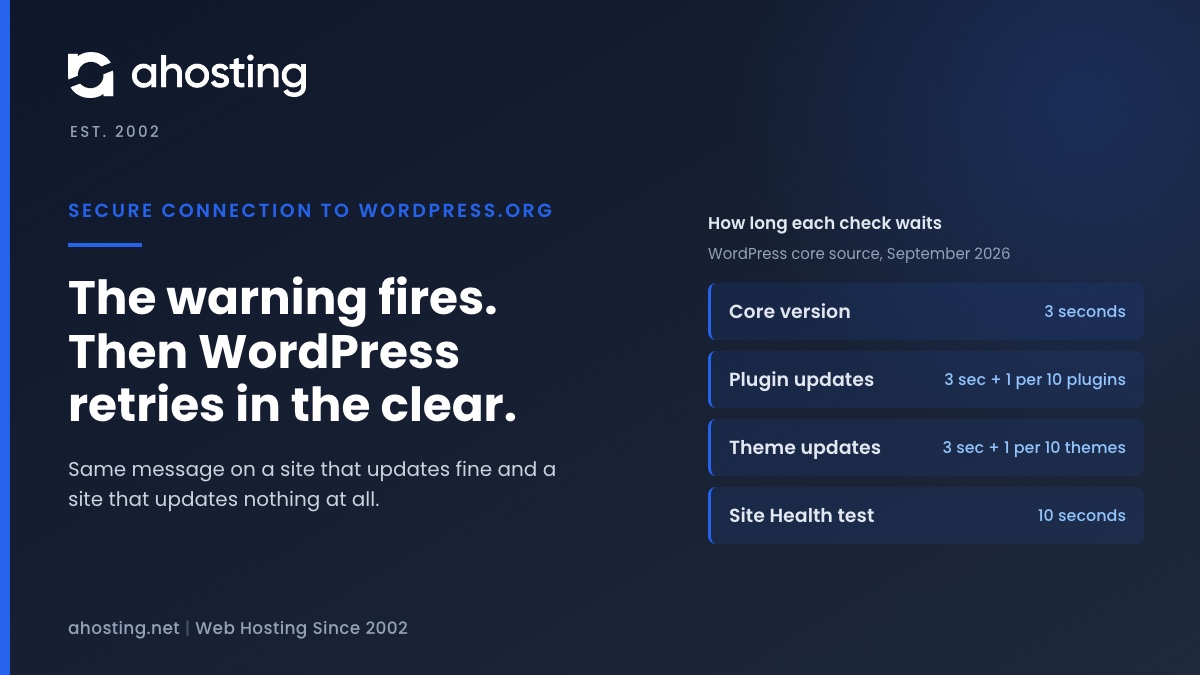
TL;DRThe warning means one HTTPS request to api.wordpress.org failed, and core then retried the same request over plain HTTP. So the message alone does not say whether updates are broken. Read the error line: a certificate error is the trust store on your server, a timeout is the three-second clock the update checks run on, and a blocked-URL message is a constant in your own wp-config.php.
-
Your Site Could Not Complete a Loopback Request: How to Read the Error and Fix It on Shared Hosting
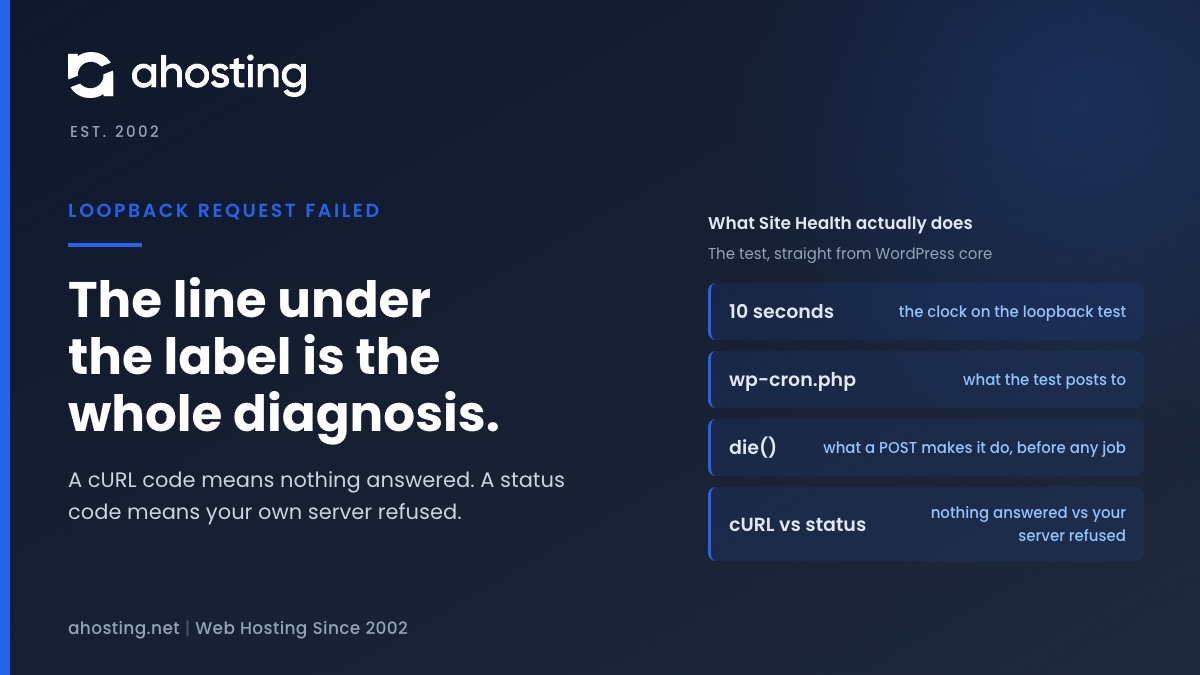
TL;DRA failed loopback request means WordPress could not reach its own wp-cron.php with a ten-second POST. The code printed under the label is the diagnosis: a cURL error means nothing answered (DNS, firewall, network), a status code means your own server refused (Cloudflare, ModSecurity, a deny rule, or the entry-process ceiling).