-

502 Bad Gateway WordPress Error: Who Sent It and What Died (2026)
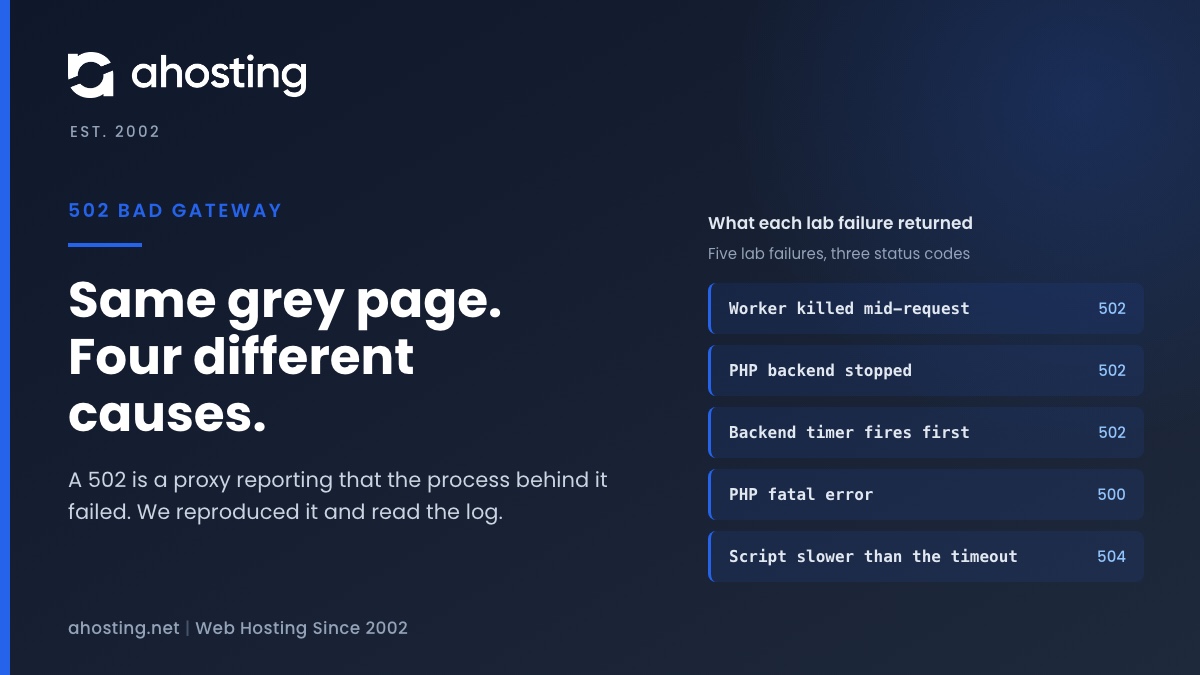
TL;DRA 502 bad gateway WordPress error is a proxy reporting that the process behind it died, vanished or sent a broken answer. Find out who sent it, then read the log line: a PHP fatal error is a 500, and a slow request is a 504.
Categories
- CMS
- Concrete5
- Drupal
- FFmpeg / Video Hosting
- Hosting Guides
- How To
- Joomla
- Security
- SEO
- Uncategorized
- Video Content
- Web Hosting News
- WooCommerce
- WordPress
Lets Connect!
-
Is WP-Cron Actually Slowing Your Site?
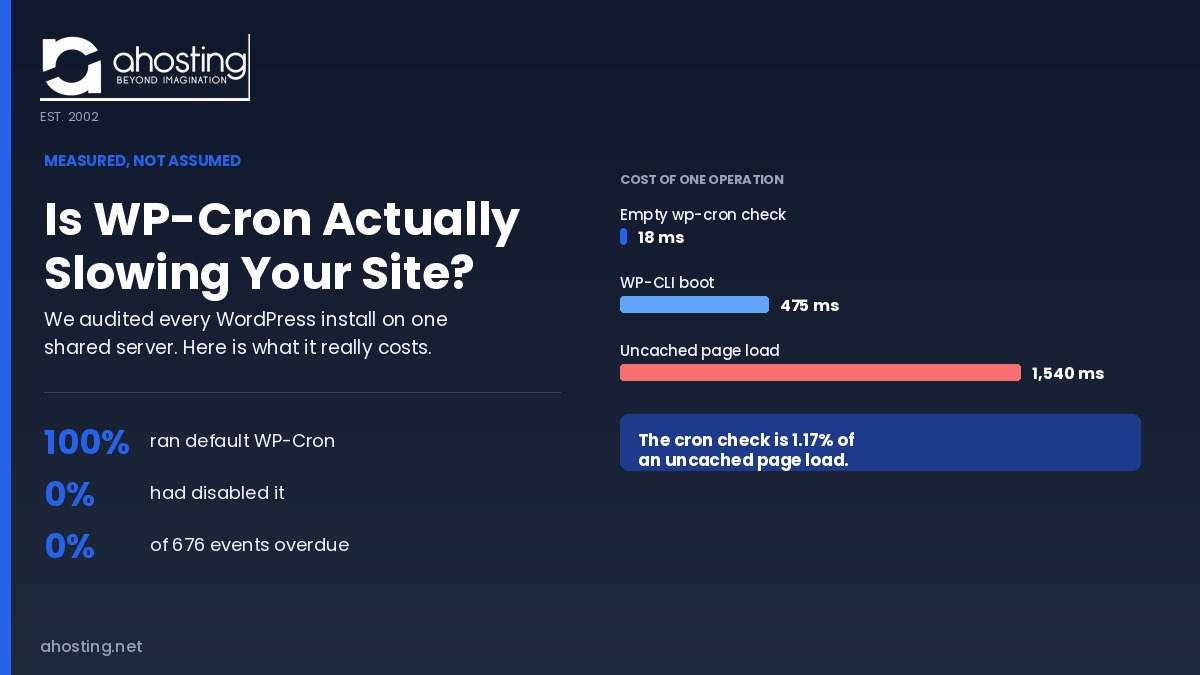
TL;DRWe measured before telling anyone to disable wp-cron. An empty WP-Cron check costs 18 ms, just 1.17% of an uncached page load. On 100% of the WordPress installs we audited, the default was fine.
-
WordPress TTFB Too High? How to Tell If It’s Your Server (Not Your Plugins)
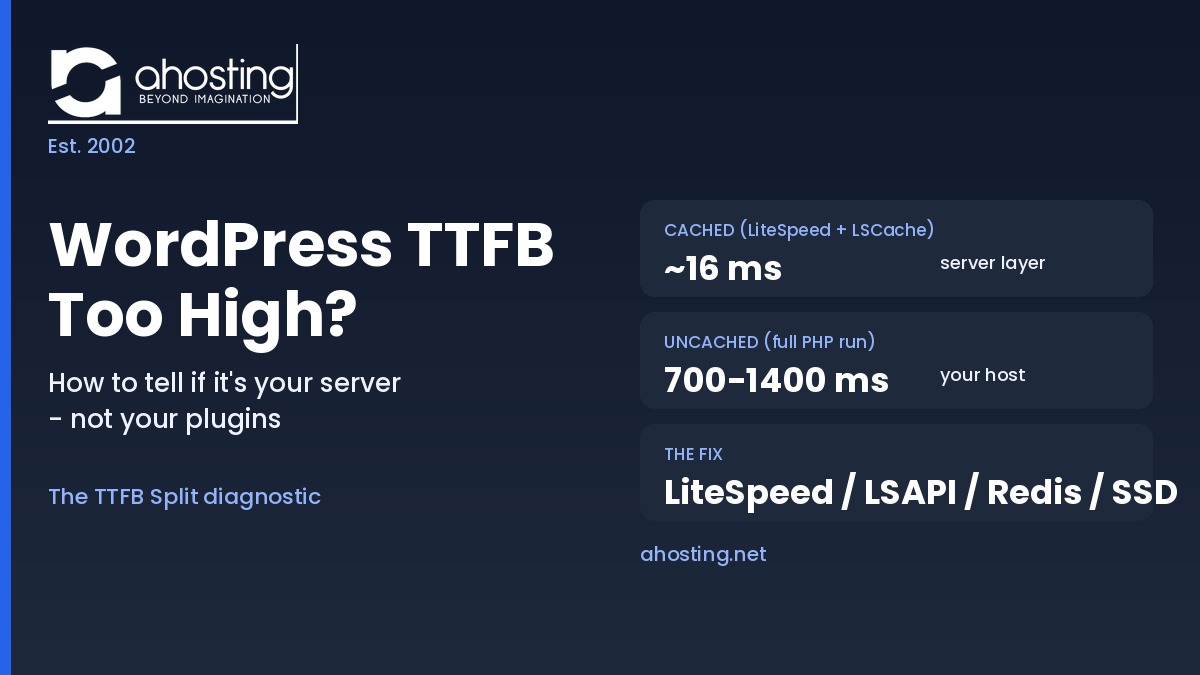
TL;DRTo reduce TTFB WordPress owners must first split the number: compare the same URL cached versus uncached. Low cached but high uncached TTFB is a server and PHP problem, not a plugin one, and LiteSpeed with LSCache fixes it at the server layer.
-
“Resource Limit Reached” vs. 503 vs. 500 Error WordPress: A Diagnostic Decision Tree
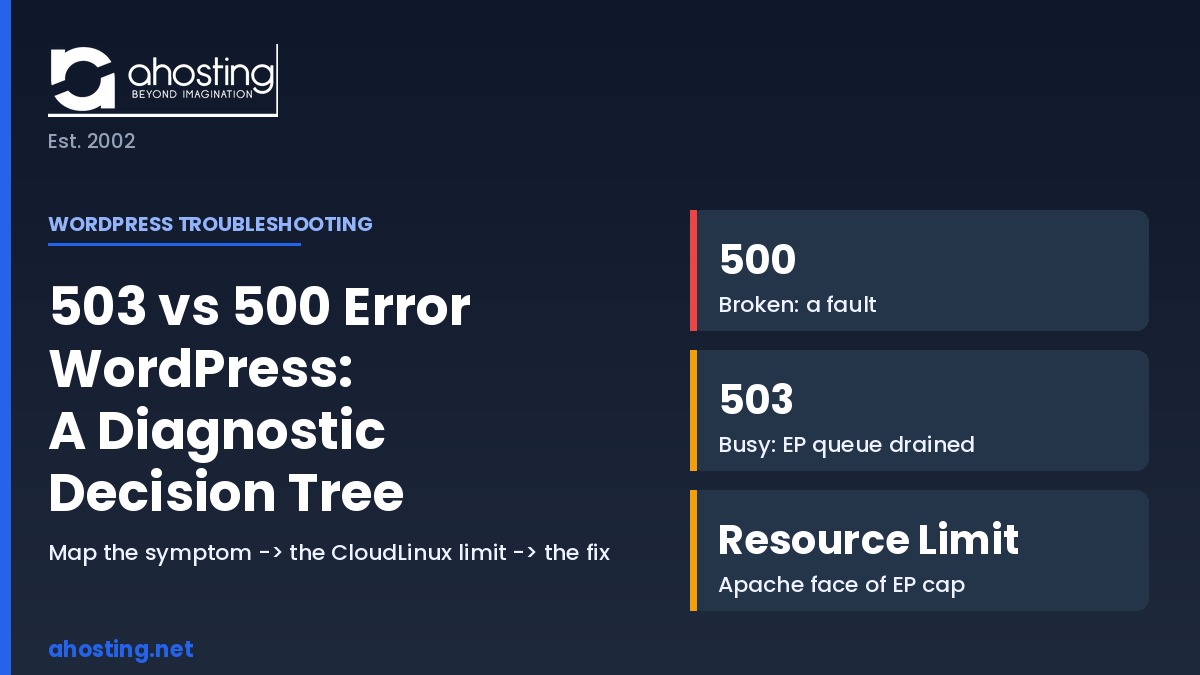
TL;DRThe 503 vs 500 error WordPress split is simple: 500 means broken (a fault), 503 means busy (a drained concurrency queue), and “Resource Limit Reached” is the entry-process ceiling. Map the symptom to the CloudLinux limit, then fix that limit.
-
How to Migrate a WordPress Site to a New Host With Zero Downtime
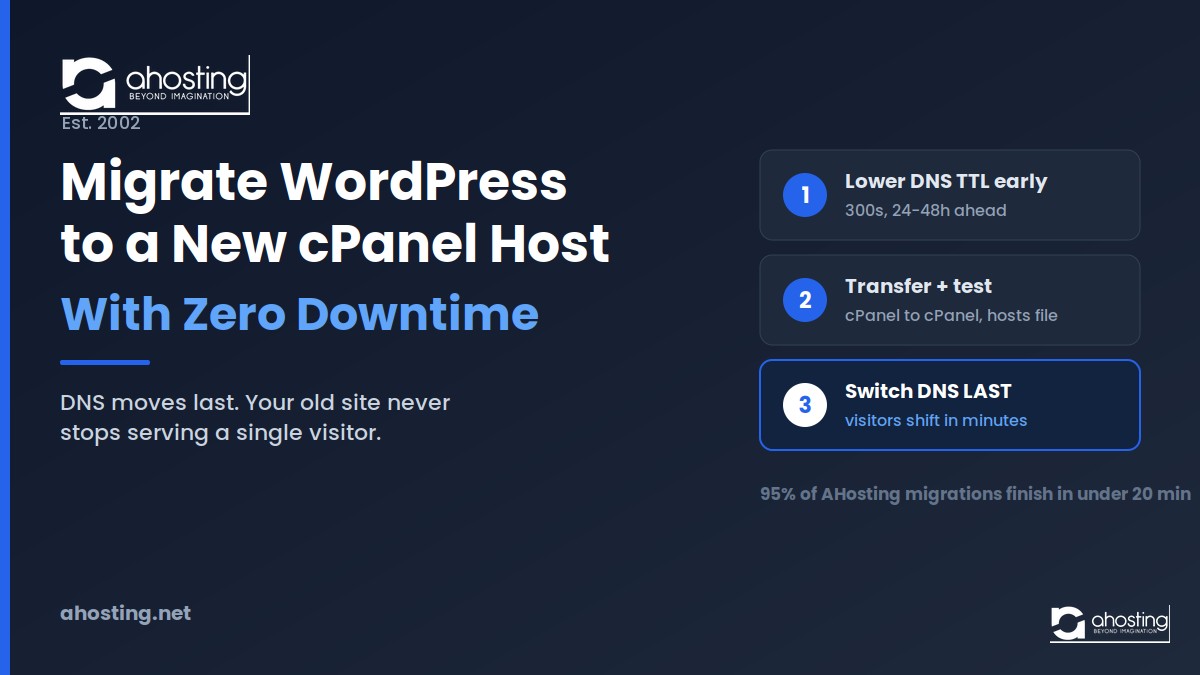
TL;DRTo migrate WordPress to a new host with zero downtime, build and verify the full copy on the new cPanel server first, then switch DNS only after testing. The order of operations protects uptime, not the transfer tool.