-

The Server Cannot Process the Image: What WordPress Is Telling You
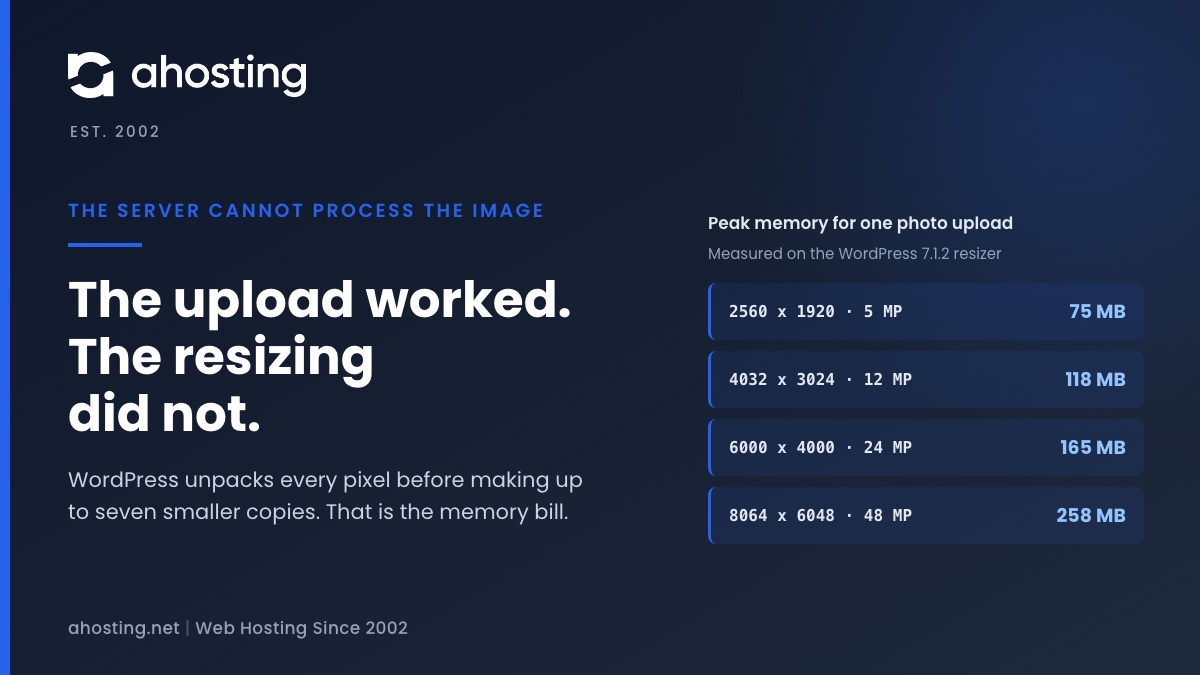
TL;DRWhen WordPress says the server cannot process the image, the upload almost always worked. What failed is the resizing that follows, which unpacks every pixel of the photo into memory before making up to seven smaller copies. We measured that at about a quarter of a gigabyte for a 48 megapixel phone photo. Since WordPress 7.1 the block editor can do the resizing in your browser instead, while the Media Library still does it on the server, so the same photo can fail in one and work in the other. The fix depends on which limit stopped the resize, and your error log usually says which.
Categories
- CMS
- Concrete5
- Drupal
- FFmpeg / Video Hosting
- Hosting Guides
- How To
- Joomla
- Security
- SEO
- Uncategorized
- Video Content
- Web Hosting News
- WooCommerce
- WordPress
Lets Connect!
-
FFmpeg Threads and CPU Allocation: How Many Threads Actually Help
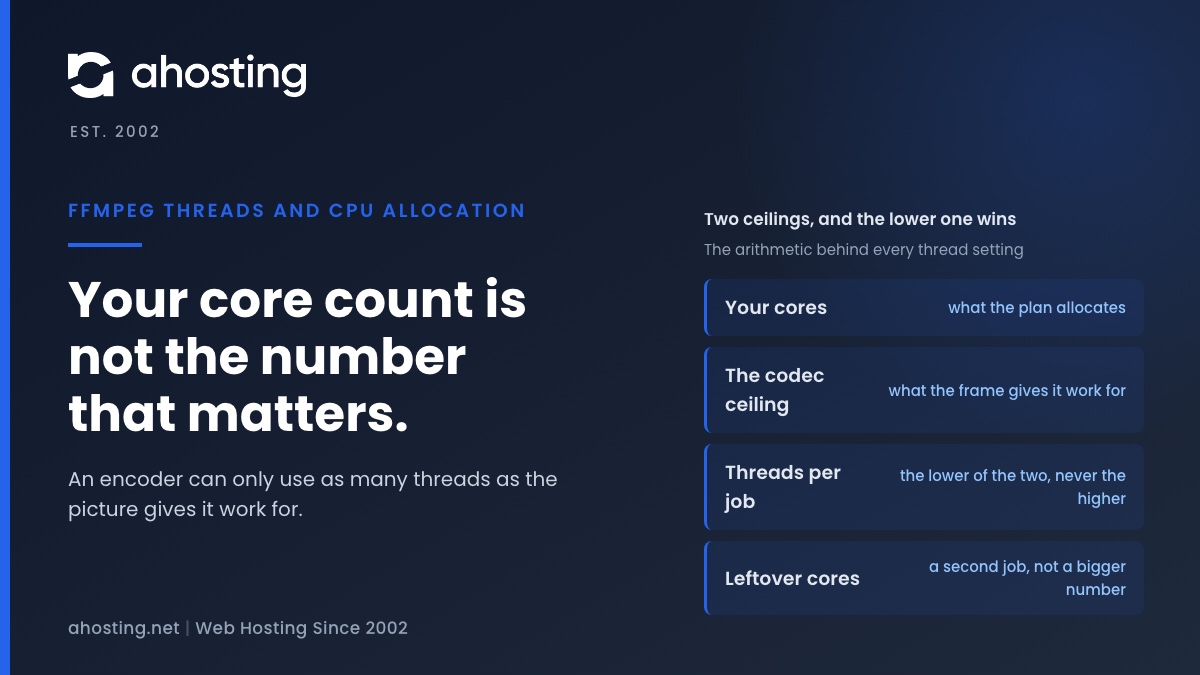
TL;DRUseful FFmpeg threads are capped by the video, not by your core count. At 1080p that cap is about four, so spare vCPU buys a second job rather than a bigger thread number.
-
OV SSL vs DV: What the Extra Money Actually Buys
TL;DRAn OV SSL certificate proves the same thing about your domain as a free DV one. The rulebook says so, browsers stopped displaying the difference in 2019, and the organization name is what you are actually buying.
-
Your Server Is Running PHP Version X but WordPress Requires Y” – What to Actually Do
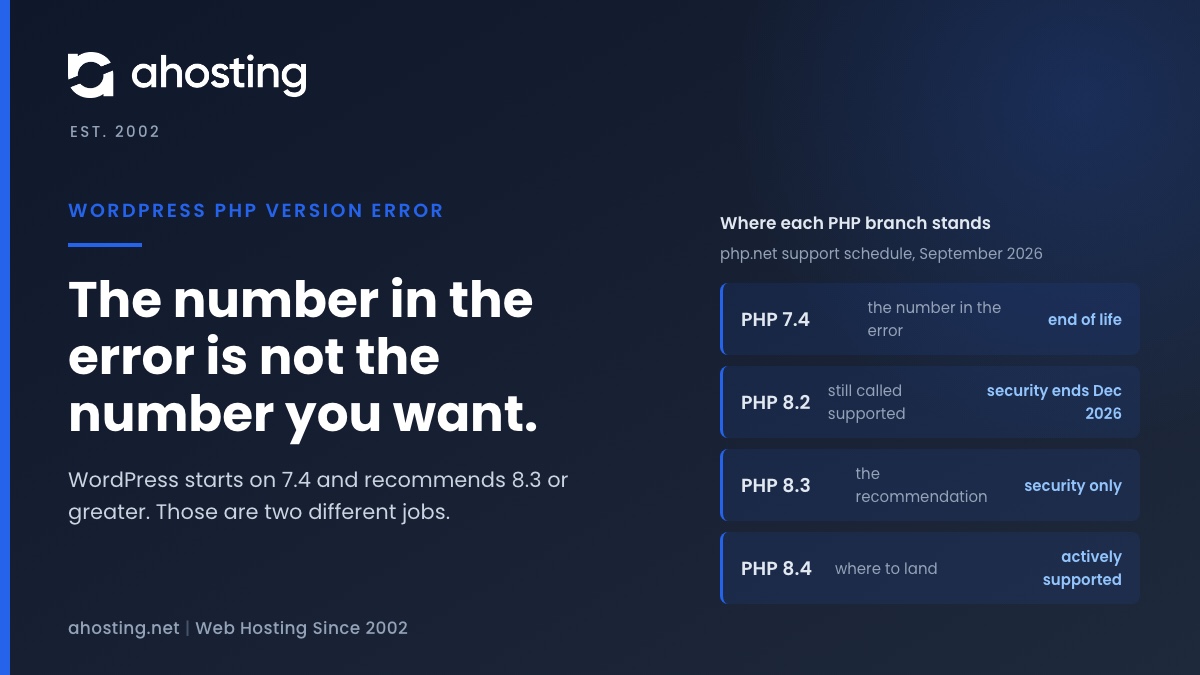
TL;DRThe WordPress PHP version error is a pre-boot fatal, not an admin notice. Raise PHP in cPanel to clear it, but do not stop at the number in the message: WordPress enforces 7.4 and recommends 8.3 or greater.
-
Slow FFmpeg Encoding on Shared Hosting: Find Your CPU Cap
TL;DRSlow FFmpeg encoding on shared hosting is usually a CPU cap, not a bad command. Time one encode, divide user seconds by your plan’s cores, and you have the floor no flag can beat.