Ahosting Logo
  • Hosting
    • WordPress Hosting
      Fast, secure hosting for WordPress sites
    • Web Hosting
      Reliable, affordable hosting for sites
    • FFMpeg Hosting
      Fast hosting for FFmpeg projects
    • Reseller Hosting
      Start hosting biz with white-label plans
    • VPS Hosting
      Scalable VPS with full control & power
    • Dedicated Server
      High-power servers for max security
    • WooCommerce Hosting
      Fast hosting for WooCommerce shops
  • Domain
    • Register a Domain
      Secure your domain name in minutes
    • Domain Transfer
      Move domains to Ahosting with ease
    • Premium SSL Certificate
      Enterprise SSL to build customer trust
  • Support
    • Submit A Ticket
      Expert 24/7 help from our support team
    • Abuse Report
      Report abuse to keep network safe
    • Knowledge Base
      Quick answers via step-by-step guides
  • Company
    • Blog
      Expert articles to power your online growth
    • Compare Hosts
      Side-by-side comparison
    • Datacenter
      Secure, high tech datacenter for hosting
    • About Us
      Learn about our mission, values & team
    • Contact Us
      Contact sales for plans, pricing & advice
    • Sitemap
      Find info fast with our clear site map
My Account
Ahosting Logo
  • Hosting
    • Web Hosting
    • WordPress Hosting
    • FFMpeg Hosting
    • Reseller Hosting
    • VPS Hosting
    • Dedicated Server
    • WooCommerce Hosting
  • Domain
    • Register a Domain
    • Domain Transfer
    • Premium SSL Certificate
  • Support
    • Knowledge Base
    • Abuse Report
    • Submit A Ticket
  • Company
    • About Us
    • Contact Us
    • Blog
    • Sitemap
    • Datacenter
  • Legal
    • Privacy Policy
    • Terms of Service
    • Acceptable Use Policy
    • Service Level Agreement
    • Resource Abuse Policy
My Account

AHosting Blog

  • missing the mysql extension

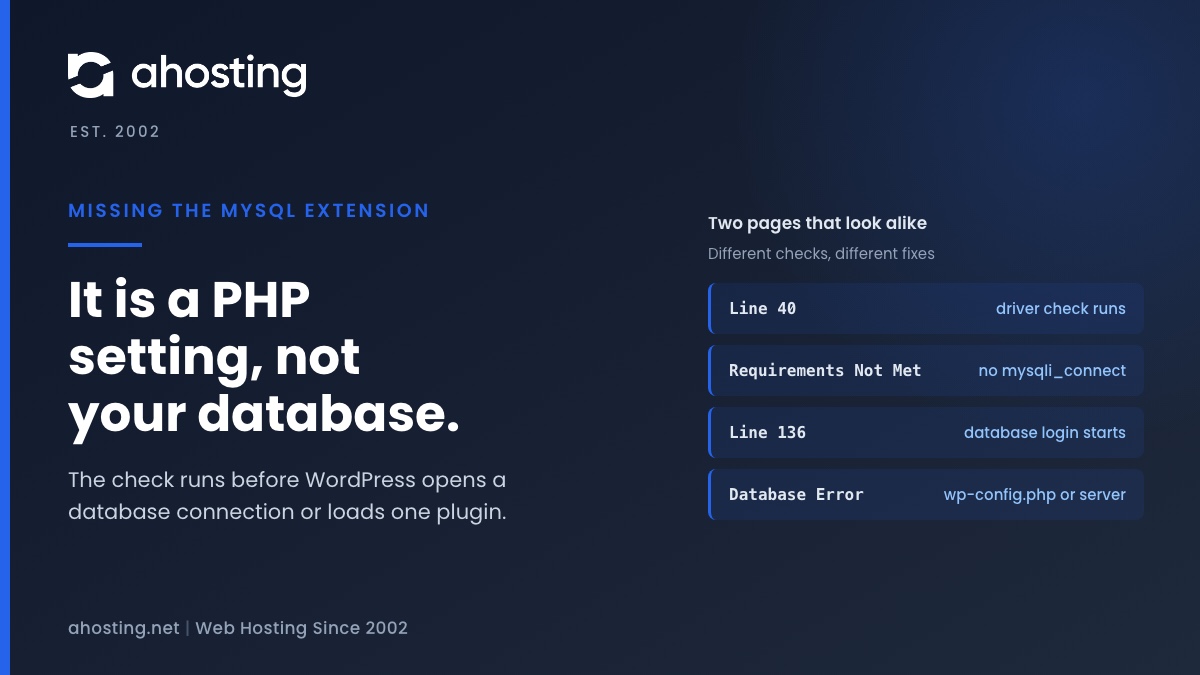
    Your PHP Installation Appears to Be Missing the MySQL Extension: What It Means and How to Fix It (2026)

    TL;DR

    The missing the MySQL extension message means PHP cannot find the function mysqli_connect, so WordPress stopped before it touched your database. Check the PHP version and the extension list for the account, choose one MySQL driver set, and reload. Plugins, themes and wp-config.php are not the cause.
    November 9, 2026

Categories

  • CMS
  • Concrete5
  • Drupal
  • FFmpeg / Video Hosting
  • Hosting Guides
  • How To
  • Joomla
  • Security
  • SEO
  • Uncategorized
  • Video Content
  • Web Hosting News
  • WooCommerce
  • WordPress

Lets Connect!

  • X
  • Facebook
  • LinkedIn
  • Instagram
  • YouTube
  • Pinterest
  • WordPress Mixed Content: Find and Fix Every http:// URL After SSL

    TL;DR

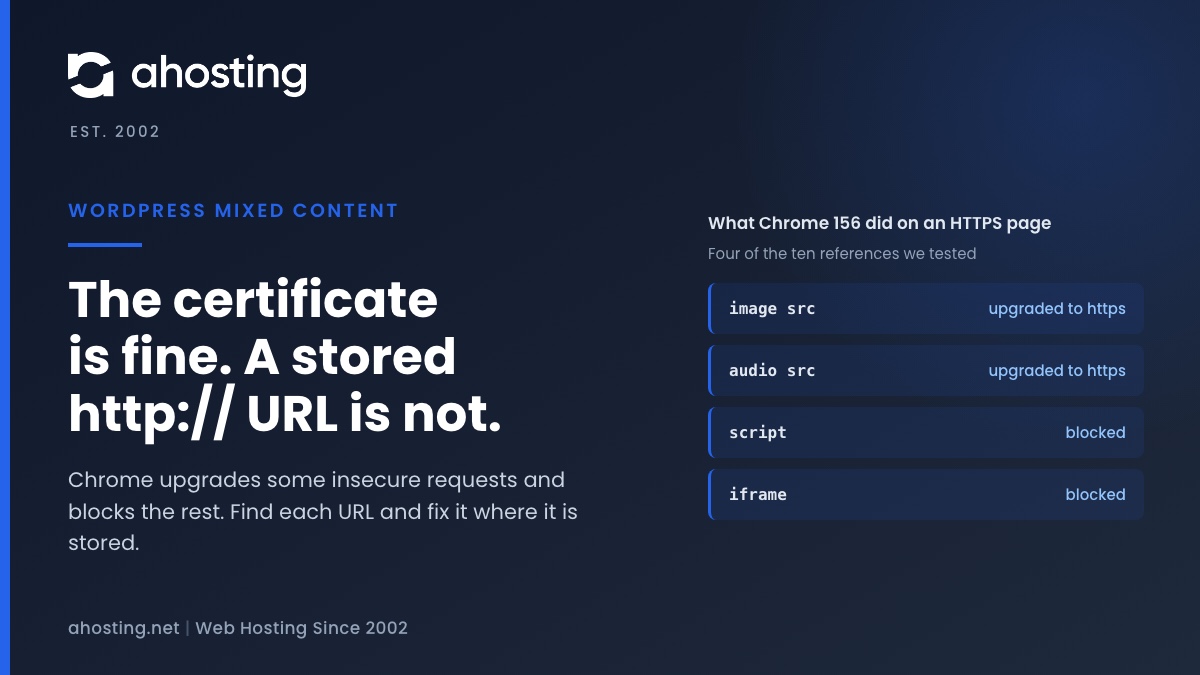
    WordPress mixed content means an HTTPS page is asking for something over http://. In our Chrome 156 test, images, audio and CSS backgrounds were upgraded to HTTPS, while scripts, stylesheets, iframes, fetch calls and srcset images were blocked. WordPress rewrites only your own old home URL, and only after a flagged http-to-https switch, so everything else has to be fixed where it is stored. Read the console, change each URL at its source, purge every cache, then check again in a private window.

    November 2, 2026
    AHosting card on WordPress mixed content: Chrome upgrades some http:// requests, blocks scripts and iframes, and the fix is in the stored URL.
  • Installation Failed: Destination Folder Already Exists in WordPress: What It Means and How to Fix It

    TL;DR

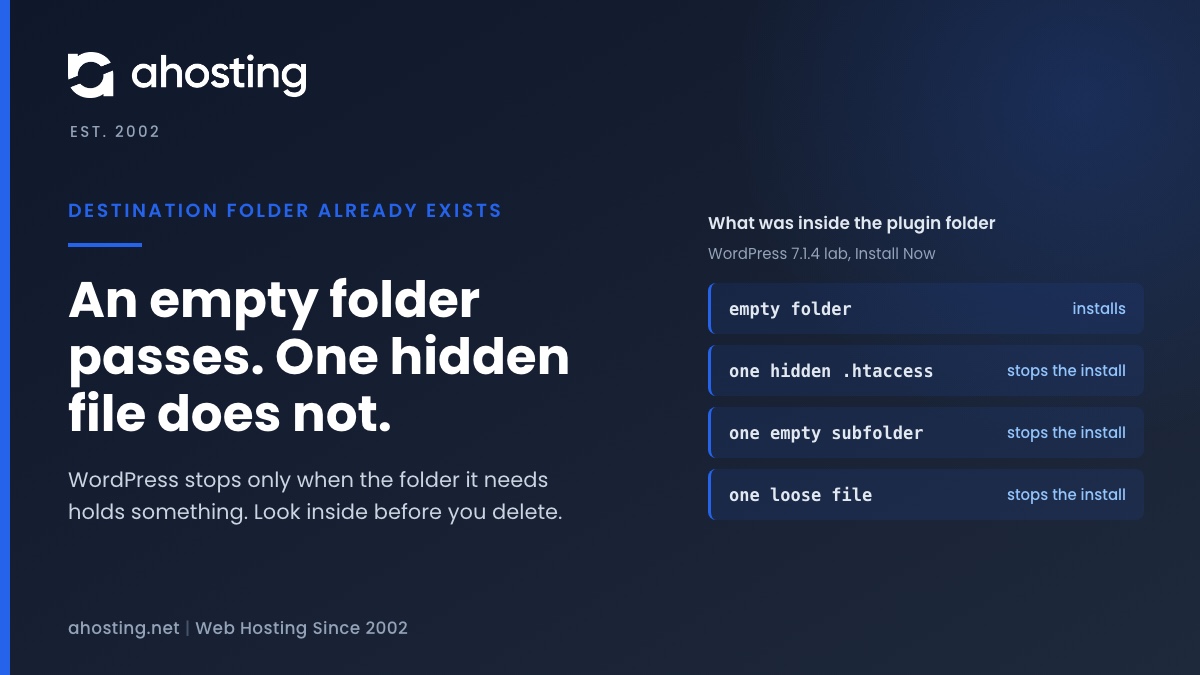
    WordPress stops with Destination folder already exists when the folder it needs is already on disk and is not empty. An empty folder passes; a single hidden file does not. Read the full path in the message, look inside with hidden files shown, then delete or move the leftover and install again. For a zip of a plugin you already have, Replace current with uploaded clears the old folder first, so back up before you click it.

    October 29, 2026
    AHosting card on the destination folder already exists error: an empty folder installs, while one hidden file stops the install.
  • Sorry, This File Type Is Not Permitted for Security Reasons: What WordPress Checks and How to Fix It

    TL;DR

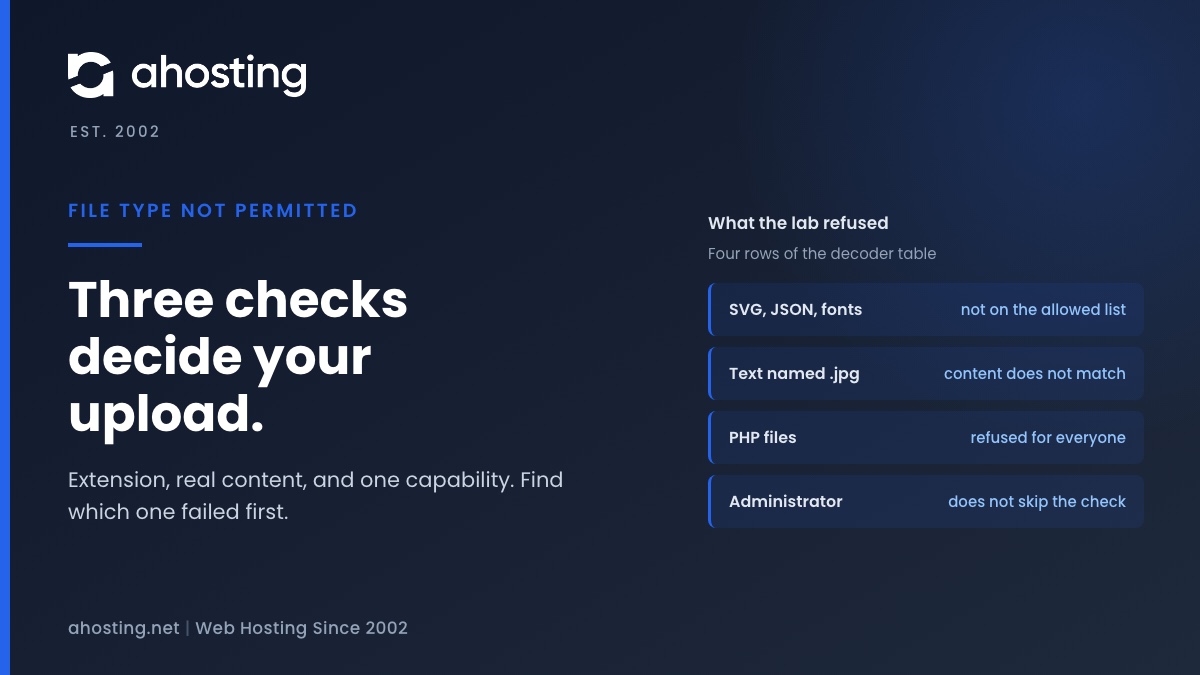
    WordPress refuses an upload when the extension is not on its allowed list, when the real content of the file does not match the extension, or when neither check passes and your account lacks the unfiltered upload capability. SVG, JSON and font files fail the first check on a default install. In a WordPress 7.1.4 lab, an administrator was refused all three, a text file renamed to .jpg was refused, and one upload_mimes filter let the first three types through.

    October 28, 2026
    AHosting card on the file type is not permitted error: three checks decide an upload, and administrators do not skip them.
  • Failed to Open Stream in WordPress: What the Message Is Really Telling You

    TL;DR

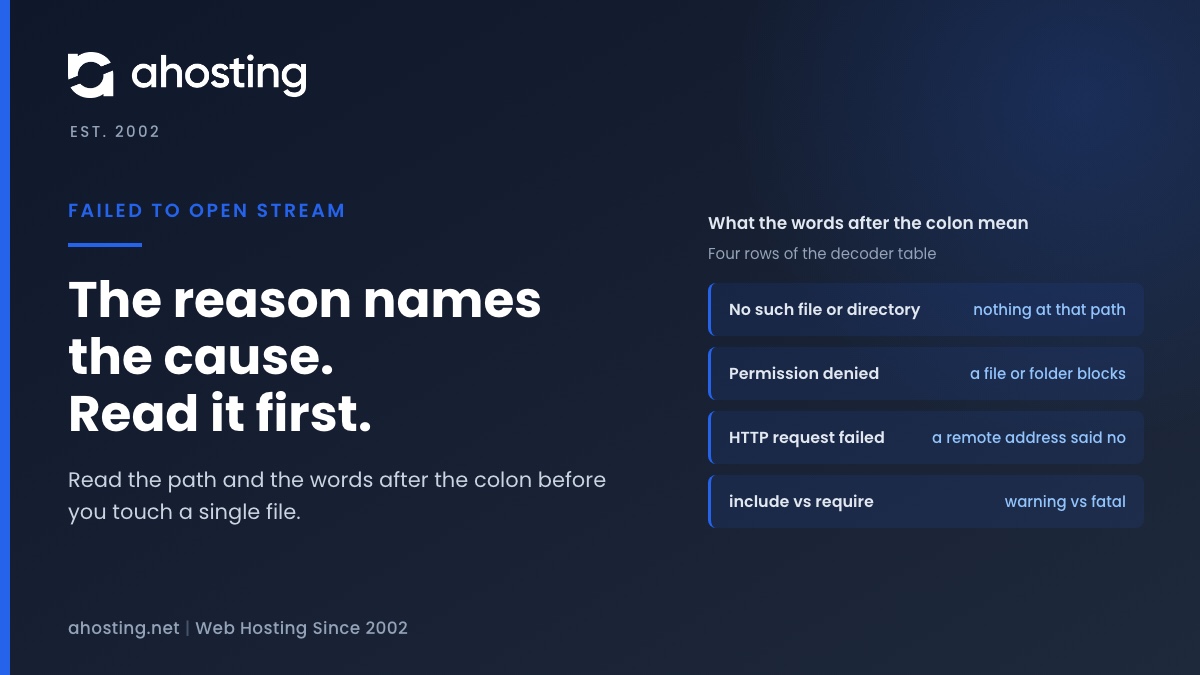
    A failed to open stream message in WordPress is PHP reporting that it could not open a file or a web address. The words after the colon name the cause: no such file or directory, permission denied, HTTP request failed, or an open_basedir block. Read those words and the path before them, then fix that one thing. In a WordPress 7.1.3 lab, a missing include was only a warning, a missing required file was a fatal error, and with display switched off a visitor saw either nothing or a blank page.
    October 27, 2026
    AHosting card on the failed to open stream warning: the words after the colon name the cause, from no such file to permission denied.
Previous Page
1 2 3 4 … 37
Next Page
Ahosting Logo

Hosting

  • WordPress Hosting
  • Web Hosting
  • FFmpeg Hosting
  • WooCommerce Hosting
  • Reseller Hosting
  • VPS Hosting
  • Dedicated Server

Domain

  • Register a Domain
  • Domain Transfer
  • Premium SSL Certificate

Support

  • Knowledge Base
  • Abuse Report
  • Submit A Ticket

Company

  • Compare Hosts
  • About Us
  • Datacenter
  • Contact Us
  • Blog
  • Sitemap

Legal

  • Privacy Policy
  • Terms of Service
  • Acceptable Use Policy
  • Service Level Agreement
  • Resource Abuse Policy
  • Hosting
    • WordPress Hosting
    • Web Hosting
    • FFMpeg Hosting
    • WooCommerce Hosting
    • Reseller Hosting
    • VPS Hosting
    • Dedicated Server
  • Domain
    • Register a Domain
    • Domain Transfer
    • Premium SSL Certificate
  • Support
    • Knowledge Base
    • Abuse Report
    • Submit A Ticket
  • Company
    • About Us
    • Datacenter
    • Contact Us
    • Blog
    • Sitemap
  • Legal
    • Privacy Policy
    • Terms of Service
    • Acceptable Use Policy
    • Service Level Agreement
    • Resource Abuse Policy

Copyright © 2026 All Rights Reserved

Ahosting, Inc. BBB Accredited Business, A+ rating
Facebook X/Twitter Instagram LinkedIn YouTube