-

Your PHP Installation Appears to Be Missing the MySQL Extension: What It Means and How to Fix It (2026)
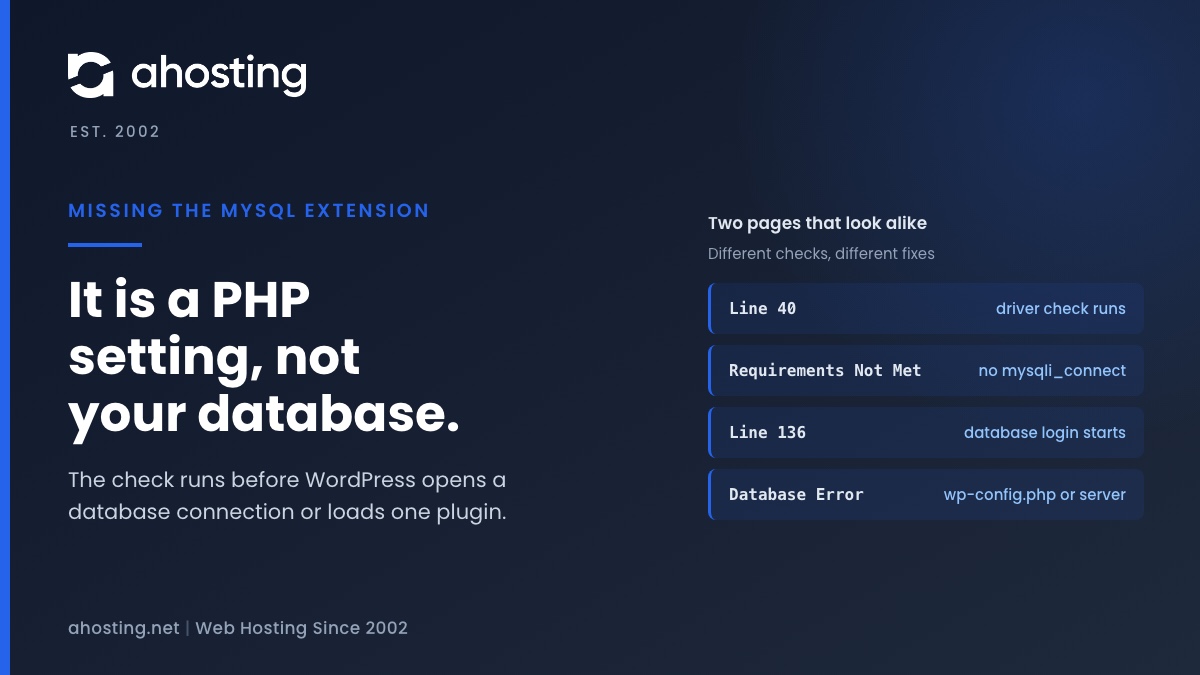
TL;DRThe missing the MySQL extension message means PHP cannot find the function mysqli_connect, so WordPress stopped before it touched your database. Check the PHP version and the extension list for the account, choose one MySQL driver set, and reload. Plugins, themes and wp-config.php are not the cause.
Categories
- CMS
- Concrete5
- Drupal
- FFmpeg / Video Hosting
- Hosting Guides
- How To
- Joomla
- Security
- SEO
- Uncategorized
- Video Content
- Web Hosting News
- WooCommerce
- WordPress
Lets Connect!
-
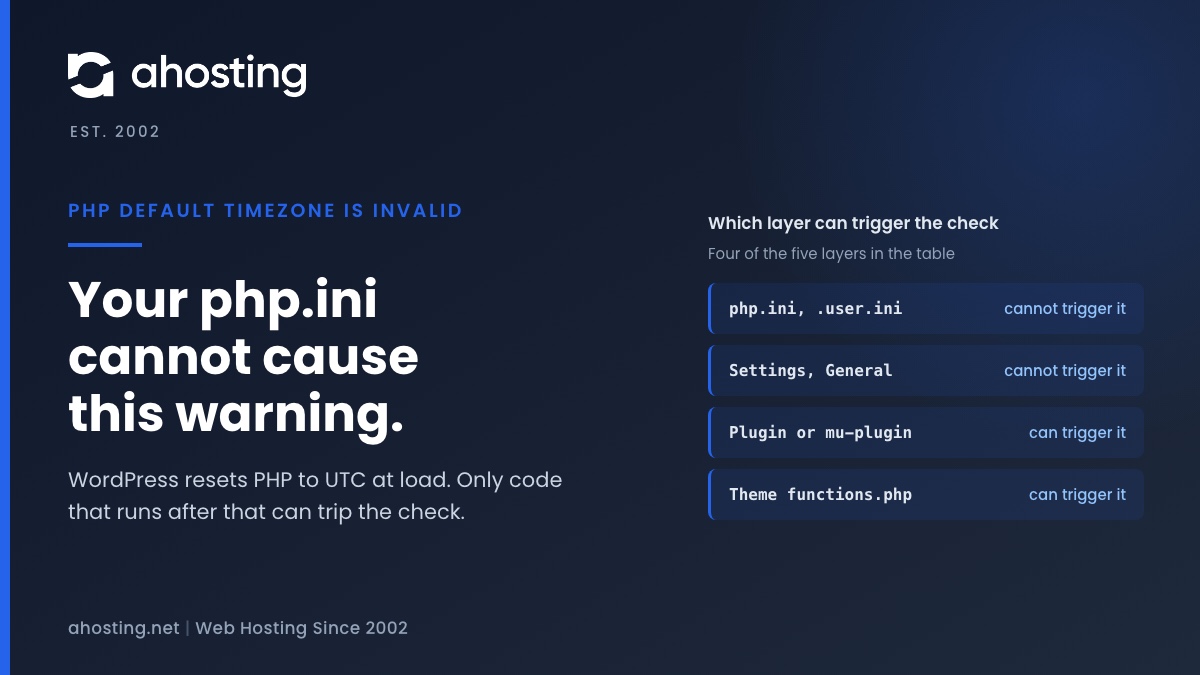
PHP Default Timezone Is Invalid? What WordPress Is Really Checking
TL;DRPHP default timezone is invalid means a plugin, theme or custom file changed PHP timezone after WordPress set it to UTC. Your server settings did not cause it and cannot clear it. Search wp-content for date_default_timezone_set(), update or remove whatever calls it, and use wp_date() when you need local times.
-
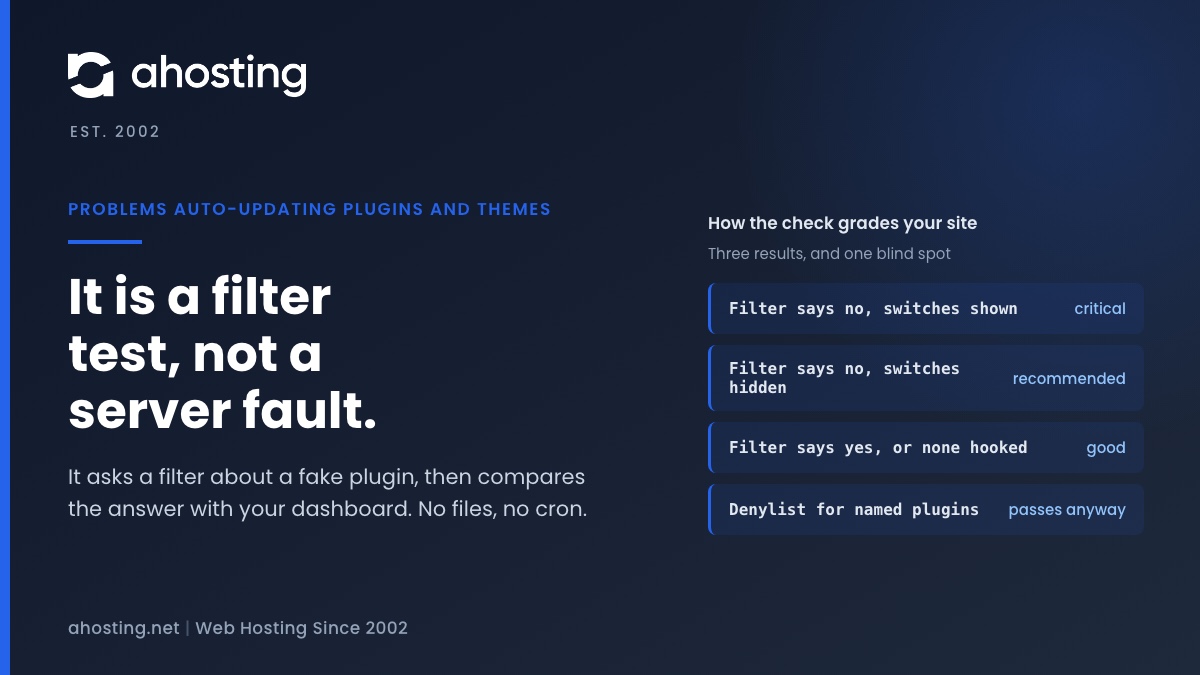
Problems Auto-Updating Plugins and Themes? It Is a Filter Test, Not a Server Fault
TL;DRYour site may have problems auto-updating plugins and themes means one thing: code on your site is returning false from the auto_update_plugin or auto_update_theme filter for a made-up test plugin. It is not a cron fault, a permissions fault or a full disk. Critical means the dashboard still offers auto-updates that the filter overrides. Recommended means the filter and the dashboard agree that updates are off. Search your files for the filter, then reload Site Health.
-
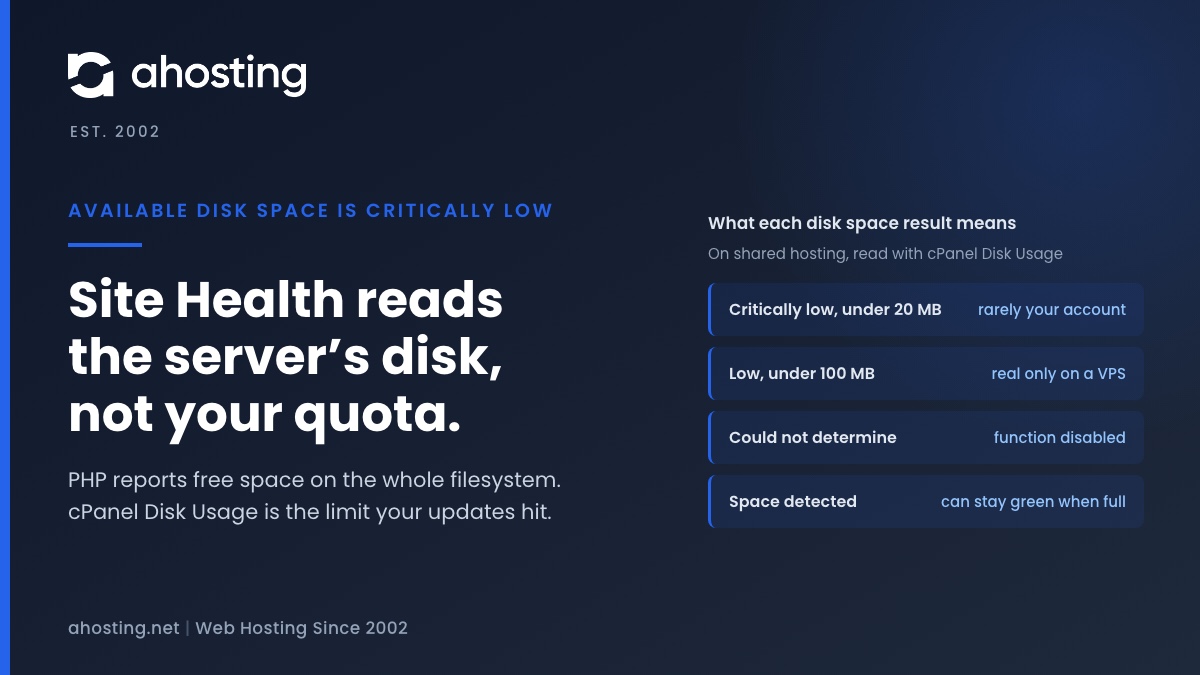
Available Disk Space Is Critically Low? What WordPress Is Really Measuring
TL;DRAvailable disk space is critically low means PHP reported under 20 MB free on the filesystem that holds wp-content. On shared hosting that filesystem belongs to the whole server, not to your plan, so the warning can be wrong in either direction. Read the Disk Usage meter in cPanel instead. Near its limit: clear old backups, logs and unused plugins before updating. Plenty of room: the warning is a measuring problem, not a full site.
-
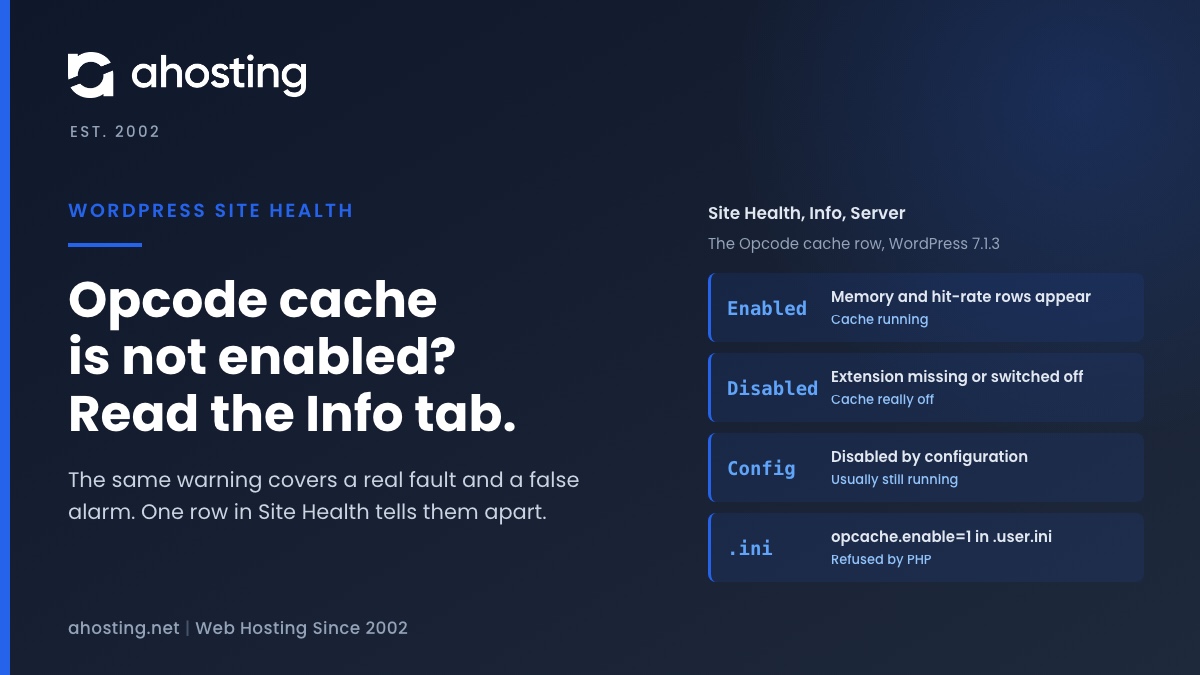
Opcode Cache Is Not Enabled? What WordPress 7 Actually Checks
TL;DROpcode cache is not enabled means one PHP function, opcache_get_status, did not confirm that OPcache is on. That happens when the cache really is off, and also when it is running but your host restricts the function. Open Site Health, Info, Server first. Disabled by configuration usually means the cache works and there is nothing to fix. Disabled means it is off, and only a PHP version change or your host can turn it on, because PHP refuses to switch it on from .user.ini.