-

Your PHP Installation Appears to Be Missing the MySQL Extension: What It Means and How to Fix It (2026)
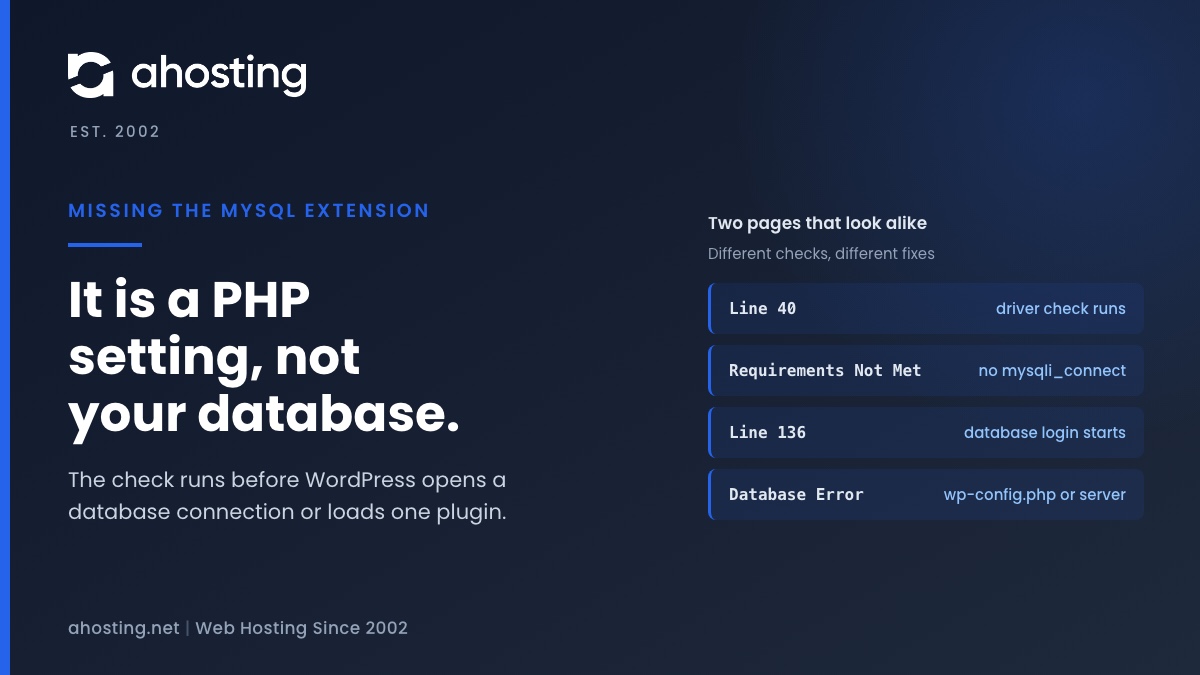
TL;DRThe missing the MySQL extension message means PHP cannot find the function mysqli_connect, so WordPress stopped before it touched your database. Check the PHP version and the extension list for the account, choose one MySQL driver set, and reload. Plugins, themes and wp-config.php are not the cause.
Categories
- CMS
- Concrete5
- Drupal
- FFmpeg / Video Hosting
- Hosting Guides
- How To
- Joomla
- Security
- SEO
- Uncategorized
- Video Content
- Web Hosting News
- WooCommerce
- WordPress
Lets Connect!
-
Headers Already Sent in WordPress: Find the Byte | AHosting
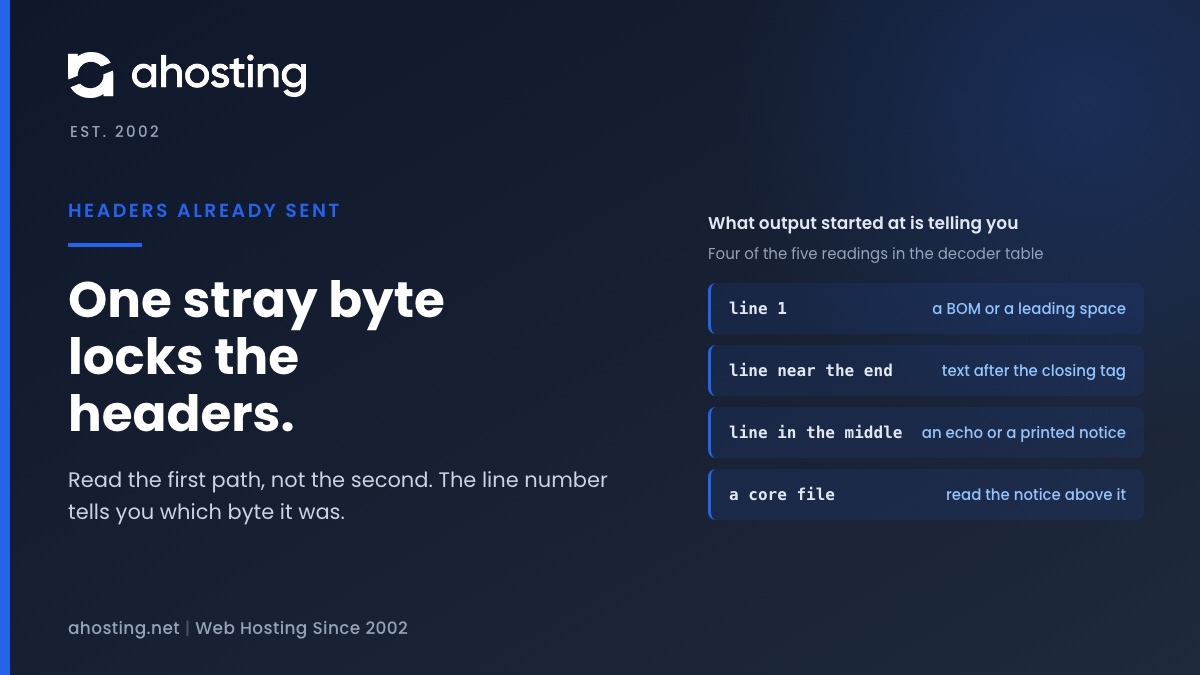
TL;DRThe headers already sent warning means PHP had already sent a byte of page output when WordPress tried to send a header or a cookie. Read the path after "output started at" first, because it names the file and line where that byte left. A line number of 1 points to a BOM, a line near the end points to text after a closing tag, and a core file points to a notice printed above it. In our lab a 3 byte BOM produced six warnings and no login.
-
Sorry, You Are Not Allowed to Access This Page in WordPress: Find the Cause
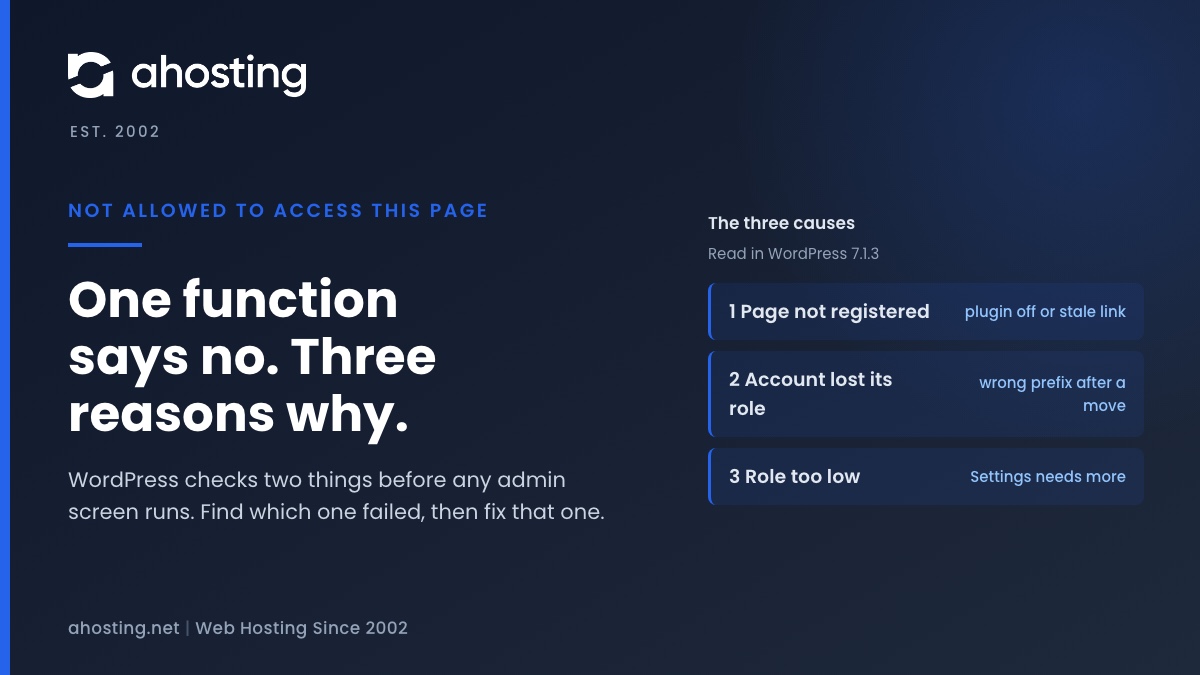
TL;DRWordPress prints "Sorry, you are not allowed to access this page." from one line in core, after one function answers no. That function refuses for three reasons: the page is not registered, your account has no role, or your role is too low. Open the Dashboard first. If it loads, check the plugin behind the address. If it fails too, the role records carry the wrong prefix.
-
ERR_TOO_MANY_REDIRECTS in WordPress: Find the Looping Rule With curl
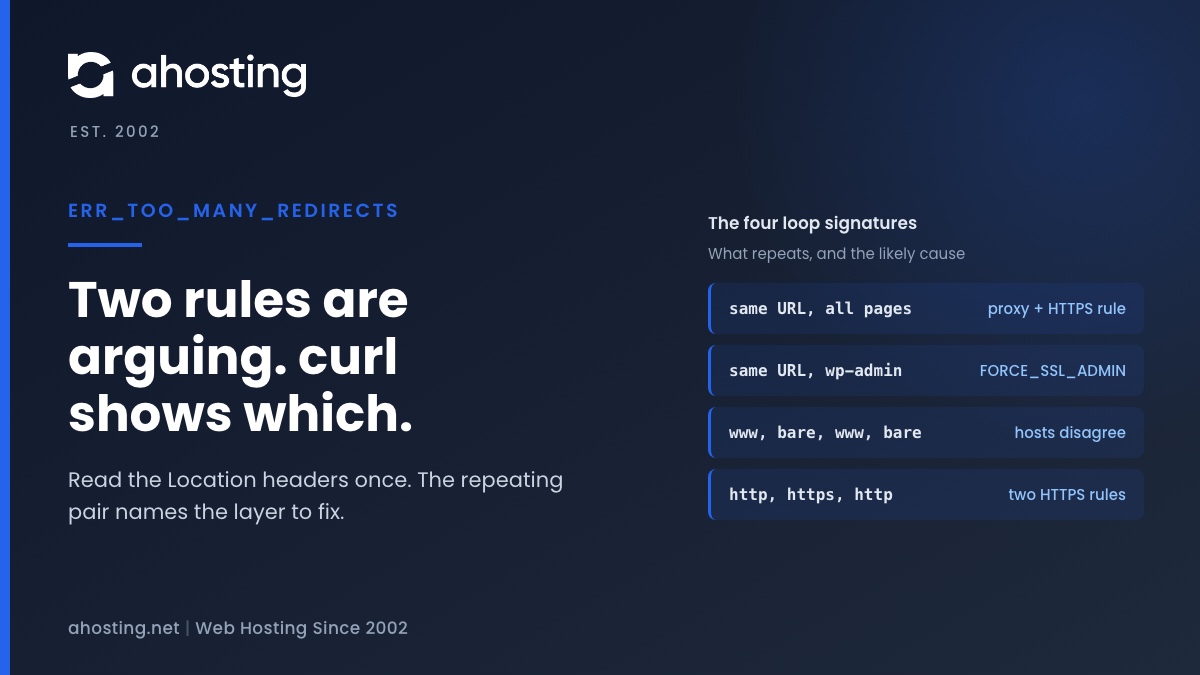
TL;DRERR_TOO_MANY_REDIRECTS means two layers keep sending the browser to each other. Run curl -sIL once, read the Location headers, and the repeating pair names the layer to fix.
-
Open Registration With Privileged Default Role? What Site Health Is Telling You
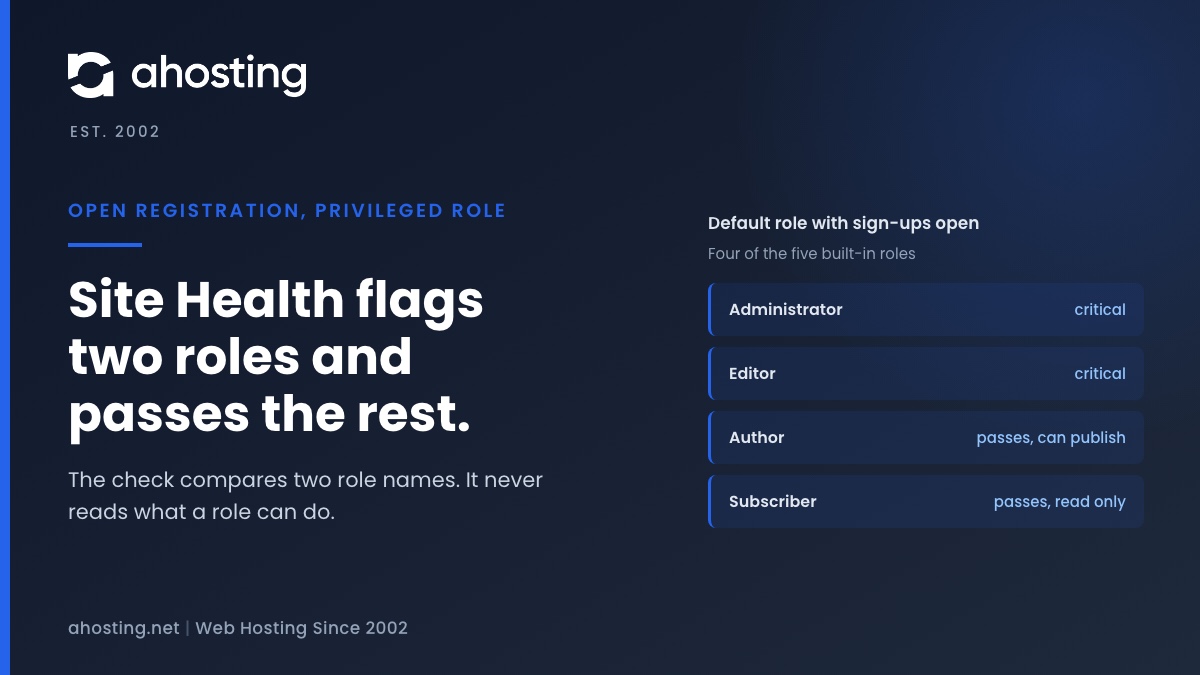
TL;DROpen registration with privileged default role means anyone can sign up and become an Editor or Administrator. Set New User Default Role to Subscriber in Settings, General, then check Users for accounts you did not create.