-

Your PHP Installation Appears to Be Missing the MySQL Extension: What It Means and How to Fix It (2026)
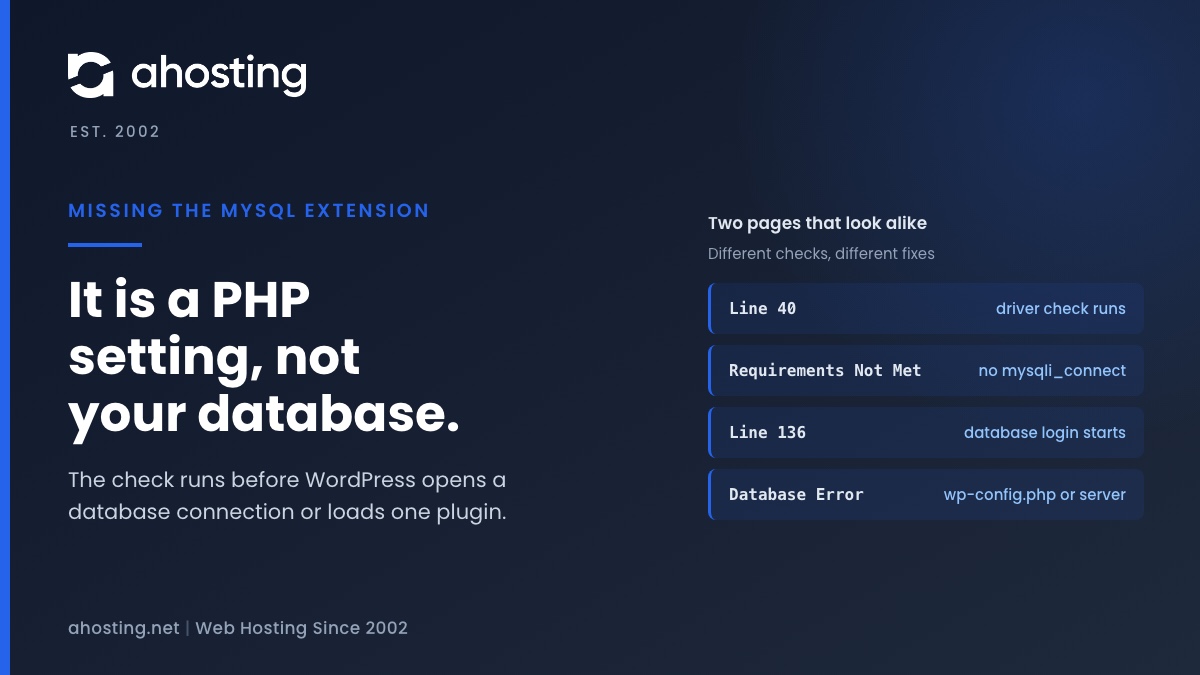
TL;DRThe missing the MySQL extension message means PHP cannot find the function mysqli_connect, so WordPress stopped before it touched your database. Check the PHP version and the extension list for the account, choose one MySQL driver set, and reload. Plugins, themes and wp-config.php are not the cause.
Categories
- CMS
- Concrete5
- Drupal
- FFmpeg / Video Hosting
- Hosting Guides
- How To
- Joomla
- Security
- SEO
- Uncategorized
- Video Content
- Web Hosting News
- WooCommerce
- WordPress
Lets Connect!
-
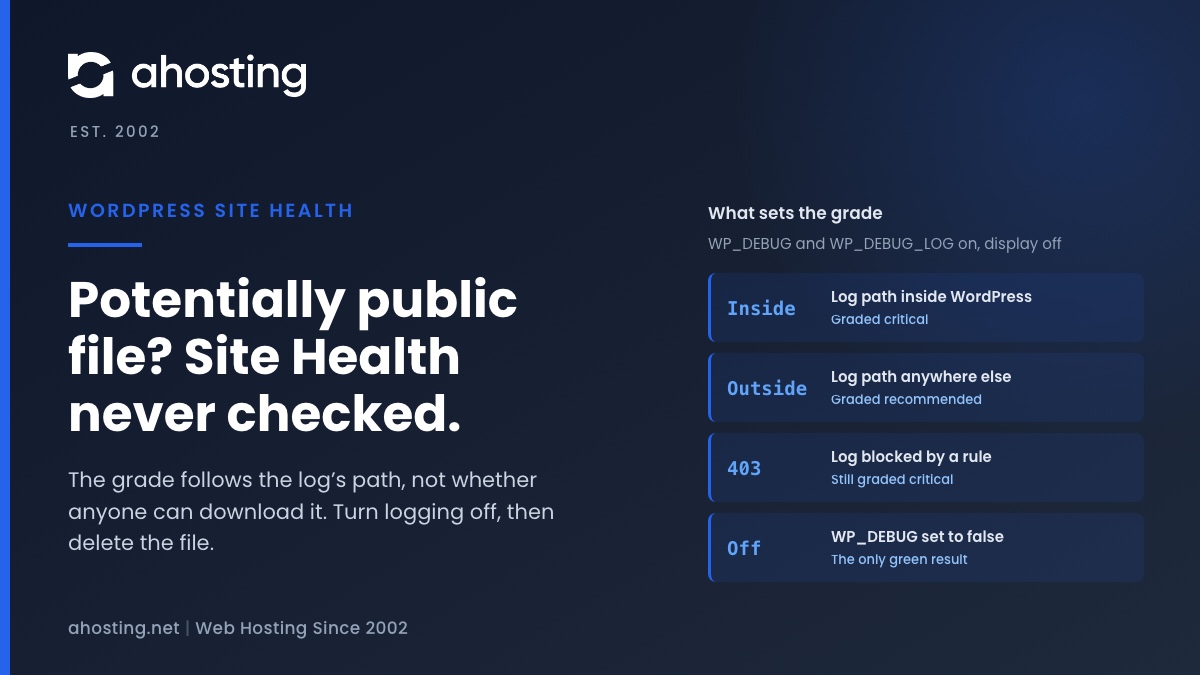
Log Errors to a Potentially Public File? What Site Health Checks
TL;DRYour site is set to log errors to a potentially public file means two settings in wp-config.php, WP_DEBUG and WP_DEBUG_LOG, are both on while error display is off. Site Health never checked whether the log can be downloaded. The grade depends only on whether the log’s path sits inside your WordPress folder, so moving the file lowers the warning to recommended but never clears it. Read what you need, turn WP_DEBUG off, then delete the old debug.log, because turning logging off does not remove the file.
-
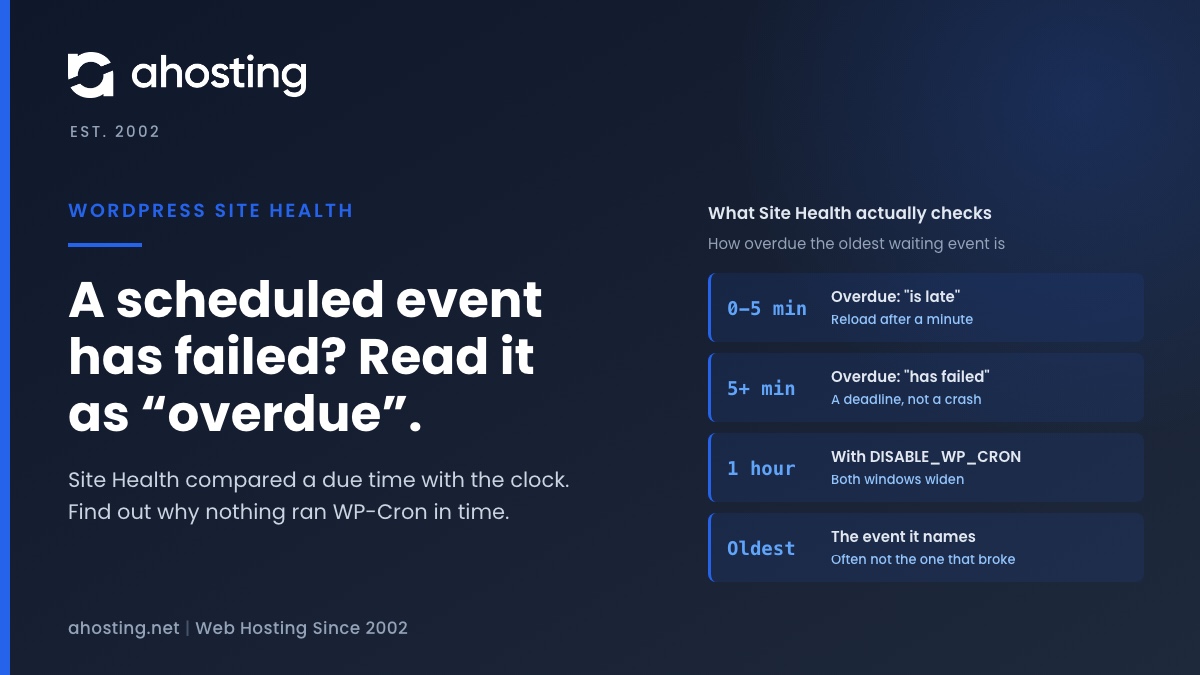
A Scheduled Event Has Failed? What Site Health Actually Checked
TL;DRA scheduled event has failed does not mean the event it names tried to run and failed. Site Health compared each waiting event’s due time with the clock and found one more than five minutes overdue, or more than an hour if DISABLE_WP_CRON is set. The event it names is the oldest one still waiting, and often not the one that broke. Reload once after a minute, then find out why nothing ran wp-cron.php in time: visits answered entirely from cache, a broken loopback, WP-Cron disabled with no server cron, or a run that died partway.
-
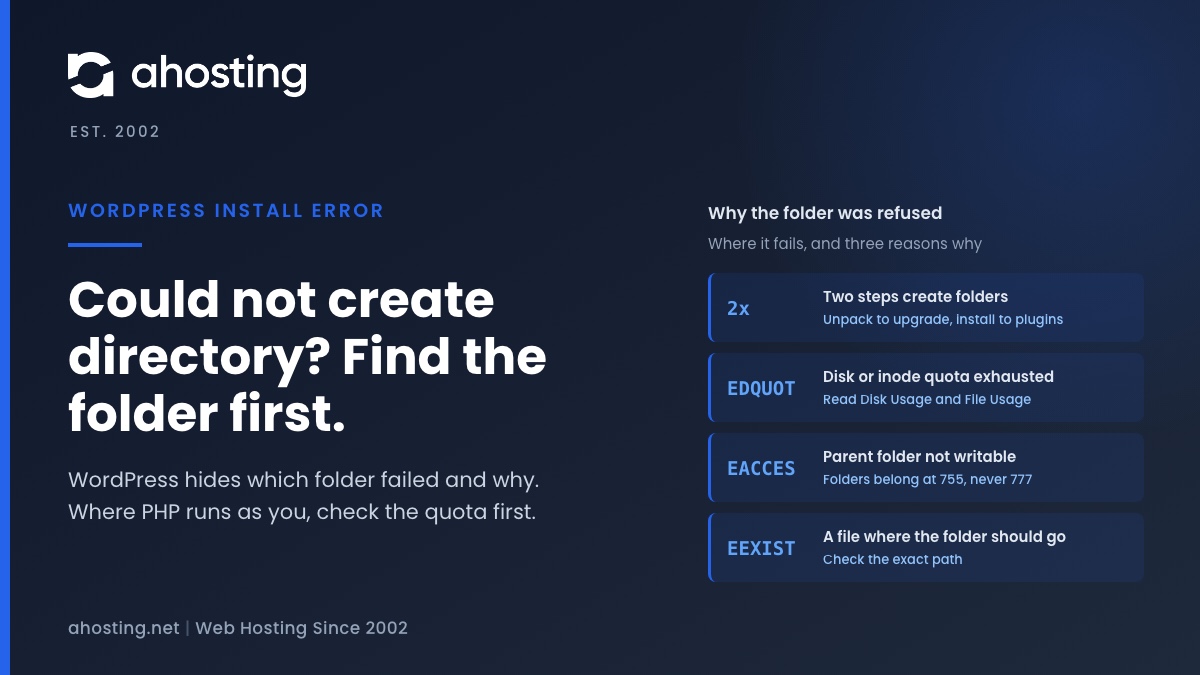
Installation Failed: Could Not Create Directory? Find the Folder, Then the Cause
TL;DRInstallation failed: Could not create directory means the server refused a new folder, and WordPress hides both which folder and why. Get the path first: the Upload Plugin screen prints it. Then read Disk Usage and File Usage in cPanel, because on a host where PHP runs as your own user the account limits come before the permissions, and WordPress reports a full account as this exact message. Folders belong at 755. Never use 777.
-
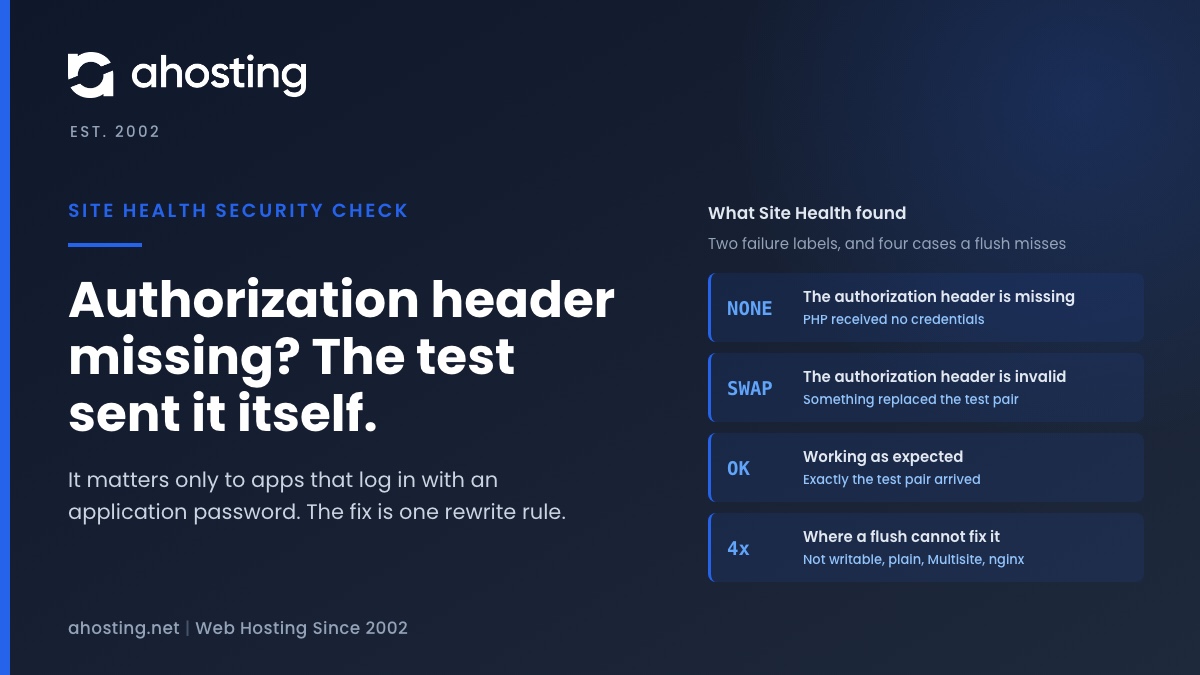
The Authorization Header Is Missing? What Site Health Tested, and the Fix
TL;DRThe authorization header is missing means Site Health sent its own test login in an Authorization header and PHP never received it, so the web server or the PHP handler dropped it. No plugin sent it and no visitor is affected; it matters only to apps that log in with an application password. WordPress fixes it with one rewrite rule that “Flush permalinks” writes, except in four cases where the flush cannot write anything. Then prove it worked with a real application password, not with the warning.