-

Available Disk Space Is Critically Low? What WordPress Is Really Measuring
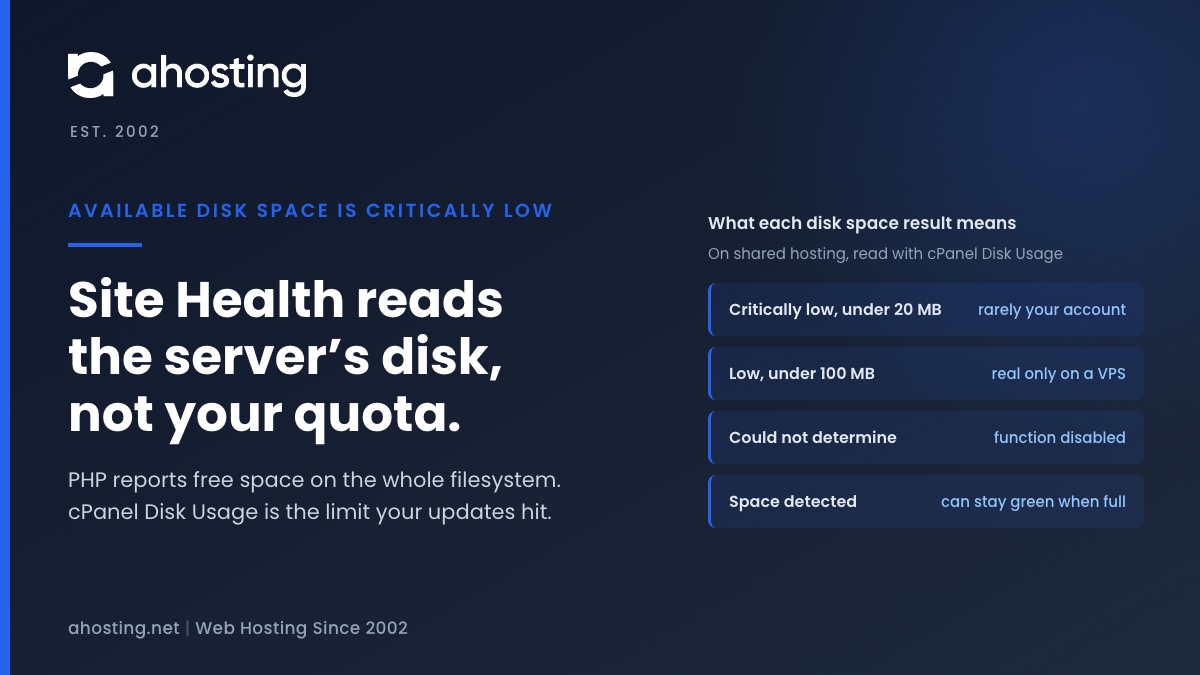
TL;DRAvailable disk space is critically low means PHP reported under 20 MB free on the filesystem that holds wp-content. On shared hosting that filesystem belongs to the whole server, not to your plan, so the warning can be wrong in either direction. Read the Disk Usage meter in cPanel instead. Near its limit: clear old backups, logs and unused plugins before updating. Plenty of room: the warning is a measuring problem, not a full site.
Categories
- CMS
- Concrete5
- Drupal
- FFmpeg / Video Hosting
- Hosting Guides
- How To
- Joomla
- Security
- SEO
- Uncategorized
- Video Content
- Web Hosting News
- WooCommerce
- WordPress
Lets Connect!
-
The Authorization Header Is Missing? What Site Health Tested, and the Fix
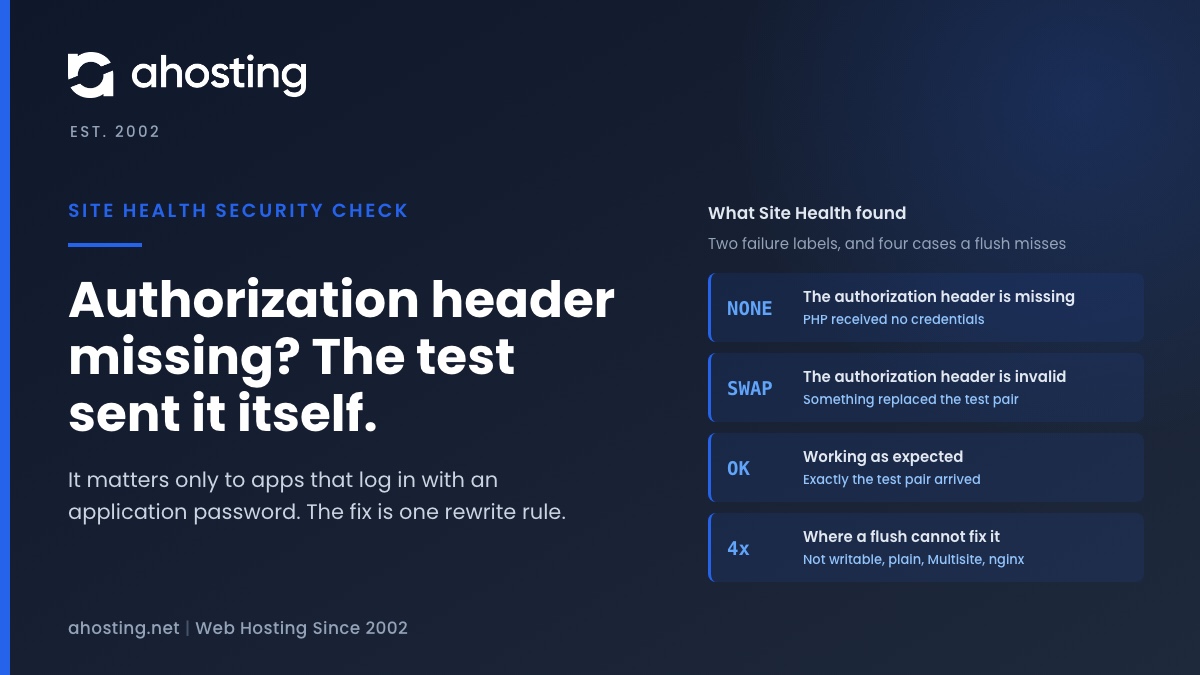
TL;DRThe authorization header is missing means Site Health sent its own test login in an Authorization header and PHP never received it, so the web server or the PHP handler dropped it. No plugin sent it and no visitor is affected; it matters only to apps that log in with an application password. WordPress fixes it with one rewrite rule that “Flush permalinks” writes, except in four cases where the flush cannot write anything. Then prove it worked with a real application password, not with the warning.
-
The REST API Encountered an Error? WordPress Never Reached It
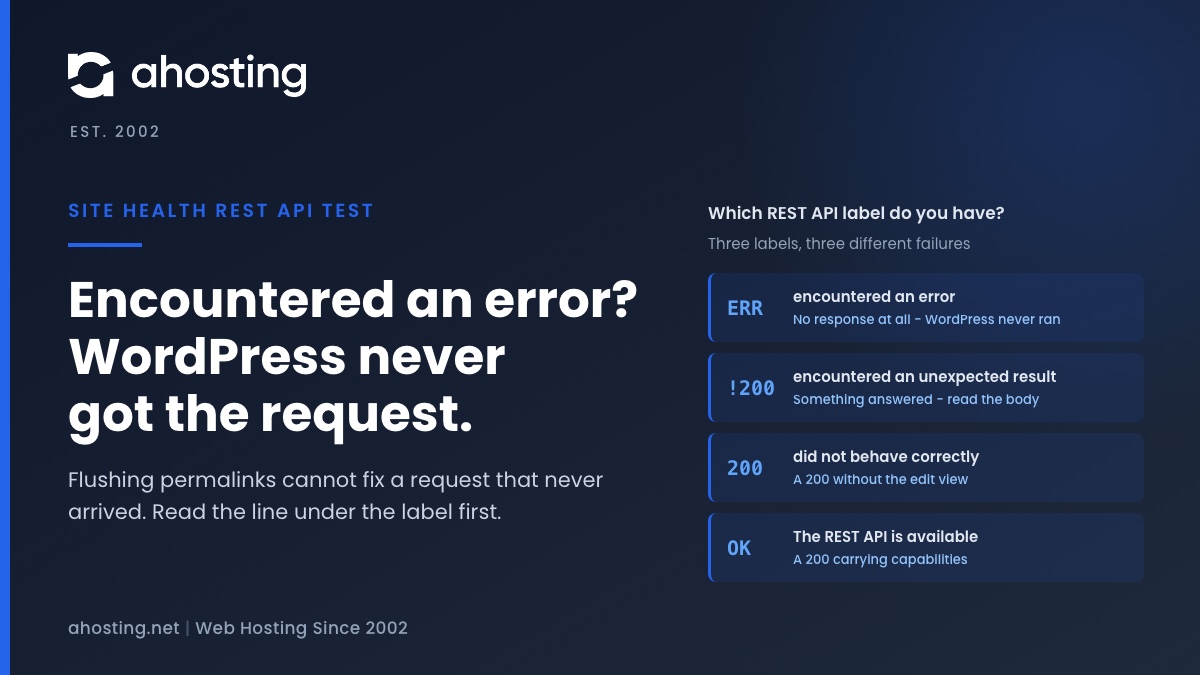
TL;DRThe REST API encountered an error means Site Health’s test request got no answer at all, so the REST API never ran. Permalinks and plugins cannot cause that; DNS, a firewall or a timeout can. The two other labels are different failures: “unexpected result” is a status code, and “did not behave correctly” is a 200 that was not WordPress’s answer. Read the line under the label, then read the code inside the response body, which Site Health never shows you.
-
Briefly Unavailable for Scheduled Maintenance? WordPress Gives Up After 10 Minutes
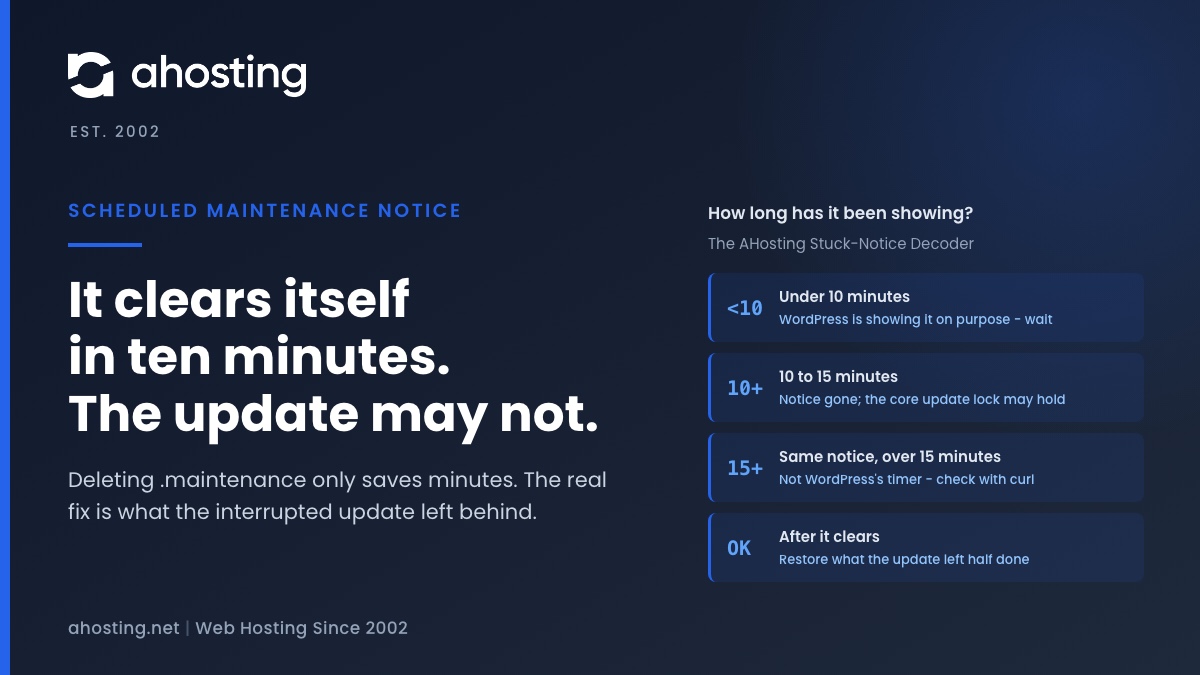
TL;DRBriefly unavailable for scheduled maintenance means a WordPress update was running and did not finish cleanly. WordPress stops honoring the notice by itself ten minutes after the update began, so deleting
.maintenanceonly saves you those ten minutes. The real job is what the interrupted update left behind: a plugin folder moved aside, a half-copied core, or a lock that blocks the next attempt. Fix that, then update in smaller batches. -
WordPress Asking for FTP Credentials? It’s a File-Owner Check, Not a Password Problem
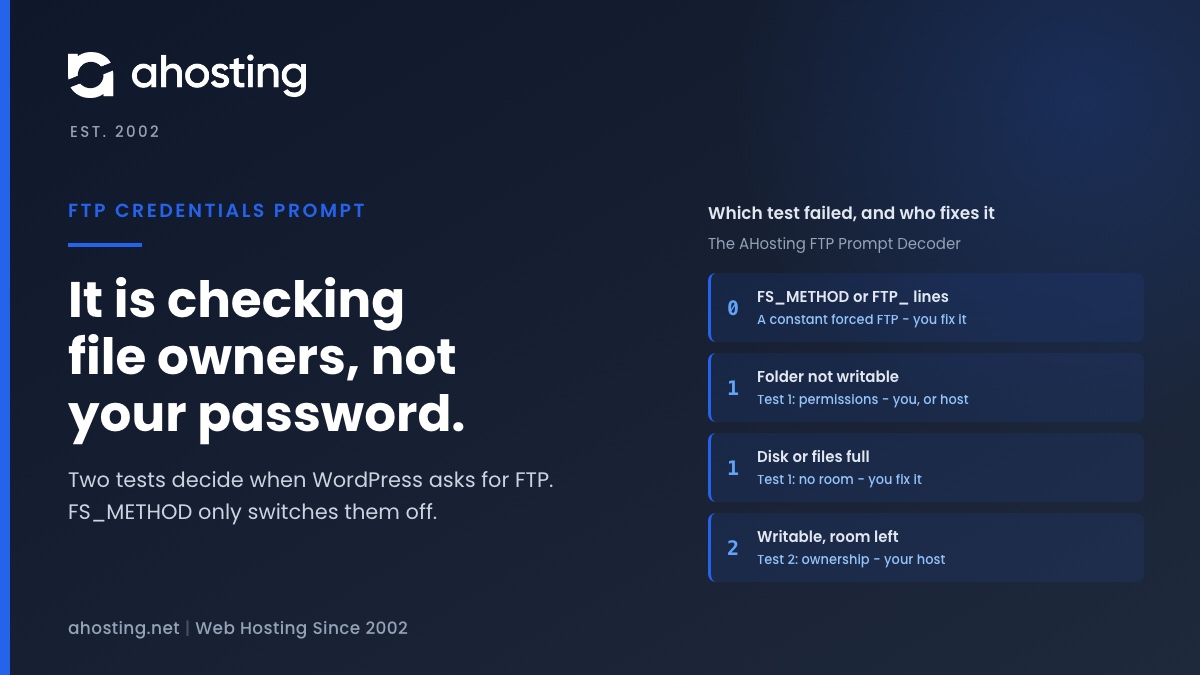
TL;DRWordPress asking for FTP credentials means one of two tests failed: it could not create a test file in the folder it wants to change, or that new file did not belong to the same user as WordPress’s own files. It is an ownership check, not a missing password. The popular
FS_METHODfix only switches the check off. The same failure quietly stops automatic updates, so find which test failed, fix that, and leave ownership to your host.